
WhatsApp API, AI Agent & Voice Agent Guides
6 guides, tutorials and strategies on WhatsApp Business API, AI agents on chat and calls, and appointment booking.
Latest articles
Featured guides
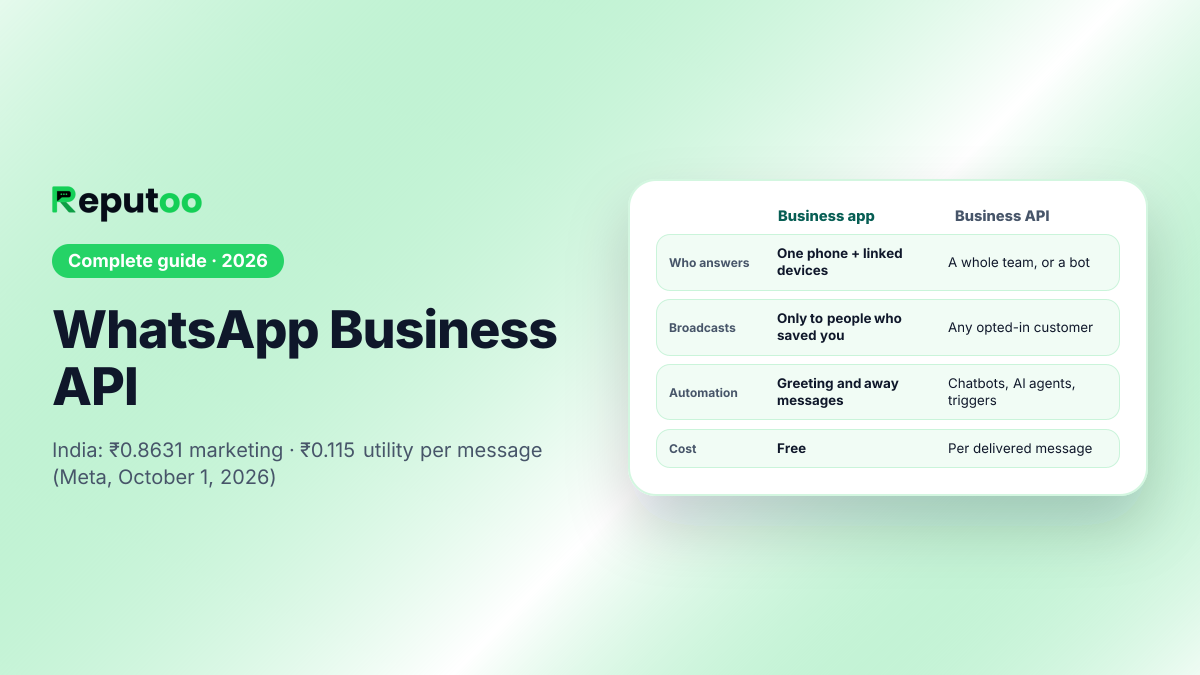 WhatsApp Business API: the complete 2026 guidePricing, setup, rules and choosing a provider
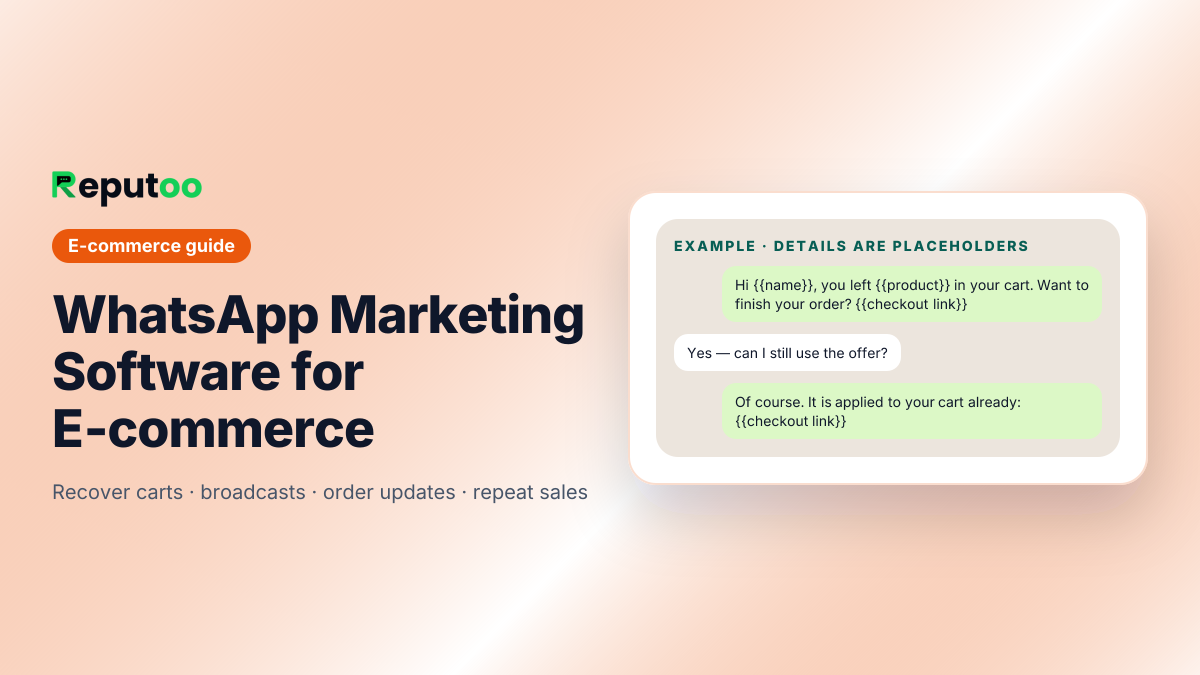 WhatsApp Marketing Software for E-commerceRecover carts, send broadcasts, automate follow-ups
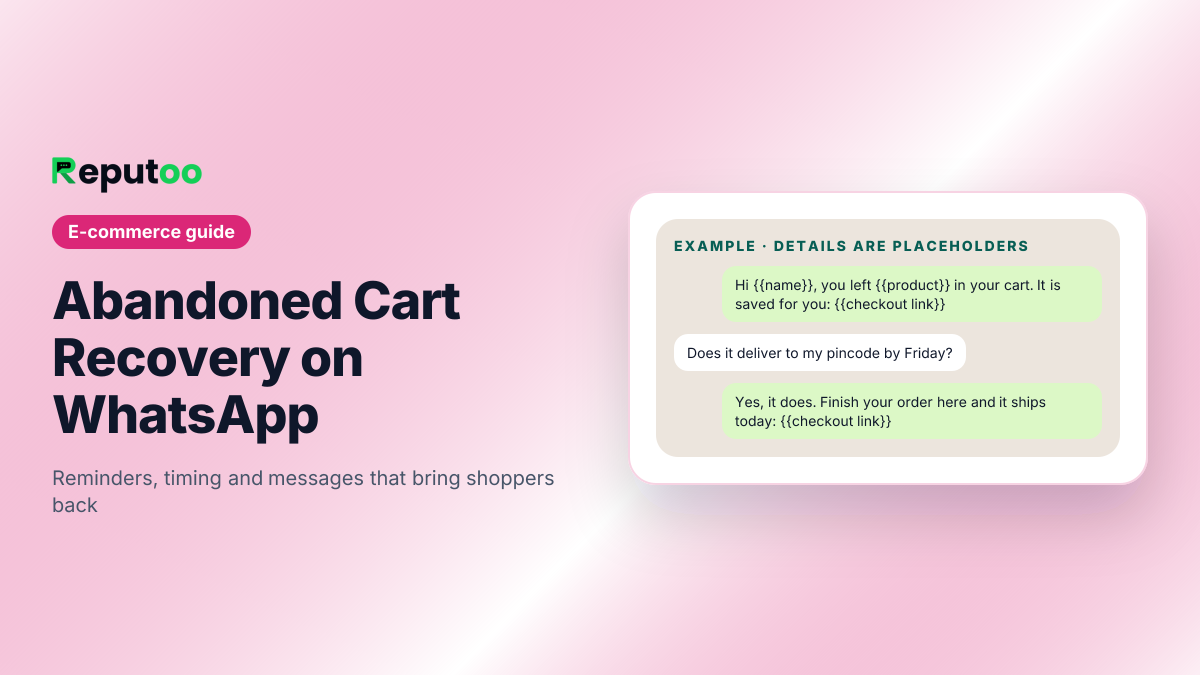 Abandoned Cart Recovery on WhatsAppTiming, message types and the rules that keep your number healthy
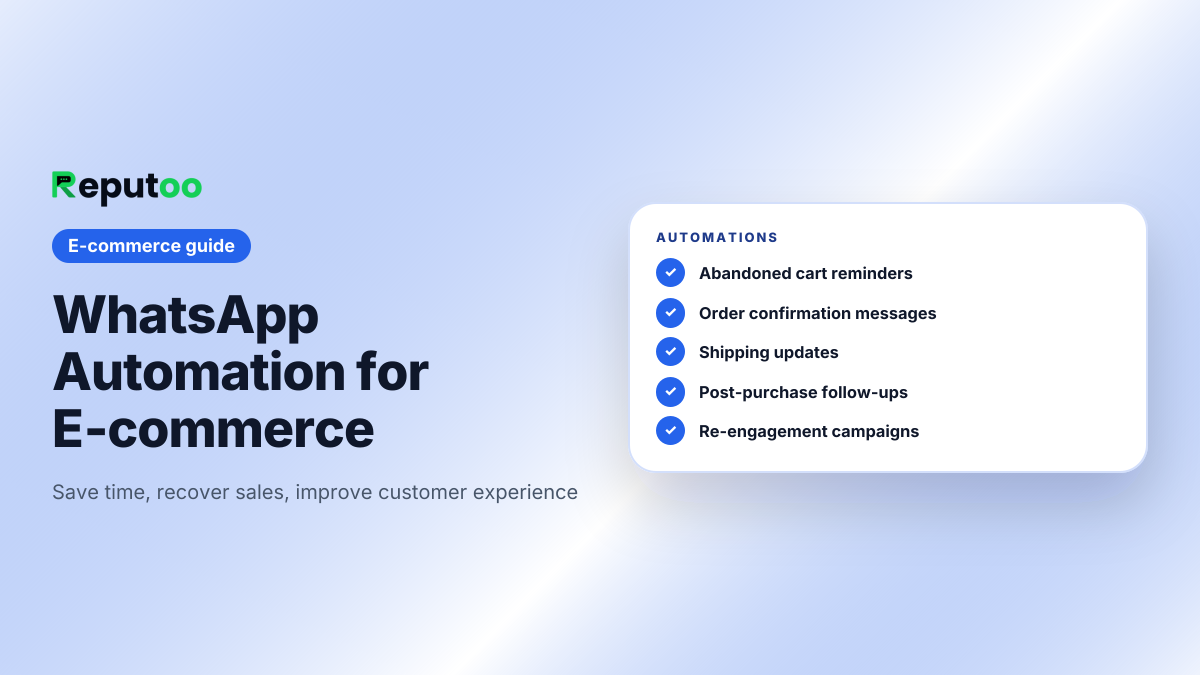 WhatsApp Automation for E-commerceOrder updates, cart reminders and follow-ups on autopilot
 Shopify WhatsApp IntegrationCart recovery, COD confirmation and order updates for Shopify
 WhatsApp Order UpdatesConfirmations, shipping and delivery alerts that cut support queries
 WhatsApp Broadcast CampaignsLaunches, sales and back-in-stock alerts to the right segment
 WhatsApp Audience SegmentationGroup customers so every campaign feels personal
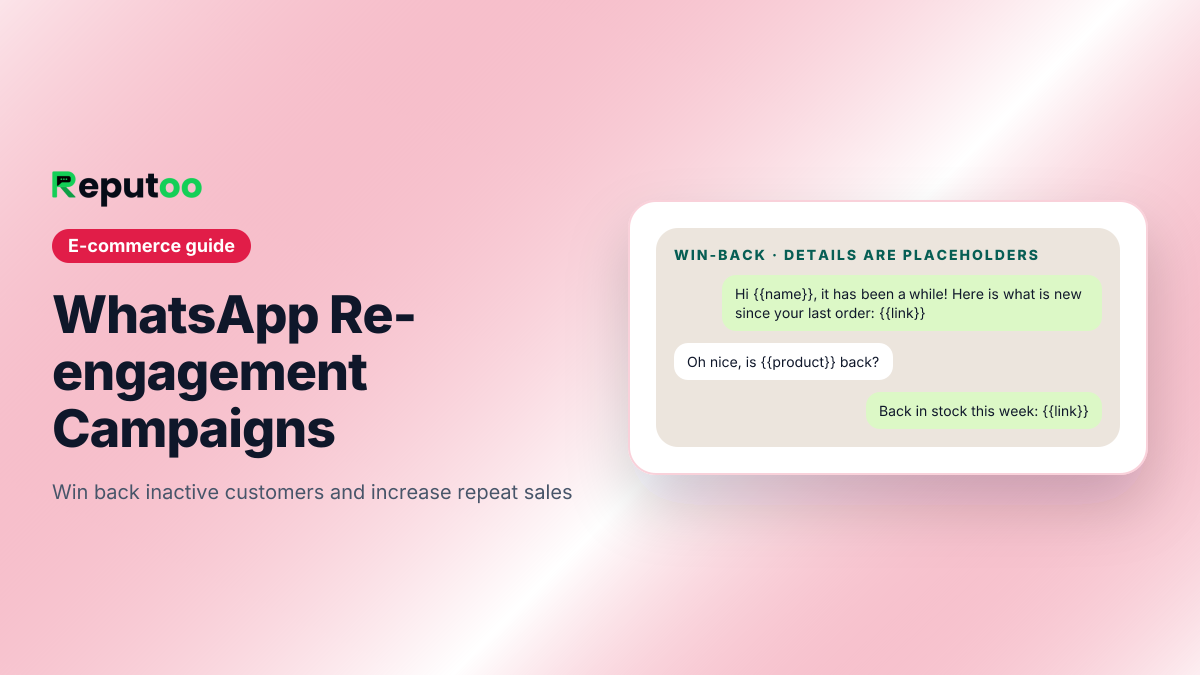 WhatsApp Re-engagement CampaignsWin back inactive customers with a short, friendly sequence
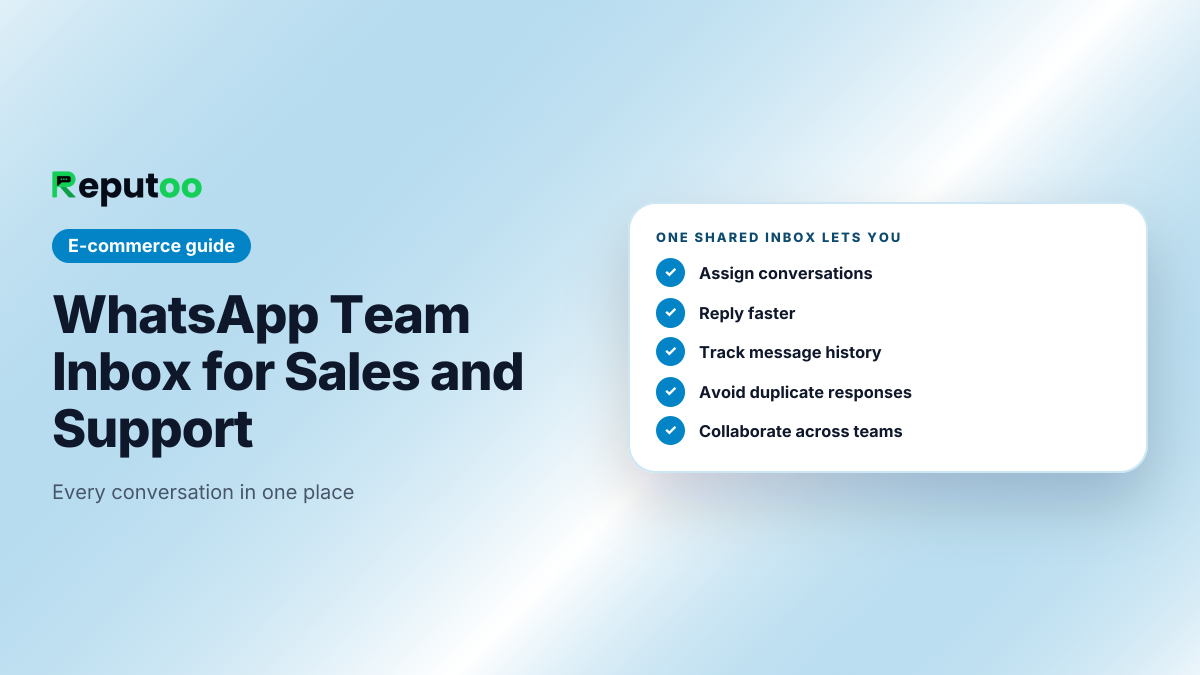 WhatsApp Team Inbox for Sales and SupportOne shared inbox, clear owners, no missed chats
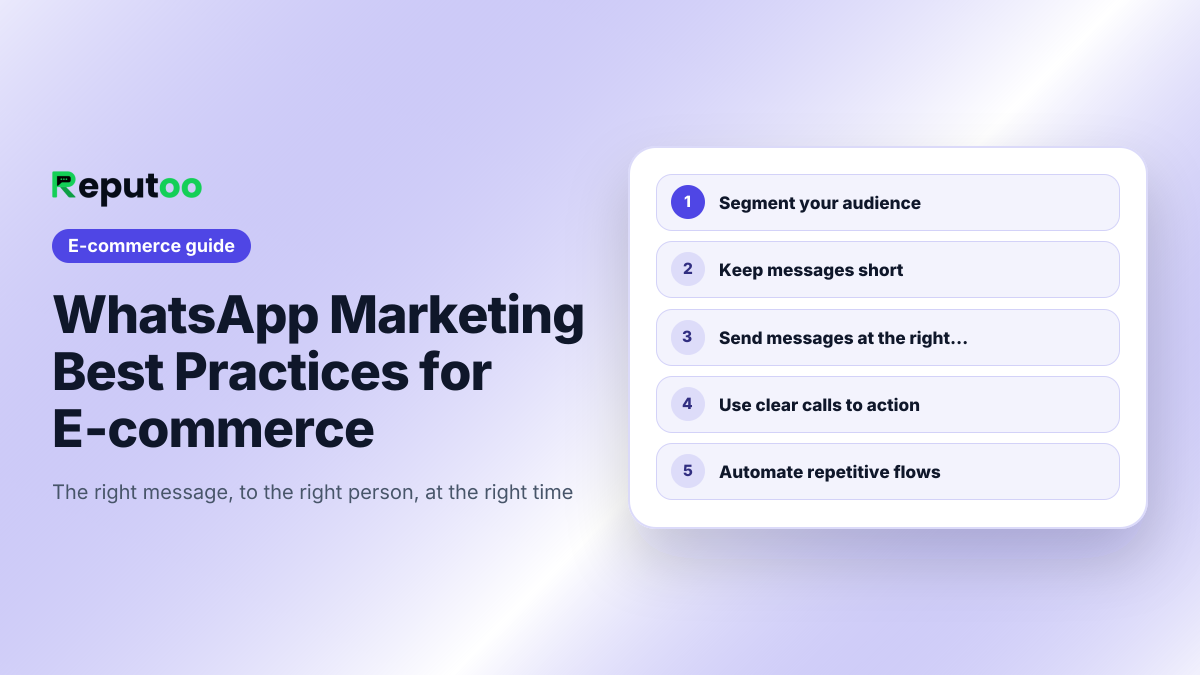 WhatsApp Marketing Best Practices for E-commerceThe rules, costs and a 90-day plan for online stores
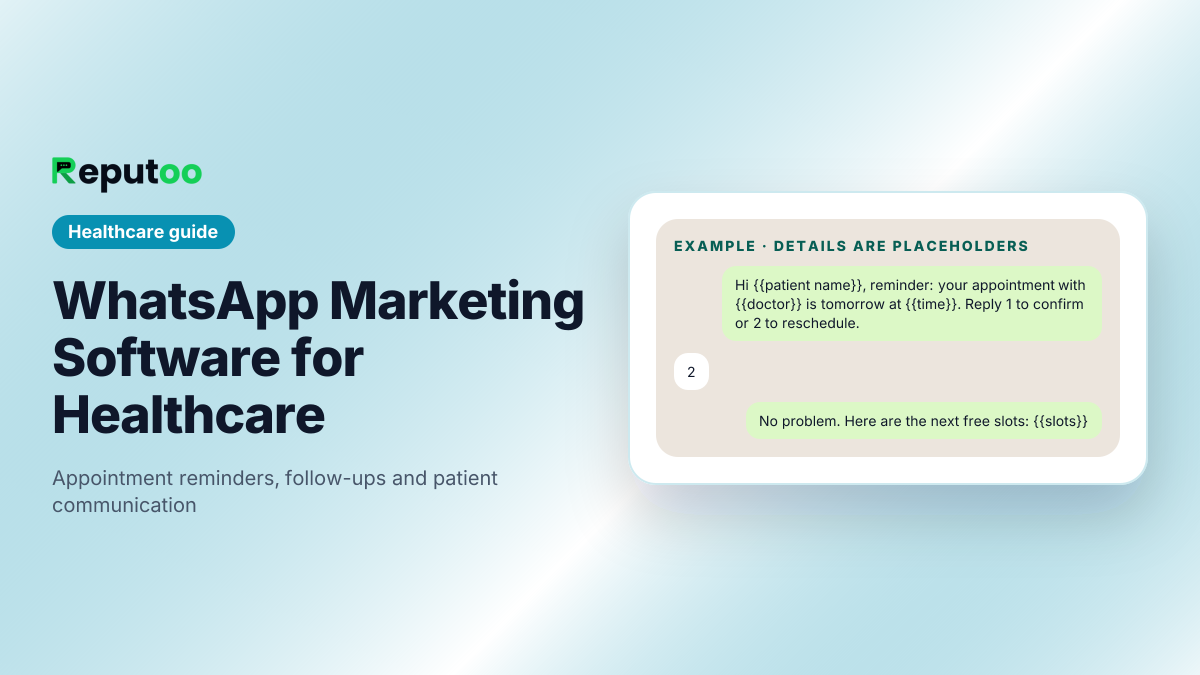 WhatsApp Marketing Software for HealthcareAppointment reminders, follow-ups and patient privacy
Guides by industry
How the WhatsApp Business API, chatbots, marketing, AI agents and voice agents work for one kind of business — with Meta's current message prices.
What we write about
Business messaging is a field where most of the published advice is either a vendor brochure or a two-year-old summary of rules Meta has since changed. The writing here tries to be neither: how the WhatsApp Business Platform actually behaves, what AI agents can and cannot do on chat and on a phone line, and what it takes to turn either of them into bookings and recovered orders.
It is grouped into six subjects. Each one links to the guides, definitions and comparisons that cover it in depth, so you can go straight to the part you need rather than reading chronologically.
Frequently asked questions
What does this blog cover?
Practical writing on business messaging: getting onto the official WhatsApp Business Platform, running campaigns to an opted-in list, AI agents that answer on chat and on phone calls, appointment booking and cart recovery, and how to choose software in a category with a lot of near-identical vendors.
Who is it written for?
The person doing the work — an owner, a marketer or an operations lead setting WhatsApp up for a real business. Guides assume no coding and no prior Meta experience, and they say plainly where a step needs a developer or a WordPress administrator.
Where should I start if I am new to WhatsApp for business?
Start with the how-to guides rather than the blog. They are sequenced: get the account approved, send something to people who asked for it, then automate the conversations that repeat. The glossary defines the vocabulary those guides use, and the free tools handle the arithmetic and the format checks.
How current is this information?
Each article carries a publication date. WhatsApp policy and pricing change several times a year, so for anything involving Meta rules or rates, confirm against Meta’s own documentation before acting on it — particularly conversation pricing, which varies by country and category.
Is this independent advice?
It is written by a vendor in the category, which is worth knowing when you read a comparison. The way to use it is the way you would use any vendor content: take the structure of the decision and the checkable specifics, and verify competitive claims on the other company’s own site.
Start here instead
Put these guides to work on WhatsApp.
1,000+ businesses onboarded · Member of NVIDIA Inception · Official WhatsApp Business API, no per-message markup.