
WhatsApp Automation for E-commerce: How to Save Time, Recover Sales, and Improve Customer Experience
Running an e-commerce store means managing a lot of moving parts. You need to answer customer questions, send order updates, recover abandoned carts, follow up after purchase, and keep people engaged long after the first sale. Doing all of that manually takes time and often leads to missed opportunities.
That is why WhatsApp automation for e-commerce has become so valuable. Instead of sending every message by hand, you can create automated workflows that handle common customer actions for you. This helps your store respond faster, recover more sales, and scale communication without adding more work for your team.
WhatsApp is already one of the most active messaging channels in the world. When you combine that with automation, it becomes a powerful system for marketing, support, and retention. For e-commerce businesses, this means faster replies, smoother customer journeys, and more efficient revenue recovery.
On this page (17 sections)
- 1.What Is WhatsApp Automation for E-commerce?
- 2.Why E-commerce Brands Should Automate WhatsApp
- 3.How WhatsApp Automation Works
- 4.Best WhatsApp Automation Use Cases for E-commerce
- 5.Benefits of WhatsApp Automation
- 6.What to Automate First
- 7.What Makes a Good WhatsApp Automation Flow
- 8.Why Reputoo Helps with WhatsApp Automation
- 9.Best Practices for WhatsApp Automation
- 10.Common Mistakes to Avoid
- 11.What Automated WhatsApp Messages Cost
- 12.Templates and the 24-Hour Window
- 13.Connecting Your Store
- 14.An Example Order Journey, Message by Message
- 15.Measuring What Your Automations Earn
- 16.FAQs
- 17.Final Thoughts
What Is WhatsApp Automation for E-commerce?
WhatsApp automation for e-commerce is the process of using software to automatically send messages based on customer actions or timing. These messages can include welcome messages, cart reminders, order confirmations, shipping updates, follow-ups, and re-engagement campaigns.
Instead of manually sending the same messages again and again, automation lets you build a repeatable system. Once it is set up, the workflow runs in the background while your team focuses on more important work.
Typical examples include:
- Abandoned cart reminders
- Payment confirmation messages
- Shipping and delivery notifications
- Post-purchase follow-ups
- Re-engagement campaigns for inactive customers
- Support replies for common questions
Why E-commerce Brands Should Automate WhatsApp
E-commerce is fast-paced, and customers expect quick communication. If someone has a question, they want an answer now. If they abandon a cart, you want to re-engage them while interest is still high. If an order ships, customers want instant updates.
Automation helps solve these problems.
Here’s why it matters:
- Saves time for your team
- Reduces missed messages
- Improves response speed
- Recovers more sales
- Creates a better customer experience
- Scales communication without increasing manual work
For growing stores, automation is not just a convenience. It is often the difference between a reactive process and a reliable revenue system.
How WhatsApp Automation Works
WhatsApp automation works by triggering messages based on customer behavior, store events, or time delays.
Common triggers include:
- Customer signs up
- Customer leaves a cart behind
- Payment is completed
- Order is shipped
- Order is delivered
- Customer has not purchased in a while
Once a trigger is detected, the platform sends the right message automatically. This makes the customer journey smoother and more consistent.
For example:
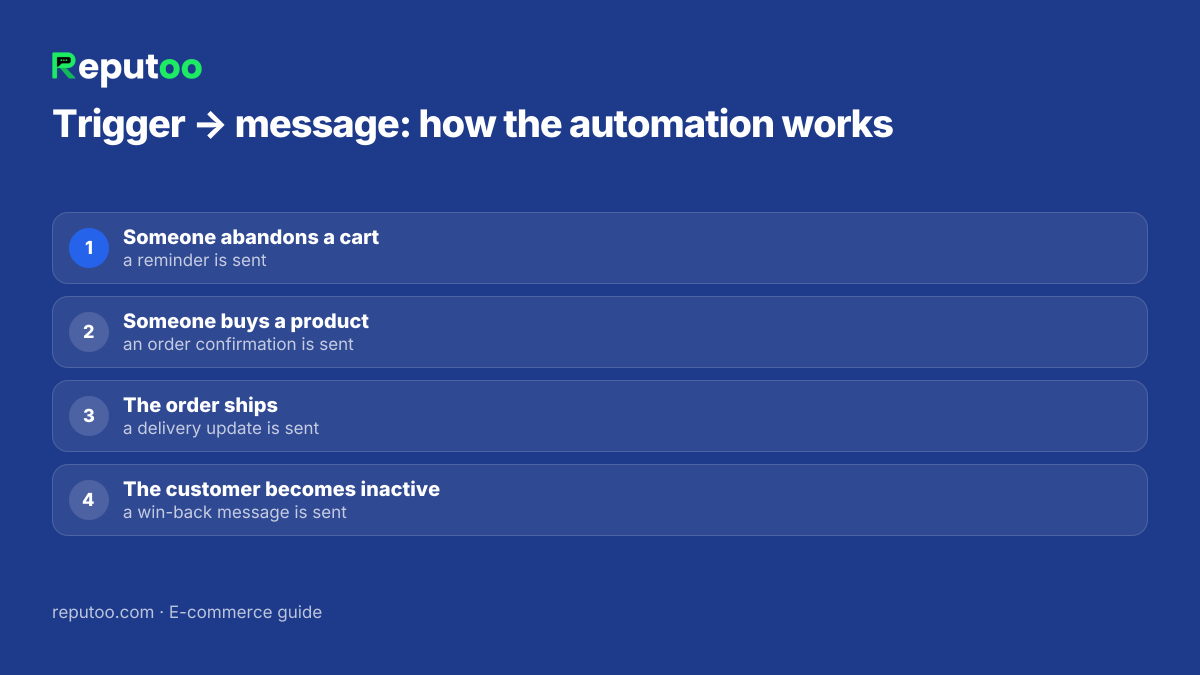
- Someone abandons a cart → a reminder is sent
- Someone buys a product → an order confirmation is sent
- The order ships → a delivery update is sent
- The customer becomes inactive → a win-back message is sent
This allows your store to stay connected without manually handling each interaction.
Best WhatsApp Automation Use Cases for E-commerce
There are several high-value use cases where automation can make a real difference.
1. Abandoned Cart Automation
When a customer leaves items in their cart, you can automatically send a reminder to bring them back. This is one of the most profitable automations because it targets shoppers who already showed buying intent.
2. Order Confirmation Messages
After checkout, customers want reassurance that their order went through successfully. Automation makes it easy to send immediate confirmation.
3. Shipping and Delivery Updates
Customers like to know where their package is. Automated WhatsApp updates help reduce support questions and improve trust.
4. Post-Purchase Follow-ups
After delivery, you can automate thank-you messages, review requests, or product education messages.
5. Re-engagement Campaigns
If a customer has not purchased in a while, automation can bring them back with a reminder or special offer.
6. Customer Support Routing
You can also automate replies to basic questions and direct customers to the right team member when needed.
Benefits of WhatsApp Automation
Automation is not just about saving time. It also improves how your store communicates with customers.
Faster response times
Customers get the information they need without waiting.
More recovered revenue
Automated reminders can bring back shoppers who would otherwise be lost.
Better customer experience
Messages arrive at the right time and feel more helpful.
Less manual work
Your team no longer needs to send repetitive messages one by one.
More consistency
Every customer gets the same high-quality experience.
Better scalability
As your store grows, automation helps you handle more conversations without scaling the team at the same pace.
What to Automate First
If you are just starting, do not try to automate everything at once. Begin with the workflows that create the most value.
A good starting order is:
- Abandoned cart reminders
- Order confirmation messages
- Shipping updates
- Post-purchase follow-ups
- Re-engagement campaigns
These are the most useful because they happen frequently and have a direct impact on revenue or customer satisfaction.
What Makes a Good WhatsApp Automation Flow
A strong automation flow should feel useful, not robotic.
Make sure your workflow has:
- A clear trigger
- A short and relevant message
- A direct call to action
- Good timing
- Personalization when possible
For example, a cart reminder should mention the item left behind and give the customer an easy way to return. An order update should be short and clear. A re-engagement message should feel like a helpful nudge, not a hard sell.
Why Reputoo Helps with WhatsApp Automation
Reputoo helps e-commerce brands automate key communication workflows on WhatsApp so they can save time and recover more revenue.
With Reputoo, you can:
- Set up automated customer journeys
- Send messages based on shopping behavior
- Recover abandoned carts
- Send order and delivery updates
- Re-engage customers automatically
- Manage everything from one platform
That makes it easier to run WhatsApp as part of your e-commerce operation without creating more manual work.
Best Practices for WhatsApp Automation
If you want better results, keep these best practices in mind.
Keep messages short
Customers should understand the message in a few seconds.
Personalize when possible
Use names, product details, or relevant context.
Match timing to the action
A cart reminder should not arrive too late. A delivery update should be instant.
Avoid over-messaging
Too many automated messages can feel annoying.
Test different flows
A/B test timing, copy, and message order to improve performance.
Measure results
Track recovery rates, engagement, and conversions.
Common Mistakes to Avoid
A lot of automation setups fail because they are too generic or poorly timed.
Avoid these mistakes:
- Sending too many automated messages
- Making every flow sound the same
- Forgetting personalization
- Not tracking conversions
- Automating low-value workflows before high-value ones
The best automation systems feel natural and helpful to the customer.
What Automated WhatsApp Messages Cost
Each automation you build sends WhatsApp template messages, and Meta prices them by category and by the customer's country. The category follows the purpose of the message, which is why order updates are cheap and promotions are not. On Meta's October 1, 2026 rate card, for Indian numbers, before 18% GST:
| Automation | Meta category | Price per message (India) |
|---|---|---|
| Order confirmation, payment confirmation | Utility | ₹0.115 |
| Shipping and delivery updates | Utility | ₹0.115 |
| Login and verification codes | Authentication | ₹0.115 |
| Abandoned cart reminders | Marketing | ₹0.8631 |
| Re-engagement and win-back | Marketing | ₹0.8631 |
A worked month: a store with 2,000 orders sends three updates for each (confirmed, shipped, delivered) — 6,000 × ₹0.115 = ₹690. Add 500 cart reminders (₹432) and a 1,000-person win-back campaign (₹863), and Meta's bill is about ₹1,985 before GST. Since 1 October 2026, your replies inside the 24-hour window are charged at the utility rate too. Try your own numbers in the WhatsApp API cost calculator.
Templates and the 24-Hour Window
Two WhatsApp rules shape how any automation is built:
- Messages you start need a template. Order updates, cart reminders and win-back messages are all sent first, so each one needs a template Meta has approved in the right category. Variables — name, order number, tracking link — are filled in automatically.
- Replies inside 24 hours can be free-form. When a customer messages you, a 24-hour window opens in which your chatbot or team can reply in normal language. That is where support routing and question-answering automations live.
Two more rules protect your number. Only message customers who agreed to hear from you on WhatsApp — collect that consent at checkout. And give an easy way to stop marketing messages; blocks and reports lower your quality rating, which can limit how many customers you can reach. Utility messages such as order updates should stay purely informational: Meta re-files a "utility" template that tries to sell as marketing.
Connecting Your Store
Automations are only as good as the events that trigger them, so the store connection comes first:
- Shopify: install Reputoo and the store's events — new order, payment, fulfilment, delivery, abandoned checkout, refund — arrive as triggers, and customers sync to your contacts.
- WooCommerce: add the webhook and every order syncs the buyer into your contacts, ready for campaigns and the inbox; automatic order-status triggers are built for Shopify today.
- Anything else: a custom store, a CRM or a logistics partner can send events by webhook or through Zapier.
Once events flow in, every automation in this guide is a trigger, an optional delay, a template and a condition that stops the flow — for example, the cart reminder stops when the order is placed. Customer replies land in your WhatsApp team inbox with the order attached.
An Example Order Journey, Message by Message
Here is one customer's journey with the five automations from "What to Automate First" switched on. The words in braces are filled in automatically.
- Cart left behind, 1 hour later: "Hi {{name}}, you left {{product}} in your cart — finish your order here: {{checkout link}}"
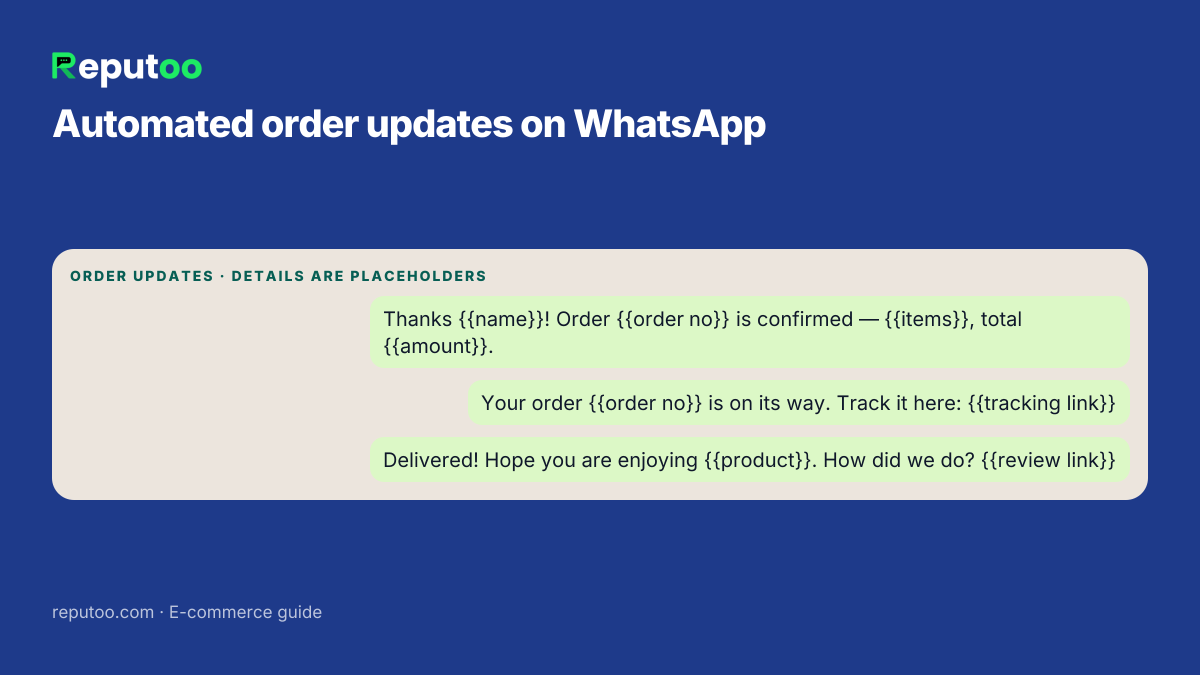
- Order placed: "Thanks {{name}}! Order {{order no}} is confirmed — {{items}}, total {{amount}}."
- Order shipped: "Your order {{order no}} is on its way. Track it here: {{tracking link}}"
- Delivered, next day: "Hope you are enjoying {{product}}! How did we do? Leave a quick review: {{review link}}"
- No order in 60 days: "We have new {{category}} in, {{name}} — picked from what you liked last time: {{link}}"
Each message is short, tied to something that just happened, and has one next step. That is the pattern to copy: one trigger, one purpose, one link.
Measuring What Your Automations Earn
An automation that nobody measures tends to run unchanged for years, good or bad. For each flow, track a short chain of numbers: how many messages were delivered, how many were read, how many people replied or clicked, and how many orders followed within a sensible window — a day for a cart reminder, a couple of weeks for a win-back message.
Read the chain from the end. If orders are low but clicks are healthy, the problem is on the store side — the checkout page, stock or price — not the message. If reads are high but clicks are low, the copy or the offer is not convincing. If delivery itself is low, the numbers on your list may not be on WhatsApp, or your quality rating has dropped.
Reputoo's revenue attribution ties each order back to the message and automation that preceded it, so you can compare flows side by side and see which ones pay for their message charges many times over and which ones only add cost. Change one thing at a time — the delay, the first line, the offer — and give each change enough sends to tell the difference.
FAQs
What is WhatsApp automation for e-commerce?
It is the use of software to automatically send WhatsApp messages based on customer actions or timing.
What can I automate on WhatsApp?
You can automate cart reminders, order updates, shipping notifications, follow-ups, and re-engagement messages.
Is WhatsApp automation useful for small stores?
Yes. Even small stores can save time and recover more sales with automation.
Can WhatsApp automation replace customer support?
No. It can handle repetitive messages and routing, but human support is still important for complex issues.
Does Reputoo support automation?
Yes. Reputoo helps e-commerce brands automate customer communication and follow-up workflows.
Final Thoughts
WhatsApp automation for e-commerce is one of the smartest ways to save time, improve communication, and recover more revenue. It helps your store stay responsive without adding more manual work, and it creates a smoother experience for customers at every stage.
If you want to grow efficiently, automation should be one of the first systems you build. Start with the highest-impact workflows, test what works, and expand from there.
Automate Your E-commerce WhatsApp Flows with Reputoo
1,000+ businesses onboarded · Member of NVIDIA Inception · Official WhatsApp Business API, no per-message markup.