
How to Set Up WhatsApp Marketing: Step-by-Step Guide
WhatsApp marketing delivers 95%+ open rates and 3–5× higher conversions than email. Setting it up properly takes 1–2 days. This guide covers everything: getting API access, building your list, creating templates, and sending your first campaign.
On this page (5 sections)
What you need
- WhatsApp Business API (via Reputoo)
- Meta Business Manager account
- Customer database with phone numbers
Step by step
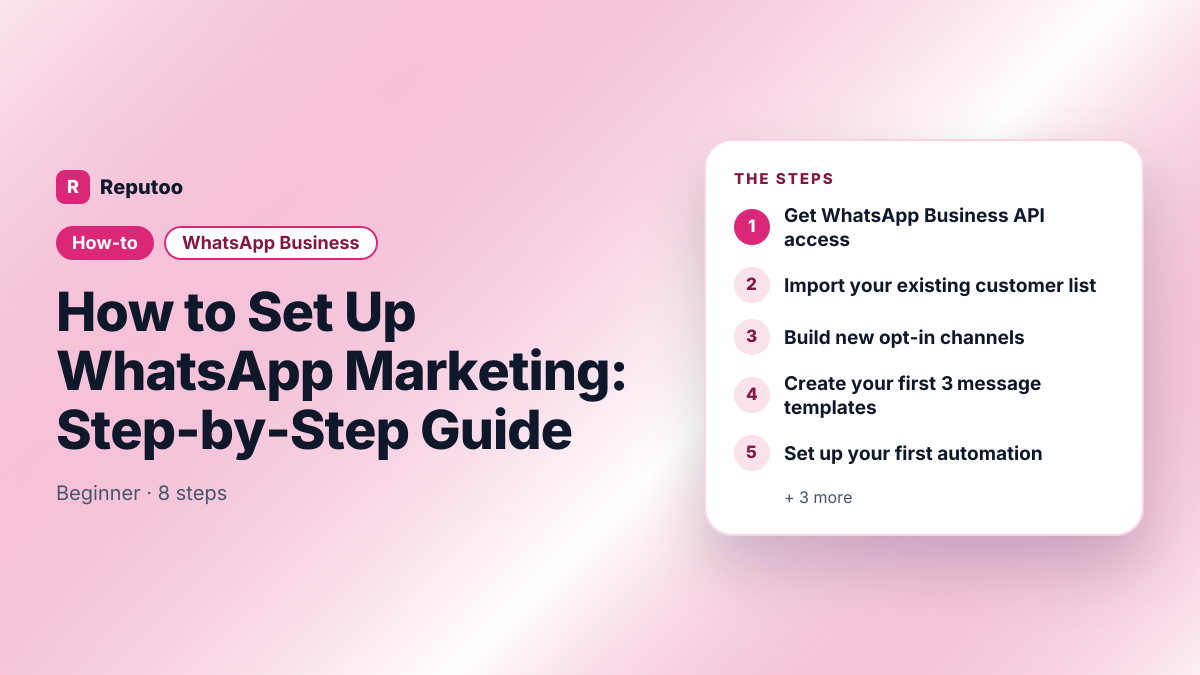
- 1
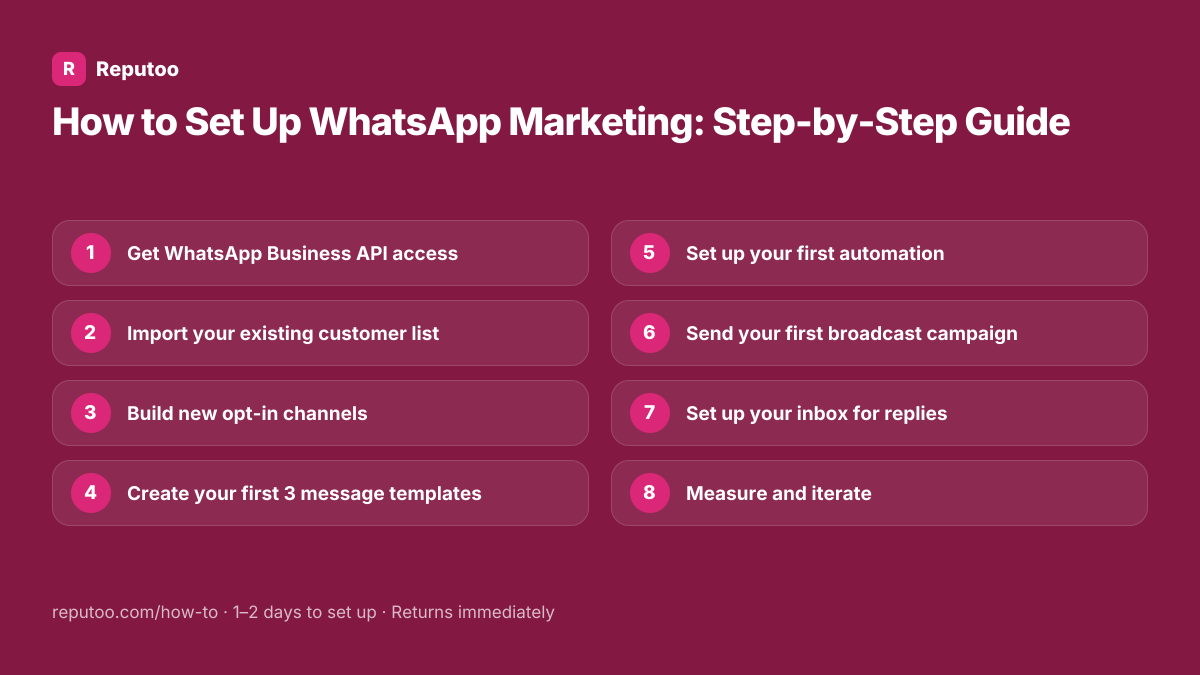
Get WhatsApp Business API access
Sign up with Reputoo (built on the official WhatsApp Business API). Complete Meta Business Manager verification with your business documents. Connect your phone number. Full setup takes 1–3 days. Reputoo handles the Meta approval process — you just provide your business details.
- 2
Import your existing customer list
Upload your customer database (CSV with phone numbers and names) to Reputoo. Tag contacts by segment: new customers, repeat customers, high-value customers, lapsed (no purchase in 90 days). Only import numbers that have explicitly opted in to receive WhatsApp messages from you.
- 3
Build new opt-in channels
Add new contacts via: website widget ("Chat with us on WhatsApp"), QR code on packaging and receipts, "Click to WhatsApp" ads on Facebook and Instagram, and keyword opt-in (customer texts a keyword to your number). Each touchpoint adds new opted-in contacts to your marketing list.
- 4
Create your first 3 message templates
Submit templates to Meta for approval: (1) Monthly newsletter template (promotional), (2) New offer/sale announcement (promotional), (3) Abandoned cart reminder (utility). Keep templates under 160 characters if possible — concise messages have higher response rates. Templates are approved within minutes to 24 hours.
- 5
Set up your first automation
Most impactful automation: the post-purchase follow-up. Configure: trigger = order completed, delay = 24 hours, message = delivery confirmation with a one-tap re-order link. This single automation running in the background does more for repeat revenue than any manual effort.
- 6
Send your first broadcast campaign
Select your audience (start with your most engaged segment), pick an approved template, schedule the send for 10am–12pm local time, and hit send. Monitor delivery rate (should be 95%+), open rate (should be 80%+), and replies in your inbox.
- 7
Set up your inbox for replies
When customers reply to your campaigns, you need a way to handle them. Reputoo's shared inbox lets your team respond from one place. Set up automated quick replies for common questions. Configure routing: general queries to support, purchase questions to sales.
- 8
Measure and iterate
After your first month, review: which campaigns had highest open/reply rates, which messages drove the most conversions, which customer segments engaged most. Use this data to improve your next month's campaigns. WhatsApp marketing improves significantly with iteration.
Pro tips
- Start with your warmest audience (recent purchasers) for the first campaign — they'll have the highest response rate and build your quality score
- Never buy WhatsApp contact lists — sending to non-opted-in numbers gets you banned
- Add "Reply STOP to unsubscribe" to all marketing messages — keeps you compliant
- Images and GIFs in broadcast messages increase response rates by 15–20%
- Monthly send frequency is the starting point — increase based on engagement data
What to expect
Businesses with a properly set up WhatsApp marketing system see 85%+ message open rates, 20–30% reply rates, and 3–5× the revenue per message compared to email campaigns.
Frequently asked questions
How much does WhatsApp marketing cost?
WhatsApp marketing via the Business API has two cost components: (1) Meta's per-message charges, by category and country (in India ₹0.8631 per marketing message on the July 1, 2026 rate card), and (2) the platform subscription. Reputoo starts at ₹999/month and adds no markup to Meta's charges. For most small businesses, total cost is $30–$150/mo depending on message volume.
How do I get customers to opt in to WhatsApp marketing?
Opt-in collection methods: website widget (easiest — customers click to start a WhatsApp chat and are automatically opted in), QR codes on receipts and packaging, Facebook/Instagram "Click to WhatsApp" ads, checkout form opt-in checkbox, and asking customers verbally while collecting their number.
How often should I send WhatsApp marketing messages?
Start with monthly and increase based on engagement. Most businesses find weekly messages work well for highly engaged audiences (existing customers, loyalty members). For cold or lapsed audiences, monthly is safer to avoid opt-outs. Monitor your block/complaint rate — if it exceeds 0.5%, reduce frequency.
What's the difference between WhatsApp broadcast and WhatsApp group?
A WhatsApp broadcast sends a personalized one-to-one message to each recipient — recipients see a private message from your business, not a group chat. A WhatsApp group puts everyone in one shared conversation. For marketing, always use broadcast — group messages feel impersonal and recipients can see each other's numbers.
Can I use WhatsApp marketing for B2B businesses?
Yes, though it requires slightly different positioning. B2B WhatsApp marketing works well for: appointment reminders, proposal follow-ups, invoice notifications, and contract renewal reminders. The same high open rates apply. In India and Southeast Asia, many business owners prefer WhatsApp to email for business communication.
Written by Riya · Reputoo
Riya writes Reputoo's guides on WhatsApp and the WhatsApp Business API. Updated July 2026.
Ready to do this with Reputoo?
1,000+ businesses onboarded · Member of NVIDIA Inception · Official WhatsApp Business API, no per-message markup.