
Shopify WhatsApp Integration: How to Connect WhatsApp With Your Store and Increase Sales
If you run a Shopify store, you already know how much work goes into turning visitors into customers and customers into repeat buyers. You need to recover abandoned carts, send order updates, answer questions quickly, and keep shoppers engaged after the sale. That is exactly where Shopify WhatsApp integration can help.
By connecting WhatsApp with your Shopify store, you can automate key customer messages, improve response times, and recover revenue that would otherwise be lost. Instead of managing every conversation manually, you can use automation to send the right message at the right time.
WhatsApp is one of the most effective channels for direct communication because customers already use it every day. When you combine it with Shopify, you create a smoother buying experience and a more efficient marketing workflow.
On this page (17 sections)
- 1.What Is Shopify WhatsApp Integration?
- 2.Why Shopify Stores Should Use WhatsApp
- 3.Key Use Cases for Shopify WhatsApp Integration
- 4.Benefits of Shopify WhatsApp Integration
- 5.What to Look For in a WhatsApp Integration
- 6.Why Reputoo Works for Shopify Stores
- 7.Best Practices for Shopify WhatsApp Integration
- 8.Common Mistakes to Avoid
- 9.Which Shopify Events Send Which WhatsApp Message
- 10.Cash on Delivery: Confirm Before You Ship
- 11.What Shopify WhatsApp Messages Cost
- 12.Connecting Shopify to WhatsApp, Step by Step
- 13.Common Shopify WhatsApp Setup Problems
- 14.Measuring What the Integration Recovers
- 15.Shopify Orders in the Same Inbox as Campaigns
- 16.FAQs
- 17.Final Thoughts
What Is Shopify WhatsApp Integration?
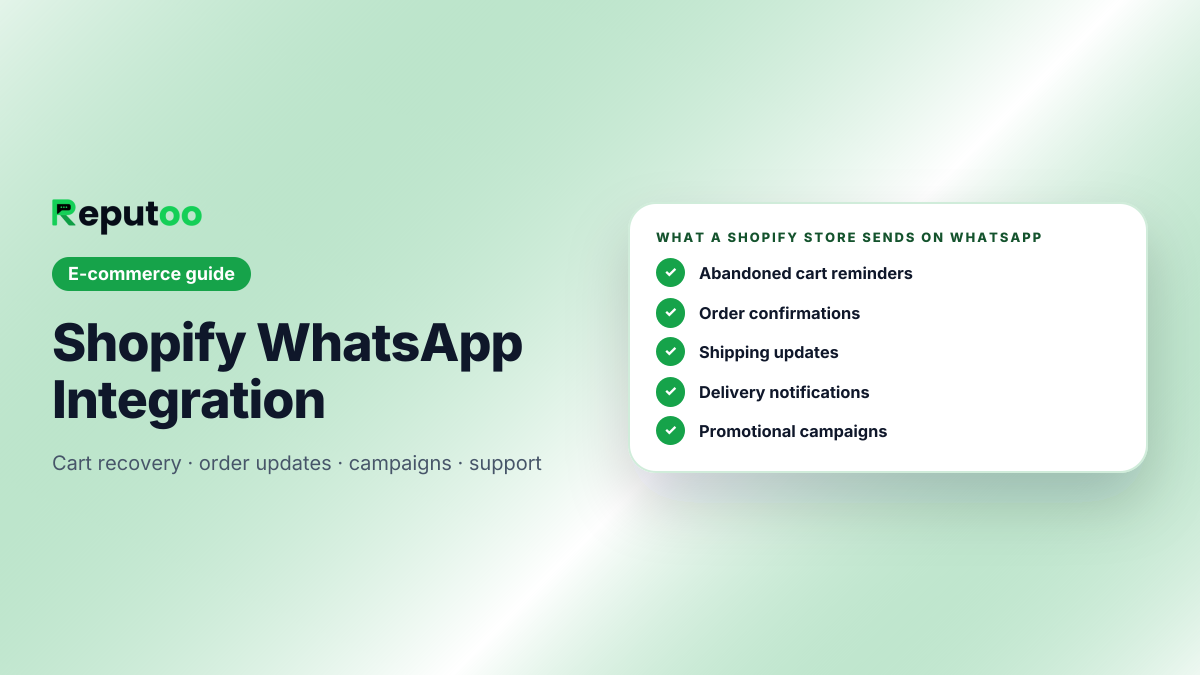
Shopify WhatsApp integration is the process of connecting your Shopify store with WhatsApp so you can send automated messages, marketing campaigns, and customer notifications. This integration helps you communicate with shoppers before and after purchase without relying on manual follow-up.
You can use it for things like:
- Abandoned cart reminders
- Order confirmations
- Shipping updates
- Delivery notifications
- Promotional campaigns
- Customer support messages
- Re-engagement flows
For e-commerce businesses, this creates a more complete communication system around the entire customer journey.
Why Shopify Stores Should Use WhatsApp
Shopify already gives you a strong storefront, but it does not solve every part of customer communication on its own. Many stores still lose sales because they do not follow up fast enough or they rely too heavily on email.
WhatsApp helps fill that gap.
Here’s why Shopify stores use WhatsApp:
- Messages are usually seen faster than email
- Customers can respond immediately
- Follow-ups feel more personal
- Cart recovery becomes easier
- Order communication becomes smoother
- Repeat sales are easier to generate
If your store is getting traffic but not converting enough of it, WhatsApp can help you improve results without increasing ad spend.
Key Use Cases for Shopify WhatsApp Integration
The value of integration becomes clear when you look at the main use cases.
1. Abandoned Cart Recovery
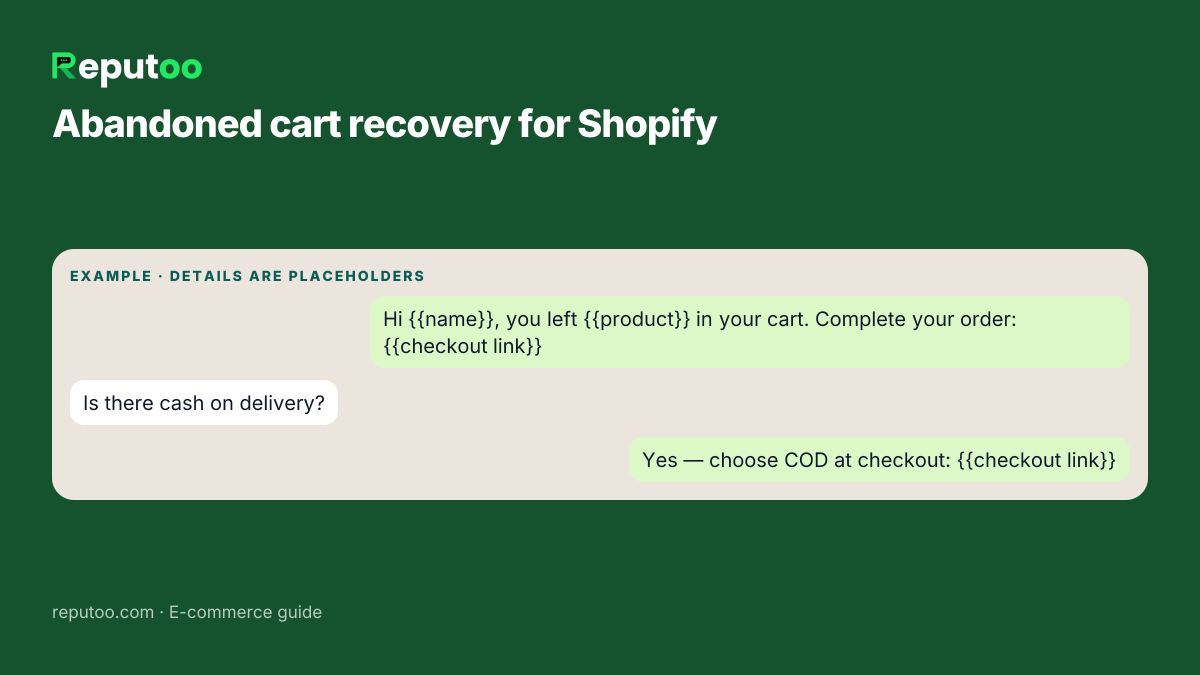
One of the biggest reasons to connect WhatsApp to Shopify is cart recovery. If a shopper adds products to their cart and leaves without checking out, you can automatically send a WhatsApp reminder to bring them back.
2. Order Confirmation Messages
After purchase, customers want reassurance that their order is confirmed. Automated WhatsApp messages help them feel informed and confident.
3. Shipping and Delivery Updates
Customers like knowing where their order is. WhatsApp makes it easy to send shipping and delivery notifications in real time.
4. Promotional Campaigns
You can send launch announcements, flash sale messages, and seasonal offers directly to segmented customer groups.
5. Customer Support
WhatsApp can also support pre-sale and post-sale conversations, especially when shoppers need quick answers.
6. Re-engagement Messages
Bring back past buyers with back-in-stock alerts, special offers, and product recommendations.
Benefits of Shopify WhatsApp Integration
When you connect WhatsApp to Shopify, you get more than just messaging. You create a better customer experience and a stronger sales process.
Faster communication
Customers receive updates quickly and can respond without friction.
Better conversion rates
Timely messages can help bring shoppers back to checkout.
Improved customer experience
Order updates and support messages make customers feel taken care of.
More repeat purchases
Post-purchase campaigns help keep your brand top of mind.
Less manual work
Automation reduces repetitive tasks for your team.
More revenue recovery
Cart recovery workflows help you win back sales that would otherwise be lost.
What to Look For in a WhatsApp Integration
Not every Shopify WhatsApp integration offers the same value. Look for a solution that supports both automation and marketing.
Important features include:
- Abandoned cart flows
- Broadcast messaging
- Order update automation
- Customer segmentation
- Shared inbox
- Shopify sync
- Analytics and conversion tracking
- Campaign scheduling
The better the integration, the easier it is to turn WhatsApp into a real growth channel.
Why Reputoo Works for Shopify Stores
Reputoo helps Shopify brands connect WhatsApp to the customer journey in a way that is practical and scalable. Instead of just sending messages, you can automate follow-ups, recover carts, and manage customer conversations from one platform.
With Reputoo, Shopify stores can:
- Set up WhatsApp automation
- Recover abandoned carts
- Send order and delivery updates
- Run targeted promotional campaigns
- Centralize support and sales conversations
That makes it easier to improve conversions without adding more manual overhead.
Best Practices for Shopify WhatsApp Integration
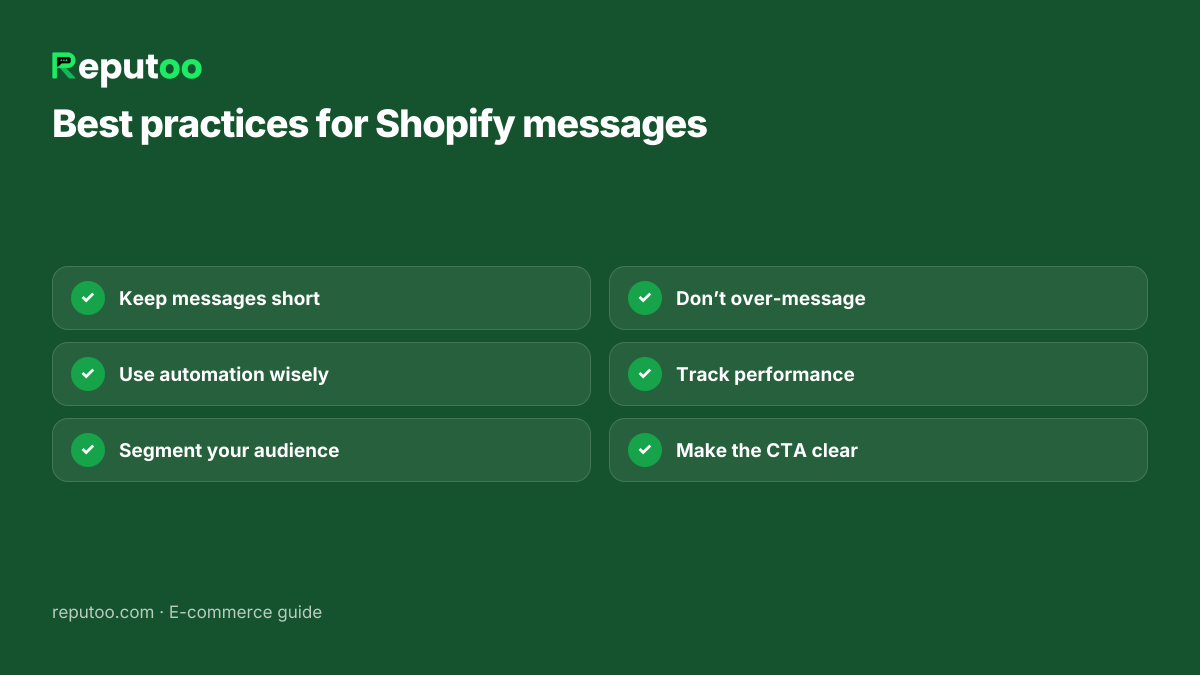
If you want stronger results, follow these best practices:
Keep messages short
Customers should understand the message quickly.
Use automation wisely
Focus on the highest-value workflows first, like cart recovery and order updates.
Segment your audience
Different customers need different messages.
Don’t over-message
Too many reminders can feel pushy.
Track performance
Measure how many carts you recover and how much revenue your campaigns generate.
Make the CTA clear
Whether it is “Complete your order” or “Reply for help,” the next step should be obvious.
Common Mistakes to Avoid
A lot of stores set up WhatsApp integration but don’t get strong results because the strategy is weak.
Avoid these mistakes:
- Using WhatsApp only for generic promotions
- Sending messages too late
- Not segmenting customers
- Ignoring post-purchase communication
- Failing to measure results
The best Shopify WhatsApp strategy is built around customer behavior and timed communication.
Which Shopify Events Send Which WhatsApp Message
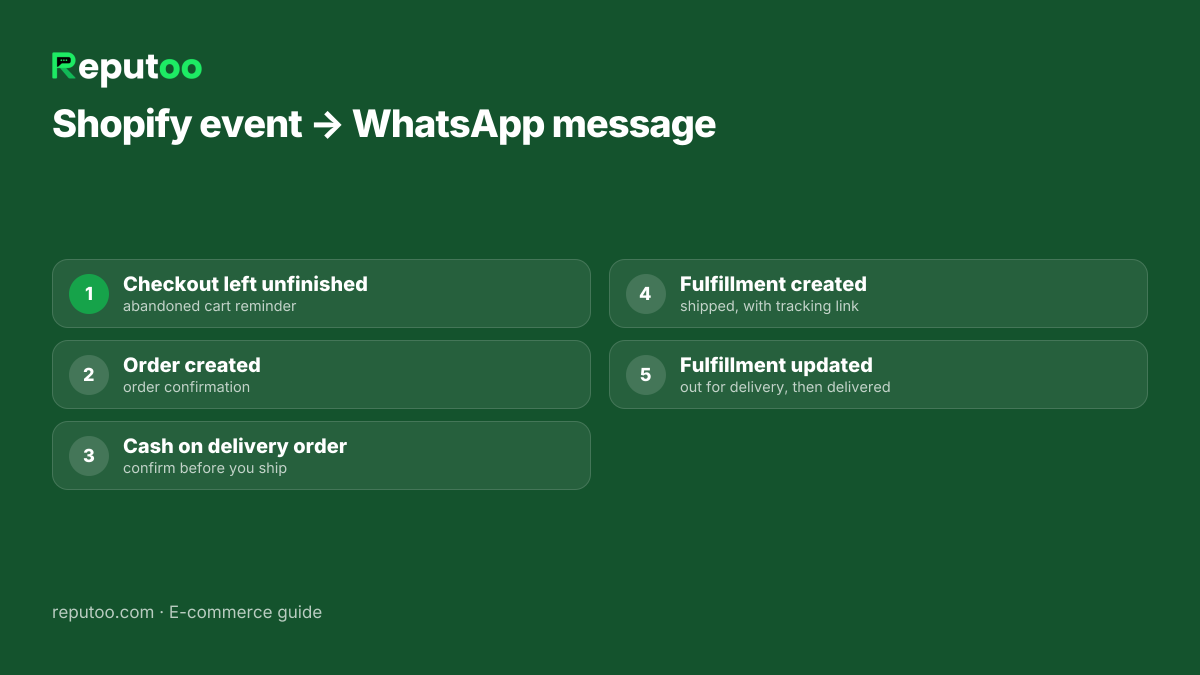
A Shopify WhatsApp integration is only as good as the store events it listens to. On Reputoo, the connection subscribes to Shopify’s own webhooks, so every message is triggered by something that really happened in your store rather than by a manual export:
- Checkout created or updated, but not completed → the abandoned cart reminder.
- Order created → the order confirmation, with the order number and items.
- Order created with cash on delivery → a COD confirmation that asks the customer to confirm before you ship.
- Fulfillment created → the shipped message with the tracking link.
- Fulfillment updated → out for delivery, then delivered.
- Order cancelled → no further reminders for that order.
Because the triggers are store events, you do not need anyone on your team to remember to send them. Each of these messages has an English and a Hindi version.
Cash on Delivery: Confirm Before You Ship
For Indian Shopify stores, cash on delivery is often the biggest hidden cost. A COD order that the customer never meant to accept costs you shipping both ways and blocks stock for days. WhatsApp is the cheapest place to catch it:
- Confirm the order. Right after a COD order is placed, the customer gets a message with Confirm and Cancel buttons. Ship only what is confirmed.
- Offer to pay now. A short follow-up invites the customer to switch to prepaid using the order’s own Shopify payment page — fewer refused deliveries, and the money is in before the parcel leaves.
- Call the silent ones. Orders nobody confirmed are the ones worth a phone call before dispatch.
The guide to COD fraud and fake orders covers the patterns worth watching for.
What Shopify WhatsApp Messages Cost
Meta charges per delivered template message, and the price depends on its category. Order confirmations, shipping and delivery updates are utility messages; cart reminders, offers and win-backs are marketing. On the October 1, 2026 rate card, a message to an Indian number costs ₹0.115 for utility and ₹0.8631 for marketing, before 18% GST.
A worked example: a store shipping 1,000 orders a month that sends a confirmation, a shipped update and a delivered update pays 3,000 × ₹0.115 = ₹345 in Meta charges for its whole post-purchase flow. Add 500 abandoned carts with up to three reminders each and the marketing side is at most 1,500 × ₹0.8631 = ₹1,295 — less in practice, because reminders stop the moment a shopper checks out.
Run your own volumes in the WhatsApp API cost calculator. Reputoo adds no markup to Meta’s rate.
Connecting Shopify to WhatsApp, Step by Step
Setting up the integration takes one sitting:
- Connect your WhatsApp number. Use the official WhatsApp Business API through Meta’s signup — a number you do not already use in the WhatsApp Business app, or one you are ready to move.
- Connect your Shopify store. Reputoo subscribes to the order, checkout and fulfillment events listed above.
- Approve the message templates. Reputoo files the confirmation, shipping, delivery, COD and cart templates with Meta for you, in the right category. Approval usually arrives within minutes to a few hours.
- Collect consent at checkout. Add a clear WhatsApp opt-in next to the phone number field. Meta requires it, and India’s DPDP Act, 2023 expects a clear purpose for using a customer’s number.
- Turn flows on one at a time. Start with order updates, then cart recovery, then campaigns — and watch the numbers before adding the next.
For the full picture of what a store can run on WhatsApp, see WhatsApp marketing software for e-commerce, and the separate guide to abandoned cart recovery on WhatsApp. Running WooCommerce instead? The WooCommerce integration brings every buyer into Reputoo as a contact, ready for campaigns and the inbox; the automatic order-status messages described here are built for Shopify today.
Common Shopify WhatsApp Setup Problems
Most problems with a new integration come from a handful of causes:
- No phone number at checkout. If the phone field is optional, many carts arrive without a number, and there is no one to remind. Make the phone field required, or ask for it early in checkout.
- Numbers without a country code. WhatsApp needs the full international format. A number typed as 98765 43210 has to be stored as +91 98765 43210; check that your checkout settings capture the country.
- Templates still pending. Automated messages cannot go out until Meta approves the template. If nothing is sending, check the template status first.
- No consent recorded. Without an opt-in, promotional flows should stay off for that customer — order updates can still go out, offers cannot.
- Too many flows switched on at once. When five things start on the same day, nobody can tell which one moved sales. Add them one at a time.
Measuring What the Integration Recovers
Within a month you should be able to answer three questions: how many abandoned checkouts came back after a WhatsApp reminder, how many “where is my order?” questions your team still receives, and how many COD orders were cancelled before dispatch instead of being refused at the door. Write those three numbers down before you switch the integration on, so the comparison is honest.
Shopify Orders in the Same Inbox as Campaigns
The integration is not only about automatic messages. Because every Shopify buyer becomes a contact, the same customer list powers your broadcast campaigns, and every reply — to an order update, a cart reminder or an offer — arrives in one shared inbox. Your team answers a question about a delayed parcel and a question about a new collection from the same screen, with the customer’s orders in view.
FAQs
What is Shopify WhatsApp integration?
It is the connection between your Shopify store and WhatsApp that lets you send automated messages, notifications, and marketing campaigns.
Can WhatsApp help recover abandoned carts on Shopify?
Yes. It is one of the strongest use cases for Shopify WhatsApp integration.
Does WhatsApp work with Shopify order updates?
Yes. You can send automated confirmation, shipping, and delivery messages.
Is WhatsApp better than email for Shopify stores?
For many stores, yes. WhatsApp is usually seen faster and feels more direct.
Can Reputoo help with Shopify WhatsApp automation?
Yes. Reputoo helps e-commerce brands automate communication and recover more revenue through WhatsApp.
Final Thoughts
Shopify WhatsApp integration is one of the easiest ways to improve communication, recover abandoned carts, and drive more sales. It helps you connect with customers at the right moment and gives you a more personal way to support the buying journey.
If you want to make your Shopify store more efficient and more profitable, integrating WhatsApp should be high on your list.
Connect Your Shopify Store with WhatsApp Using Reputoo
1,000+ businesses onboarded · Member of NVIDIA Inception · Official WhatsApp Business API, no per-message markup.