
WhatsApp Order Updates: How to Improve Customer Experience and Reduce Support Requests
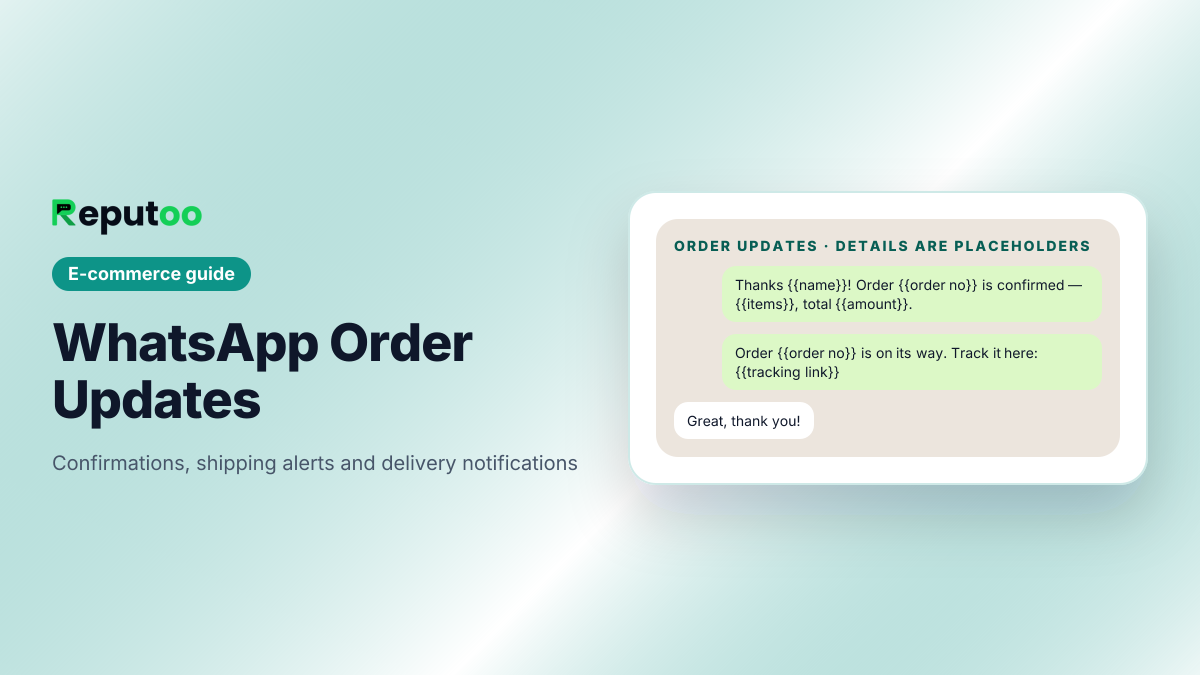
For e-commerce brands, order communication is just as important as the sale itself. Customers want to know when their order is confirmed, when it ships, and when it will arrive. If they do not get that information quickly, they may contact support or lose confidence in the brand. That is why WhatsApp order updates are so useful.
By sending order confirmations, shipping alerts, and delivery notifications through WhatsApp, e-commerce businesses can keep customers informed in real time. The result is a smoother post-purchase experience, fewer support questions, and a stronger relationship with the buyer.
WhatsApp is a strong channel for this because customers already check it frequently. When a package is on the way, a simple message can provide reassurance and reduce anxiety.
On this page (18 sections)
- 1.What Are WhatsApp Order Updates?
- 2.Why WhatsApp Is Good for Order Updates
- 3.Best Use Cases for WhatsApp Order Updates
- 4.Benefits of WhatsApp Order Updates
- 5.What a Good WhatsApp Order Update Should Include
- 6.Why Reputoo Helps with Order Updates
- 7.Best Practices for WhatsApp Order Updates
- 8.Common Mistakes to Avoid
- 9.The Order Update Sequence, Step by Step
- 10.Utility or Marketing: Why the Category Matters
- 11.Order Updates on Shopify and WooCommerce
- 12.Consent, Quality Rating and the 24-Hour Window
- 13.Delay and Exception Messages
- 14.Handling Replies to Order Updates
- 15.Measuring the Effect of Order Updates
- 16.Order Updates in More Than One Language
- 17.FAQs
- 18.Final Thoughts
What Are WhatsApp Order Updates?
WhatsApp order updates are automated or manual messages sent to customers after they place an order. These messages usually include confirmation, payment status, shipping details, tracking updates, and delivery notifications.
They help customers stay informed throughout the order lifecycle.
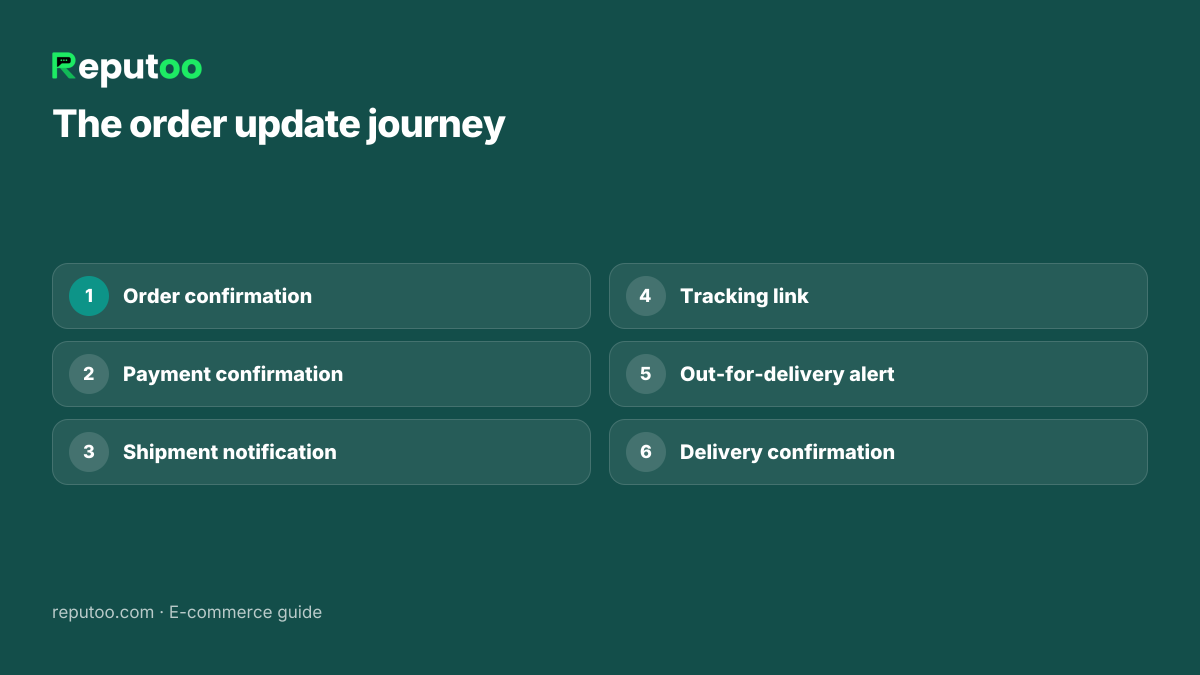
Common examples include:
- Order confirmation
- Payment confirmation
- Shipment notification
- Tracking link
- Out-for-delivery alert
- Delivery confirmation
For e-commerce businesses, these messages are not just helpful. They are part of the customer experience.
Why WhatsApp Is Good for Order Updates
Email can work for order updates, but it is often slower to see. SMS is immediate, but it can feel limited. WhatsApp gives you a direct, familiar, and highly visible communication channel.
Here’s why it works:
- Customers check WhatsApp often
- Notifications are usually seen quickly
- Messages feel more personal
- Tracking links are easy to share
- Support questions can be reduced
If your store wants to improve the post-purchase journey, WhatsApp order updates are one of the easiest ways to do it.
Best Use Cases for WhatsApp Order Updates
Order updates can cover the full post-purchase journey.
1. Order Confirmation
As soon as a purchase is completed, send a confirmation message to reassure the customer.
2. Payment Confirmation
Let customers know their payment was received successfully.
3. Shipping Updates
Notify customers when the order is packed and shipped.
4. Tracking Information
Share the tracking link so customers can monitor delivery themselves.
5. Delivery Alerts
Inform the customer when the order is out for delivery or has arrived.
6. Delay Notifications
If shipping is delayed, proactive communication helps reduce frustration.
These updates create trust and reduce the number of “Where is my order?” support requests.
Benefits of WhatsApp Order Updates
Adding WhatsApp to your order communication system has several benefits.
Better customer experience
Customers stay informed and feel more confident about their order.
Fewer support tickets
If people already know the shipping status, they are less likely to contact support.
Faster communication
Messages are usually seen quickly.
Higher trust
Proactive updates make your brand seem more organized and reliable.
More repeat purchases
A smooth buying experience can help customers return later.
What a Good WhatsApp Order Update Should Include
A useful order update should be short and clear.
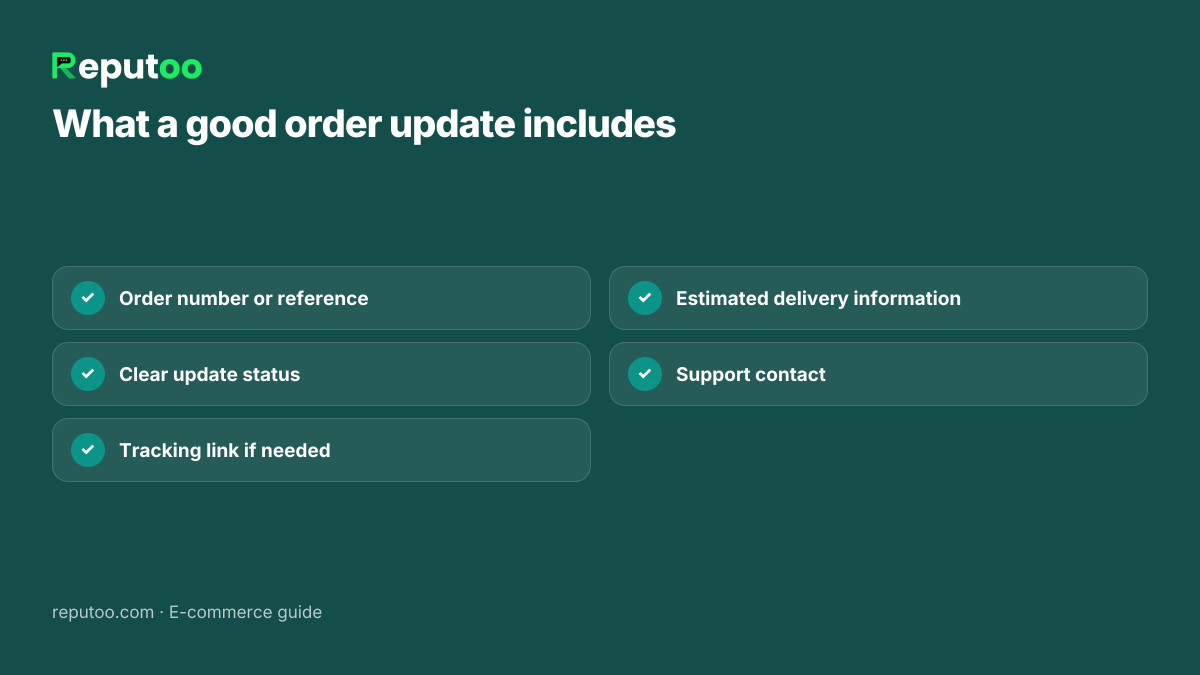
It should include:
- Order number or reference
- Clear update status
- Tracking link if needed
- Estimated delivery information
- Support contact if the customer has questions
Do not make the message too long. The goal is to reassure the customer and give them the key information fast.
Why Reputoo Helps with Order Updates
Reputoo helps e-commerce brands automate WhatsApp order updates so they can communicate with customers without extra manual effort.
With Reputoo, you can:
- Automate order confirmation messages
- Send shipping and delivery alerts
- Keep customers updated in real time
- Reduce support questions
- Improve the post-purchase experience
That makes it easier to turn order communication into a simple and reliable part of your workflow.
Best Practices for WhatsApp Order Updates
If you want better results, follow these best practices:
Keep messages short
Give the customer the key information quickly.
Send updates on time
A delay in sending the message reduces its value.
Use clear wording
The customer should instantly understand the order status.
Include tracking when available
This reduces support requests and improves transparency.
Be consistent
Use a reliable message flow for every order.
Offer support access
If something goes wrong, customers should know how to reach you.
Common Mistakes to Avoid
Order updates can fail to deliver value if they are poorly designed.
Avoid these mistakes:
- Sending updates too late
- Making the messages too long
- Leaving out tracking details
- Using unclear language
- Failing to update customers during delays
Good order communication should feel reassuring, not confusing.
The Order Update Sequence, Step by Step
Most stores settle on the same five messages. Here is what each one should carry, using {{placeholders}} where your store’s details go:
- Order confirmed. “Thanks {{name}}! Order {{order no}} is confirmed — {{items}}, total {{amount}}.” Sent the moment the order is created.
- Payment received (prepaid orders, or a COD order switched to prepaid). One line: the amount and the order number.
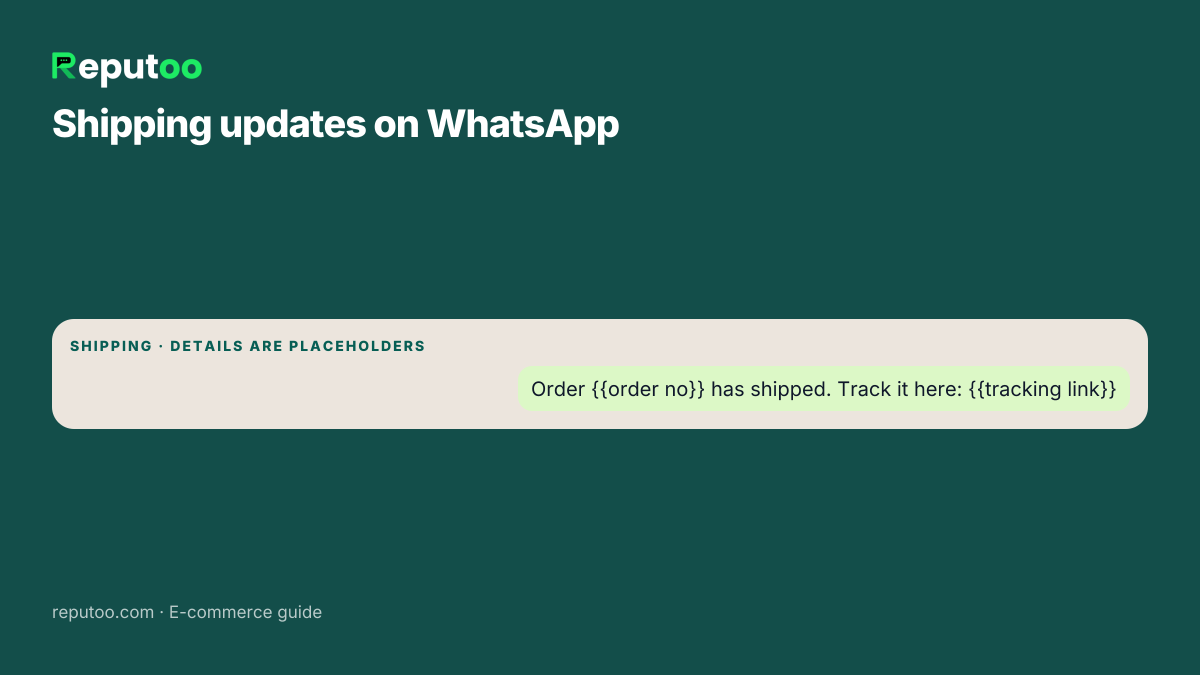
- Shipped. “Order {{order no}} is on its way. Track it here: {{tracking link}}.” Sent when the fulfillment is created.
- Out for delivery. A short heads-up on the delivery day, so someone is home to receive it.
- Delivered. A confirmation, plus one helpful next step — how to reach you for a return, or a link to review the product.
Add a sixth, delay, whenever a courier misses its promised date. It is the message customers remember most.
Utility or Marketing: Why the Category Matters
WhatsApp order updates are utility messages in Meta’s categories: they confirm or update a transaction the customer started. On the October 1, 2026 rate card a utility message to an Indian number costs ₹0.115, against ₹0.8631 for a marketing message — before 18% GST.
That gap matters for the whole post-purchase flow. Five updates on 1,000 orders a month is 5,000 × ₹0.115 = ₹575. The same 5,000 messages filed as marketing would cost ₹4,316.
Two rules keep an order update in the utility category:
- No promotion inside it. “Your order has shipped” is utility. “Your order has shipped — get 10% off your next one” is marketing, and Meta can re-categorize the template.
- It must be about a real order. The template carries the order number, status or tracking link of a purchase that exists.
If a customer replies to an update with a question, your answers inside the 24-hour window are charged at the utility rate since 1 October 2026. Check your own numbers in the WhatsApp API cost calculator.
Order Updates on Shopify and WooCommerce
On Reputoo the order updates run from your store’s own events, so they cannot fall behind:
- Shopify: order created → confirmation; cash-on-delivery orders get a confirm-or-cancel message first; fulfillment created → shipped with tracking; fulfillment updated → out for delivery and delivered. See the Shopify WhatsApp integration guide for the setup.
- WooCommerce: each new or updated order adds the buyer to Reputoo as a contact, so you can reach them in campaigns and answer them in the inbox. Automatic order-status messages are built for Shopify today. See the WooCommerce integration.
On Shopify, each message is a Meta-approved template, filed in the utility category, in English and Hindi. When a customer replies — “can you deliver after 6 pm?” — the reply lands in your team’s shared inbox next to the order, so whoever picks it up sees the whole history. That is where a WhatsApp team inbox earns its keep.
Consent, Quality Rating and the 24-Hour Window
Even helpful messages need the customer’s permission. Ask for it where the phone number is typed — a clear checkbox at checkout such as “Send me order updates on WhatsApp” — and keep it separate from consent for offers, so a customer can say yes to updates without saying yes to promotions.
Meta watches how people react to your messages. When customers block or report a number, its quality rating drops, which can limit how many people you can message each day. Order updates rarely cause this — people want to know where their parcel is — but sending them late, or to the wrong person, does.
Finally, the 24-hour window: once a customer messages you, you can reply freely for 24 hours. Outside it, every message must be an approved template. That is why automated order updates use templates, and why your team should answer “where is my order?” replies quickly.
For the wider set of automated flows a store can run, see WhatsApp automation for e-commerce and WhatsApp marketing software for e-commerce.
Delay and Exception Messages
The messages customers remember are the ones about problems. Plan them in advance, with {{placeholders}} for your details:
- Courier delay: “Sorry {{name}}, order {{order no}} is running late. The new expected date is {{date}}. Track it here: {{tracking link}}.”
- Failed delivery attempt: “The courier could not deliver order {{order no}} today. Reply here to choose a new time.”
- Item out of stock after ordering: “One item in order {{order no}} is out of stock. Reply 1 for a refund or 2 to wait for restock.”
- Return received: “We have received your return for order {{order no}}. Your refund of {{amount}} is on its way.”
Each of these is still about a real order, so it belongs in the utility category. Keep the apology short and the next step clear.
Handling Replies to Order Updates
Order updates invite replies — “can you deliver after 6 pm?”, “I ordered the wrong size”. Those replies are the most valuable messages you will get, because the customer is already engaged. Three habits help:
- Answer within the 24-hour window. Inside it you can reply freely; outside it you need a template again.
- Answer with the order in view. Whoever replies should see the order number, items and status next to the chat, not hunt for it.
- Turn common questions into the next message. If many customers ask how to return, add the returns link to the delivered message.
Measuring the Effect of Order Updates
Order updates rarely show up in revenue reports, so measure them where they work: in support. Before you switch them on, count for two weeks how many “where is my order?” messages and calls your team handles. After a month of WhatsApp updates, count again. Also watch refused cash-on-delivery parcels, failed deliveries and the share of customers who order a second time. If the questions fall and repeat orders rise, the updates are doing their job. If customers still ask, read their questions — they usually point to a missing piece of information, such as the courier name or an expected delivery date, that belongs in the next message.
Order Updates in More Than One Language
Many Indian stores sell to customers who would rather read Hindi or a regional language than English. Each language is a separate template version that Meta approves on its own, so start with the one or two languages most of your customers use, and keep the order number, amounts and tracking link identical across versions. A delivery message the customer understands at a glance saves a support question later. On Reputoo, the Shopify order messages already come in English and Hindi.
FAQs
What are WhatsApp order updates?
They are automated or manual messages that keep customers informed about their order status, shipping, and delivery.
Can WhatsApp be used for shipping notifications?
Yes. It is a very effective channel for shipping and delivery alerts.
Do WhatsApp order updates reduce support tickets?
Yes. Customers are less likely to ask “Where is my order?” when they receive timely updates.
Can I automate order updates on WhatsApp?
Yes. Platforms like Reputoo can help automate order communication workflows.
Are WhatsApp order updates useful for Shopify stores?
Yes. Shopify stores can benefit a lot from automated order notifications and shipping alerts.
Final Thoughts
WhatsApp order updates are one of the simplest ways to improve the customer experience after purchase. They keep buyers informed, reduce support requests, and help your brand feel more reliable and responsive.
If you want to create a smoother post-purchase journey, order updates should be part of your WhatsApp strategy.
Automate WhatsApp Order Updates with Reputoo
1,000+ businesses onboarded · Member of NVIDIA Inception · Official WhatsApp Business API, no per-message markup.