
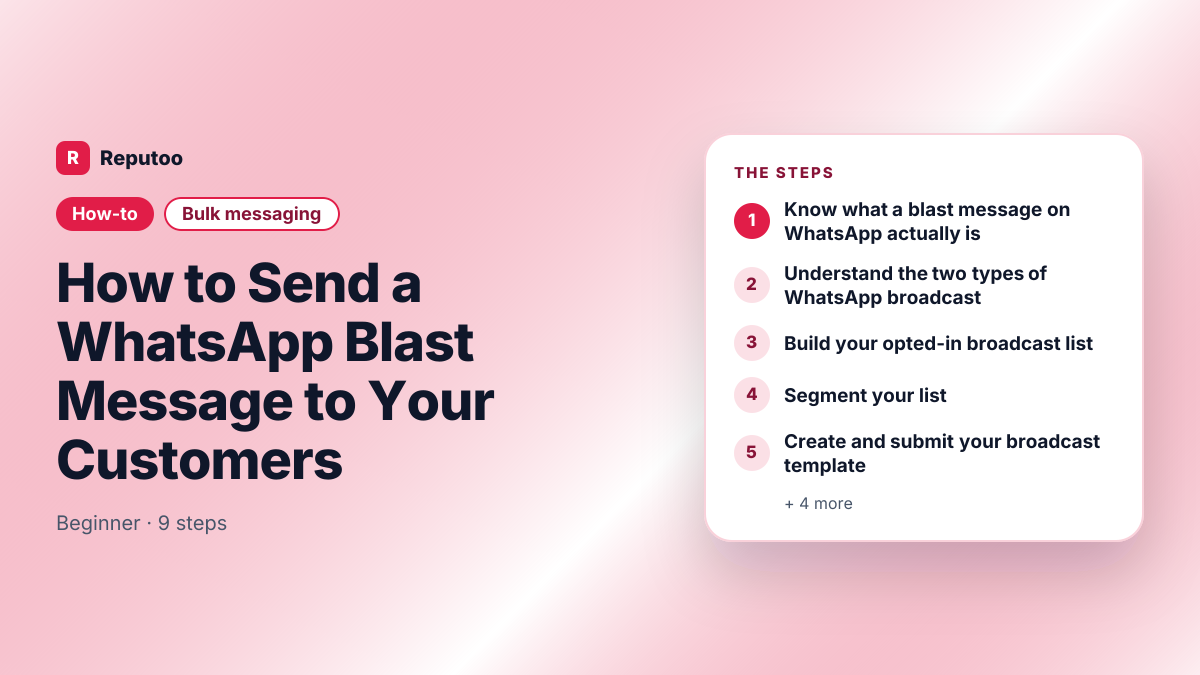
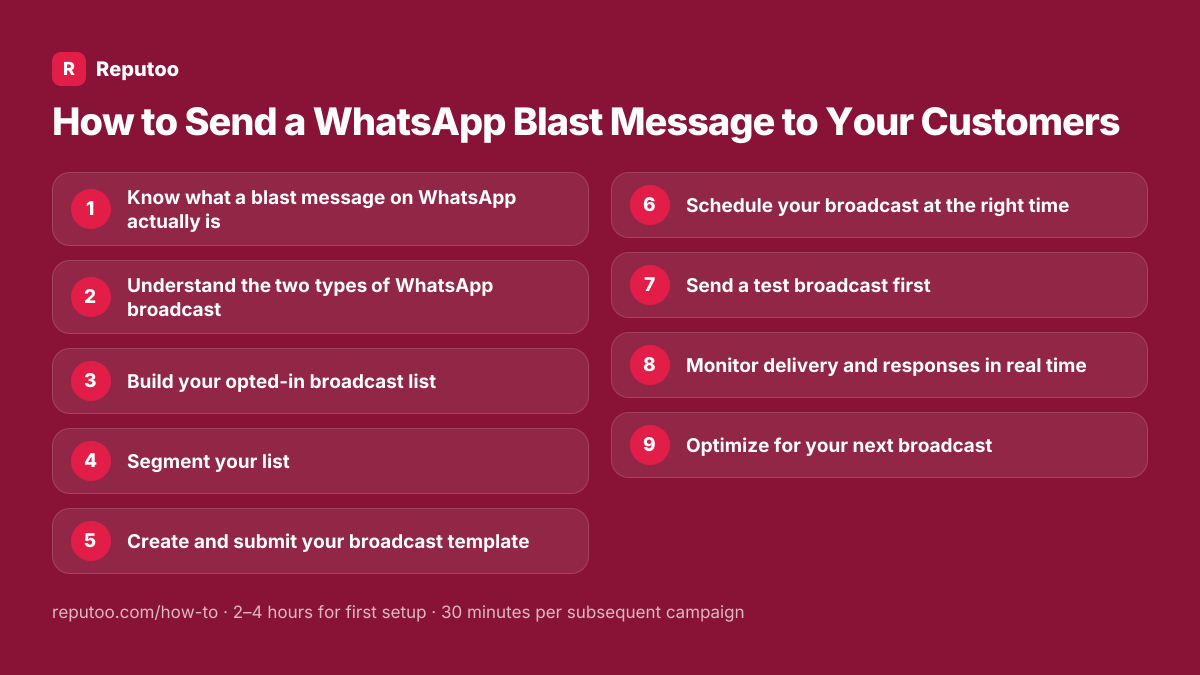
How to Send a WhatsApp Blast Message to Your Customers
A WhatsApp blast — a broadcast, in Meta's own vocabulary — sends one personalized message to hundreds or thousands of customers at once, each of them receiving it as a private one-to-one chat rather than a group. It is read far more reliably than email, and it is also far easier to get wrong: send to people who never opted in and Meta reduces how many customers you are allowed to message at all. Here's how to do it properly.
On this page (5 sections)
What you need
- WhatsApp Business API via Reputoo (needed for large broadcasts)
- Opted-in contact list
- Pre-approved message template
Step by step
- 1
Know what a blast message on WhatsApp actually is
There is no feature called "blast" in WhatsApp — it is the word people carried over from SMS blasting. What it maps to is a broadcast: one message delivered individually to many recipients, each seeing a normal one-to-one chat with no other recipients visible. That distinction matters, because it is not a group message and it is not a mass forward. Two things are true of every legitimate WhatsApp blast: the recipients opted in to hear from you, and the message goes out through either the WhatsApp Business app or the WhatsApp Business Platform. Anything else — desktop "sender" software driving WhatsApp Web, an unofficial API — is against Meta's terms and gets the number banned rather than the message delivered.
- 2
Understand the two types of WhatsApp broadcast
WhatsApp Business app broadcast: free, but limited to 256 contacts per broadcast, and only to contacts who saved your number. WhatsApp Business API broadcast: no contact limit, sends to anyone who opted in (they don't need to save your number), requires a BSP, uses Meta-approved templates. For marketing, you need the API broadcast.
- 3
Build your opted-in broadcast list
Your broadcast list must consist of customers who explicitly opted in to receive WhatsApp messages from you. Opt-in sources: website widget, checkout opt-in checkbox, keyword opt-in (text JOIN to your number), QR code, and click-to-WhatsApp ads. Import existing consented contacts as CSV. Quality over quantity — a list of 500 genuinely interested customers beats 5,000 people who never heard of you.
- 4
Segment your list
Effective broadcasts go to the right audience. Create segments in Reputoo: new customers (first purchase in last 30 days), loyal customers (3+ purchases), lapsed customers (no purchase in 90+ days), high-value customers (average order >$100), and by product category interest. Relevant messages get higher engagement and lower complaint rates.
- 5
Create and submit your broadcast template
WhatsApp broadcast messages must use Meta-approved templates. In Reputoo → Templates → New Template. Choose category (Marketing for promotional, Utility for transactional). Write your message: up to 1024 characters, can include {{1}} variables for personalization, images, buttons. Submit for Meta review (usually approved in minutes to 24 hours).
- 6
Schedule your broadcast at the right time
Optimal times for WhatsApp broadcasts: 10am–12pm (morning peak), 6pm–8pm (evening peak). Avoid early morning (before 9am) and late night (after 9pm) — messages received at these times feel intrusive and get higher complaint rates. Schedule your broadcast to go out at the recipient's local time if you serve multiple time zones.
- 7
Send a test broadcast first
Before sending to your full list, send the broadcast to 5–10 colleagues or your own secondary numbers. Check: personalization variables fill correctly (recipient sees their actual name, not "{{1}}"), images load correctly, buttons work, the CTA URL is correct, and the message renders well on both Android and iOS.
- 8
Monitor delivery and responses in real time
In Reputoo, watch your broadcast dashboard: Delivered % (should be 95%+ for quality lists), Opened % (should be 80%+), Replied % (benchmark: 15–30% for good messages), Complaints (keep below 0.3% to maintain your quality score). Handle replies in your shared inbox — customers who engage with your broadcast are high-value.
- 9
Optimize for your next broadcast
After each broadcast, note: which segments had highest engagement, which messages got highest reply rates, what time of day performed best, which CTA (button text) got most clicks. Build a simple optimization log. After 3–4 broadcasts, you'll have a clear picture of what works for your specific audience.
Pro tips
- Keep your broadcast message under 150 characters when possible — shorter messages have higher read rates
- One broadcast per week maximum for existing customers; one per month for lapsed customers
- Always include an opt-out: "Reply STOP to unsubscribe" — this is required and keeps your complaint rate low
- Personalize with name AND a specific detail (last purchase, upcoming appointment) — generic broadcasts underperform
- Images boost response rates by 15–20% — use a clean product photo or relevant graphic
What to expect
Well-crafted WhatsApp broadcasts achieve 85–95% delivery rates, 25–35% reply rates, and generate 3–5× more revenue per send than equivalent email campaigns. A $29/mo investment in WhatsApp marketing generates $500–$2,000/mo in recovered revenue for most SMBs.
Frequently asked questions
What is a blast message in WhatsApp?
A blast message is the everyday name for a WhatsApp broadcast — one message sent individually to many opted-in recipients, each of whom sees an ordinary private chat rather than a group. WhatsApp itself has no feature called "blast"; the word came across from SMS blasting. In practice you send one either through the free WhatsApp Business app, which caps a broadcast list at 256 contacts who have saved your number, or through the WhatsApp Business Platform, which has no list cap and uses Meta-approved templates.
Can I send a WhatsApp blast for free?
Partly. The WhatsApp Business app is free and its broadcast lists cost nothing to send to, but two limits usually stop it being enough: 256 contacts per list, and delivery only to people who have saved your number in their phone. Beyond that you need the WhatsApp Business Platform, which is billed per 24-hour conversation. What you should not do is use free desktop "sender" software that automates WhatsApp Web — that is against Meta's terms and the number gets banned.
Is WhatsApp broadcast the same as a group chat?
No. A WhatsApp broadcast sends each recipient a private, individual message from your business number — they don't know you sent it to others. A group chat puts everyone in a shared conversation where they can see each other. For marketing, always use broadcast — it's personal and doesn't expose customer data.
How many people can I send a WhatsApp broadcast to?
WhatsApp Business app: limited to 256 contacts per broadcast. WhatsApp Business API: no hard limit — businesses send to tens of thousands per day. Your daily limit starts at 1,000 unique contacts and increases over time based on message quality and account standing.
Do recipients know it's a broadcast message?
With the WhatsApp Business app, recipients can sometimes tell (messages say "broadcast" in some views). With the WhatsApp Business API, messages appear as normal private messages from your business — recipients cannot tell if they were part of a broadcast. The message looks like a personal message.
What happens if someone blocks me after a WhatsApp broadcast?
If a recipient blocks your number or marks your message as spam, it contributes to your WhatsApp quality score. If your complaint rate exceeds 0.5%, Meta will reduce your daily sending limit. Keep complaint rates low by: only sending to opted-in contacts, providing value in every message, and including easy opt-out.
Can I A/B test WhatsApp broadcast messages?
Yes. In Reputoo, you can split your audience and send different message variations to test performance. Common tests: different message length, different CTA button text, different offer framing, different personalization approach. Run A/B tests until you have 500+ sends per variant for statistically meaningful results.
Written by Riya · Reputoo
Riya writes Reputoo's guides on WhatsApp and the WhatsApp Business API. Updated July 2026.
Ready to do this with Reputoo?
1,000+ businesses onboarded · Member of NVIDIA Inception · Official WhatsApp Business API, no per-message markup.