
Send WhatsApp Messages From Google Sheets
Import your contact list from Google Sheets into Reputoo and send bulk WhatsApp messages instantly — no CSV export needed. New rows automatically sync to Reputoo contacts.
1-click
Contact Import
Auto-Sync
New Rows
High
Delivery Rate
0
Manual Work
Illustrative outcomes based on common industry scenarios — not measured Reputoo customer results.
Automated Triggers
What gets automated
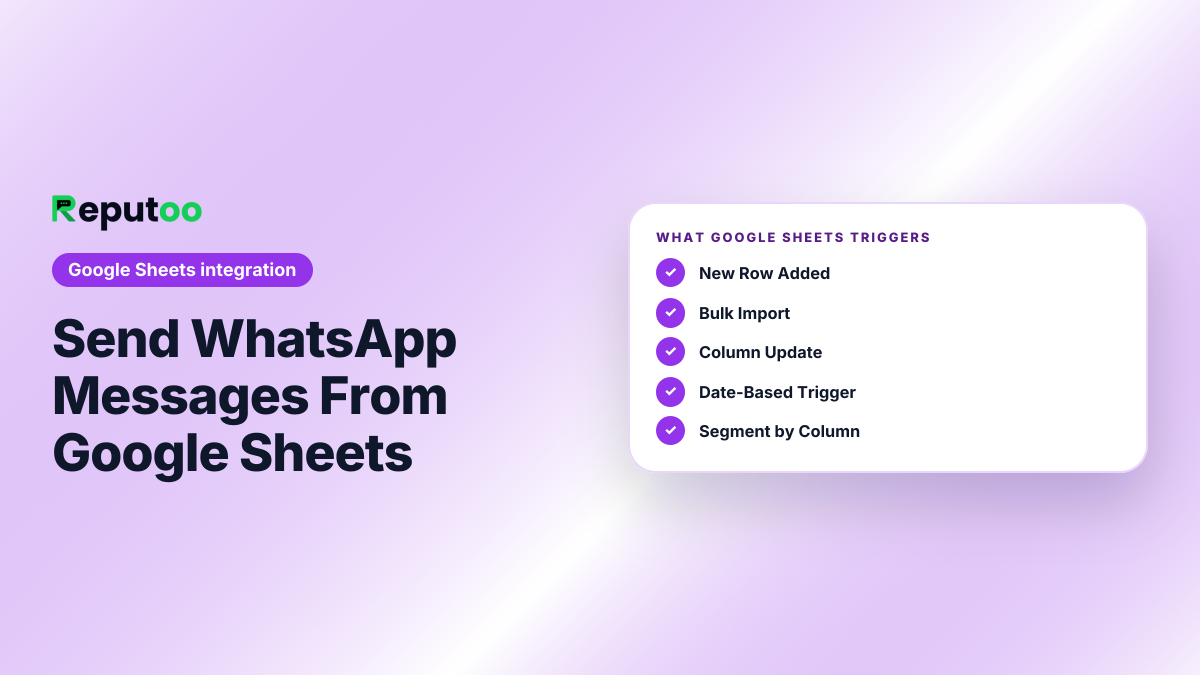
New Row Added
New row added to a Google Sheet → contact automatically created in Reputoo and welcome message sent via WhatsApp.
Bulk Import
Import thousands of contacts from Google Sheets to Reputoo in seconds. Map columns to contact fields.
Column Update
Status or tag column updated in Google Sheet → Reputoo contact field updated, triggers relevant automation.
Date-Based Trigger
Send WhatsApp messages based on a date column — appointment reminders, renewal alerts, birthday messages.
Segment by Column
Use a "Segment" or "Tag" column in Google Sheets to route contacts into different Reputoo segments automatically.
Export Results
WhatsApp campaign results (delivered, read, replied) can be exported back to Google Sheets for reporting.
Platform Features
More than just order notifications
Direct Sheet Sync
Connect any Google Sheet by URL. Reputoo reads your sheet and imports contacts without needing CSV download.
Custom Column Mapping
Map any column in your sheet to Reputoo contact fields — name, phone, email, tag, segment, or custom attribute.
Real-Time Sync via Zapier
Use Zapier to sync new Google Sheets rows to Reputoo contacts in real time — no manual re-import needed.
Phone Format Auto-Fix
Reputoo automatically normalizes phone numbers from your sheet (adds country code, removes spaces) for WhatsApp delivery.
Personalization at Scale
Reference sheet columns as template variables — send 10,000 WhatsApp messages, each with the recipient's name and custom details.
Analytics Export
Export WhatsApp delivery, read, and reply stats back to Google Sheets for your own reporting and dashboards.
How to Connect
Connect in under 5 minutes
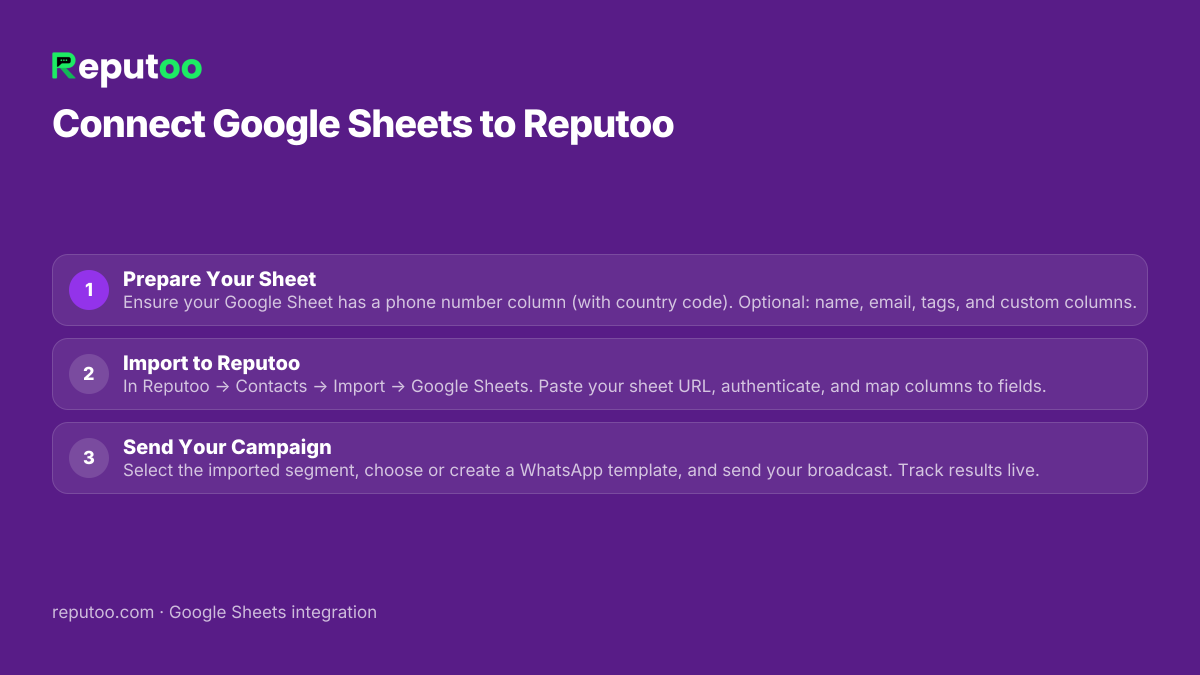
Prepare Your Sheet
Ensure your Google Sheet has a phone number column (with country code). Optional: name, email, tags, and custom columns.
Import to Reputoo
In Reputoo → Contacts → Import → Google Sheets. Paste your sheet URL, authenticate, and map columns to fields.
Send Your Campaign
Select the imported segment, choose or create a WhatsApp template, and send your broadcast. Track results live.
Frequently Asked Questions
How do I import contacts from Google Sheets to Reputoo?
In Reputoo → Contacts → Import, select "Google Sheets", paste your Sheet URL, authenticate with Google, and map your columns to Reputoo fields (phone, name, email, etc.). Import happens instantly for lists up to 50,000 contacts.
Does Reputoo automatically sync new rows added to a Google Sheet?
Real-time sync requires Zapier. Set up a Zap: Trigger = "New Row in Google Sheet" → Action = Reputoo webhook to create contact. Without Zapier, you re-import the sheet manually whenever you want to sync new rows.
What format should phone numbers be in my Google Sheet?
Include the full international number with country code, without spaces or special characters (e.g., +919876543210 or 919876543210). Reputoo automatically normalizes formats and adds + prefix if missing. Avoid local formats like 09876543210.
Can I send personalized WhatsApp messages using data from different columns?
Yes. After import, each contact has all your column data stored as attributes. In your WhatsApp template, use variables like {{customer_name}}, {{order_id}}, or any custom attribute from your sheet. Every message will be personalized with that contact's row data.
Is there a limit to how many contacts I can import from Google Sheets?
Reputoo supports imports up to 100,000 contacts per file. For larger lists, split into multiple sheets or use the Reputoo CSV import. Your account contact limit depends on your subscription plan.
Can I export WhatsApp campaign results back to Google Sheets?
Yes. In Reputoo → Analytics → Campaigns, export any campaign's results as CSV and then import to Google Sheets. For automated result sync, use a Zapier integration to push delivery/read/reply events to a Google Sheet in real time.
Other Integrations
Connect Google Sheets to WhatsApp today
Official WhatsApp Business API · Cancel anytime · No hidden costs
Connect Google Sheets