
How to Get WhatsApp Business API Access in 2026
The WhatsApp Business API unlocks automation, broadcast campaigns, and chatbots that the free app can't do. Getting access is easier than most people think — there are two paths: direct via Meta or through an approved BSP. Here's exactly how.
On this page (5 sections)
What you need
- Meta Business Manager account
- Business website or Facebook Page
- A phone number (landline or mobile) not already on WhatsApp
- BSP account (recommended)
Step by step
- 1
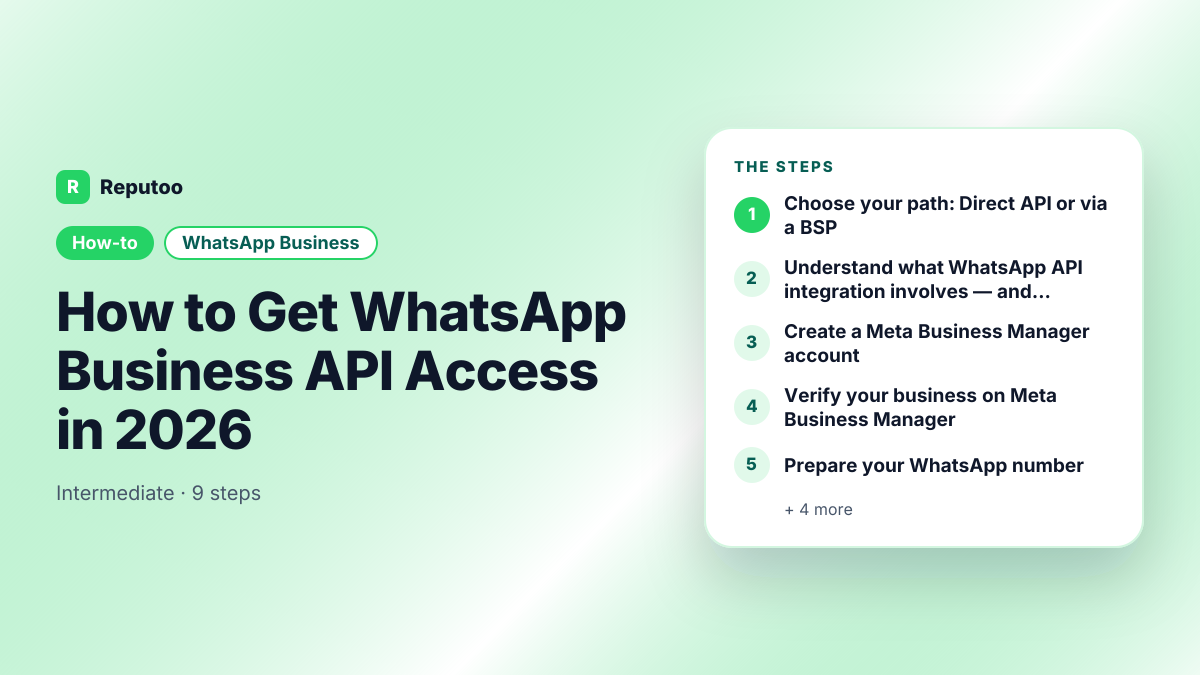
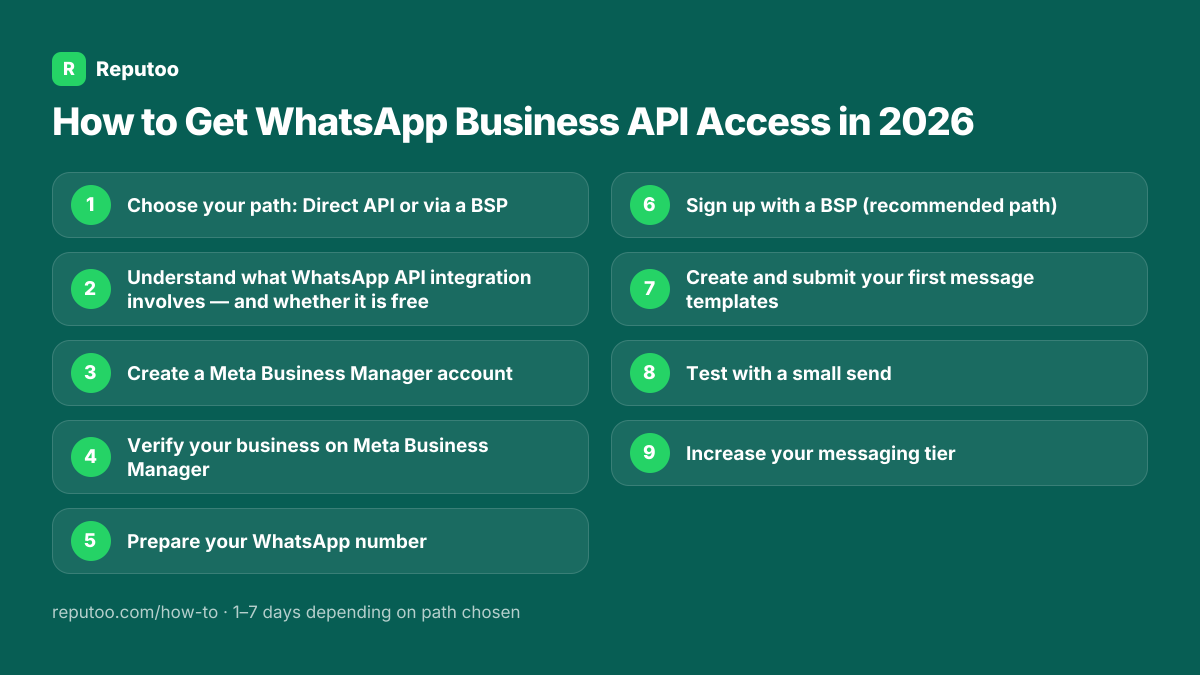
Choose your path: Direct API or via a BSP
Direct via Meta Cloud API: Free, you build everything yourself. Requires developer skills. Good for tech teams. Via a provider built on the API: Faster, includes ready-to-use tools (campaign builder, chatbot, inbox, analytics), costs a monthly subscription. For most businesses, a provider is the right choice — Reputoo is built on the official WhatsApp Business API and connects your number through Meta's own sign-up, inside your Meta business portfolio.
- 2
Understand what WhatsApp API integration involves — and whether it is free
Two questions come up before anyone starts, so it is worth answering both plainly. First, is the WhatsApp API free? Access is: Meta charges no platform fee for Cloud API and there is no licence to buy. The messages are not free — you pay per delivered message from the first one, at a rate set by category and by the recipient's country. Anything advertising a free WhatsApp API with unlimited sending is automating WhatsApp Web rather than using the official platform, and the numbers doing that get banned. Second, how much integration work is this? It depends entirely on which path you took in step one. Going direct to Meta means using the WhatsApp API to send messages is a development job: you call the Cloud API endpoints yourself, handle webhooks for incoming messages and delivery status, and build every interface a non-technical colleague will ever touch. Going through a BSP means the WhatsApp API integration is largely done — you connect the number and use their dashboard, with their REST API available if you want to build alongside it. Neither is better in the abstract. If you have engineers and a specific application in mind, direct access is cheaper and more flexible. If you have a marketing team and no developers, a BSP is the only route that reaches a working campaign this month.
- 3
Create a Meta Business Manager account
Go to business.facebook.com and create a Business Manager account using your work email. Complete your business details: business name, website, business email, business phone. This is the account Meta uses to verify your business. If you already have one, ensure it's fully verified.
- 4
Verify your business on Meta Business Manager
Go to Business Settings → Security Center → Start Verification. Submit your business registration documents (certificate of incorporation, business registration, or utility bill in the business name). Meta reviews these within 1–5 business days. Verification raises your messaging limit. It does not give you the green tick — that is a separate badge Meta grants to notable brands.
- 5
Prepare your WhatsApp number
The number must: not already be registered on personal WhatsApp or WhatsApp Business app (unregister first if it is), be able to receive a call or SMS for verification, and be a number you control long-term. You can use a mobile or landline number. Virtual numbers (VoIP) are allowed in most countries.
- 6
Sign up with a BSP (recommended path)
Create a Reputoo account at reputoo.com. In your dashboard, go to Settings → WhatsApp → Connect WhatsApp. The wizard guides you through connecting your Meta Business Manager, selecting your phone number, and submitting for approval. Reputoo handles the Meta compliance requirements — you just answer a few questions about your business.
- 7
Create and submit your first message templates
Before you can send any business-initiated WhatsApp message, you need at least one approved message template. In Reputoo (or Meta's Business Manager), create templates for your key use cases: appointment reminder, order confirmation, win-back offer. Meta approves most templates within a few minutes to 24 hours. Templates cannot be promotional in content unless categorized as "Marketing".
- 8
Test with a small send
Once approved, test with 5–10 contacts who have opted in (ideally colleagues or close customers). Verify: messages are delivered, formatting looks correct, links work, and any quick reply buttons function as expected. Fix any issues before scaling to your full list.
- 9
Increase your messaging tier
Meta caps how many different customers a business can start conversations with in a rolling 24 hours. The cap starts low and rises automatically when you use most of it while your quality rating stays high; blocks and reports lower the rating and can stall it. Check your current limit in WhatsApp Manager, and keep it rising by sending only to opted-in contacts.
Pro tips
- Use a BSP the first time — the direct API requires 40–80 hours of developer work to replicate what BSPs provide out of the box
- Unregister your number from personal WhatsApp before starting — this is the most common reason for delays
- Business verification takes 1–5 days — start this first while setting up everything else
- Create 3–5 templates at once for approval so you have options when you start sending
- Keep your message quality score high — this directly affects your daily sending limit
What to expect
After getting WhatsApp Business API access, businesses typically send their first campaign within 3 days and see 3–5× higher engagement vs. their previous email campaigns.
Frequently asked questions
How long does it take to get WhatsApp Business API access?
Via a BSP like Reputoo: 1–3 business days (including business verification). Direct via Meta Cloud API: 3–7 days if you have no technical setup done, longer if you need to build the platform yourself. Business verification is the longest step — start it first.
Is WhatsApp Business API free?
Access is free; messages are not. Meta charges per delivered message by category and country — in India ₹0.8631 per marketing and ₹0.115 per utility message on the July 1, 2026 rate card — and since 1 October 2026 replies inside the 24-hour window are charged at the utility rate. Only conversations opened from a click-to-WhatsApp ad or Facebook Page button are free, for 72 hours. BSP platforms add a subscription fee (Reputoo starts at $29/mo) but provide the campaign tools, chatbot, inbox, and analytics you need to use the API effectively.
Can I get WhatsApp Business API without a registered business?
In many countries, you can verify with a utility bill or bank statement in the business name even without formal registration. However, formal business registration (LLC, Ltd, etc.) gives you faster verification and higher trust levels with Meta. Sole proprietors and freelancers can also get API access.
What documents do I need for WhatsApp Business API?
Meta business verification requires: business name matching your Meta Business Manager account, and one of the following: business registration certificate, utility bill or bank statement in the business name, or IRS/tax document. Personal documents are not accepted — it must be in the business name.
What is the difference between WhatsApp Business API and WhatsApp Cloud API?
WhatsApp Cloud API is Meta's name for direct self-service API access hosted on Meta's infrastructure. Previously, the API was hosted by BSPs (on-premise hosting). Today, both options use Meta's cloud infrastructure. When you use Reputoo, you're using the WhatsApp Cloud API with Reputoo as your BSP managing the connection.
Written by Riya · Reputoo
Riya writes Reputoo's guides on WhatsApp and the WhatsApp Business API. Updated July 2026.
Ready to do this with Reputoo?
1,000+ businesses onboarded · Member of NVIDIA Inception · Official WhatsApp Business API, no per-message markup.