
Beginner Seconds· Updated September 2026

How to Send a Link on WhatsApp

Sending a link on WhatsApp is mostly automatic — paste a web address and it becomes tappable on its own. What people actually run into are the edge cases: the link that stays as plain grey text, the preview that refuses to appear, and the separate question of how to share a link to your own WhatsApp chat. All three are covered here.
Tools You'll Need

WhatsApp on any phone or on the web

Step-by-Step Guide

1

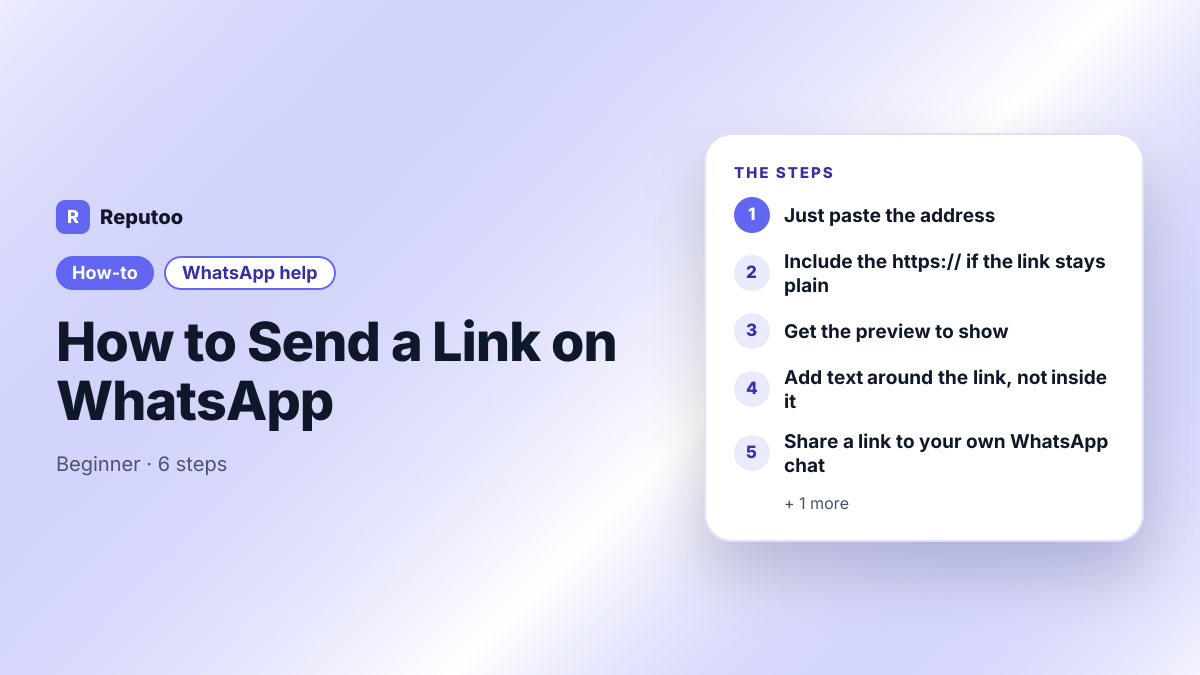
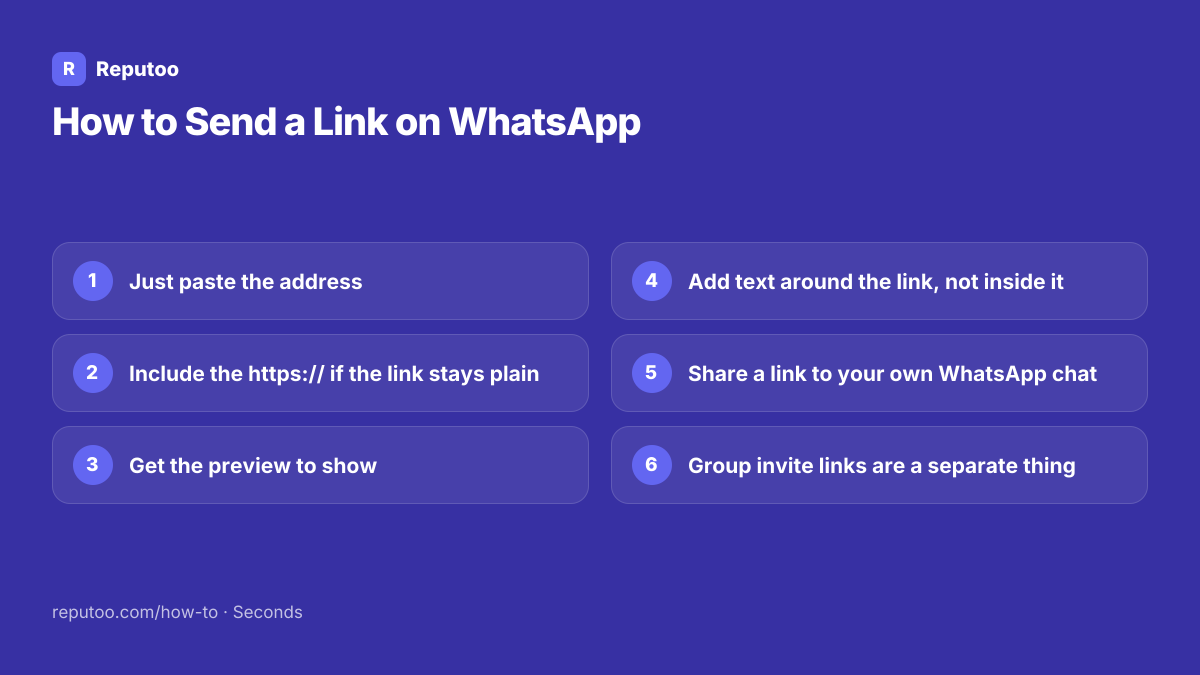
Just paste the address

Copy the web address, open the chat, paste it into the message box and send. WhatsApp detects a URL and turns it into a tappable link by itself — there is no "insert link" button and no formatting to apply. Copying from a browser is the reliable route: the share sheet in most browsers also offers WhatsApp directly, which skips the copy step entirely.

2

Include the https:// if the link stays plain

This is the usual reason a link does not become tappable. WhatsApp recognises addresses starting with http:// or https:// reliably; bare forms like example.com or www.example.com are detected less consistently, especially with unusual endings. If a link arrives as plain text, resend it with https:// at the front. Trailing punctuation causes the same problem — a full stop immediately after the URL sometimes gets swallowed into it and breaks the link.

3

Get the preview to show

WhatsApp generates the little card with the title and image by fetching the page as you type, before you send. Two things follow. It only appears if you pause for a second after pasting rather than sending instantly — sending too fast produces a bare link. And it only works if the page is publicly reachable: pages behind a login, on an internal network, or newly published and not yet cached often show nothing. The preview is a convenience, not a requirement; the link works either way.

4

Add text around the link, not inside it

WhatsApp has no hyperlink formatting — you cannot make the words "click here" carry a link the way you can in an email. The address itself is what becomes tappable, so the practical pattern is a line of context followed by the bare URL on its own line. That also keeps the URL from being broken by adjacent punctuation, which is what happens when it is buried mid-sentence.

5

Share a link to your own WhatsApp chat

A different question that gets asked with the same words. A wa.me link opens a chat with you when tapped, and neither side needs the other saved as a contact. It is wa.me/ followed by your number in full international format — no plus, no spaces, no leading zero on the local part, so 919876543210. Add ?text= with a percent-encoded message to have the sender arrive with something already typed. That link is what goes in an Instagram bio, a website button or an email signature.

6

Group invite links are a separate thing

A group link looks similar and behaves completely differently: chat.whatsapp.com followed by a code, generated from the group’s settings by an admin, and tapping it joins the group rather than opening a private chat. Two things worth knowing before sharing one: anyone who has the link can join and see every member’s number, and resetting the link from group settings invalidates every copy already circulating.

Pro Tips

  • Prefix with https:// whenever a link refuses to turn blue — that fixes most cases
  • Pause a second after pasting so the preview has time to load before you send
  • Put the URL on its own line; punctuation touching it is what breaks detection
  • WhatsApp has no "click here" hyperlink formatting — the address itself is the link
  • Reset a group invite link from group settings if it has spread further than intended

Expected Results

Links that arrive tappable with a preview, and a clear separation between sharing a web link, sharing your own chat link, and sharing a group invite.

Ready to implement this with Reputoo?

Set up in minutes. No technical expertise required.

Frequently Asked Questions

How do I send a link on WhatsApp?

Copy the web address, paste it into the chat and send — WhatsApp turns it into a tappable link automatically. There is no insert-link button. If it arrives as plain text instead, resend it with https:// at the front, which is what makes detection reliable.

Why is my WhatsApp link not clickable?

Usually a missing https:// prefix, or punctuation touching the address. Bare forms like example.com are detected inconsistently, and a full stop immediately after a URL can be absorbed into it. Put the address on its own line with the https:// included.

Why does my link not show a preview?

Either you sent too quickly — the preview is fetched while you type, so pausing a second before sending lets it load — or the page is not publicly reachable. Pages behind a login, on an internal network, or very newly published often produce no card. The link still works without it.

Can I hyperlink text in WhatsApp like "click here"?

No. WhatsApp has no hyperlink formatting, so the visible address is what becomes tappable. The usual approach is a line of context and then the bare URL on its own line, which also avoids the punctuation problems that break detection.

How do I share my WhatsApp number as a link?

Use wa.me followed by your number in full international format with no plus, spaces or leading zero — wa.me/919876543210. Tapping it opens a chat with you, and neither side needs the other saved. Add ?text= with an encoded message to pre-fill what the sender writes.

What is the difference between a wa.me link and a group link?

A wa.me link opens a private chat with one number. A chat.whatsapp.com link is a group invite — tapping it adds the person to a group where every member can see every other member’s number. They are generated in different places and are not interchangeable.