
How to Use WhatsApp for Business: The 2026 Guide
WhatsApp has 2 billion+ users worldwide and message very high open rates. For local businesses, it's the most effective channel to communicate with customers — for everything from appointment reminders to marketing campaigns to win-back flows. Here's how to use it properly.
On this page (5 sections)
What you need
- WhatsApp Business app (free) or WhatsApp Business API (via a BSP)
- A dedicated business phone number
- Reputoo (for automation and campaigns)
Step by step
- 1
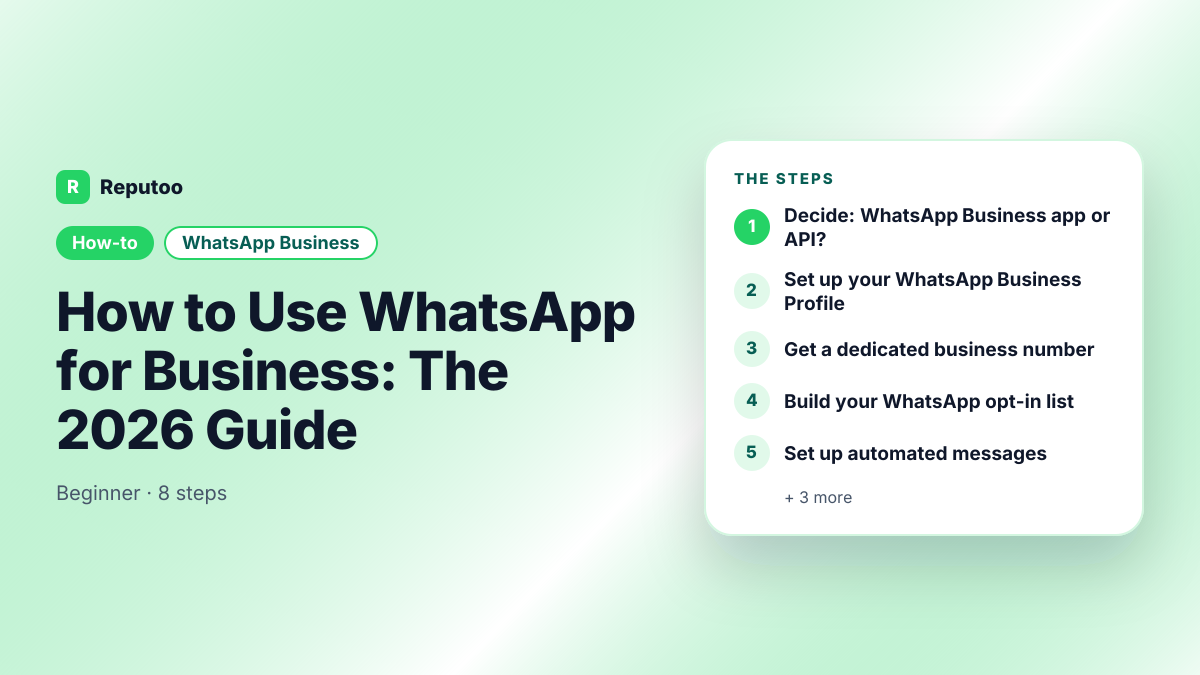
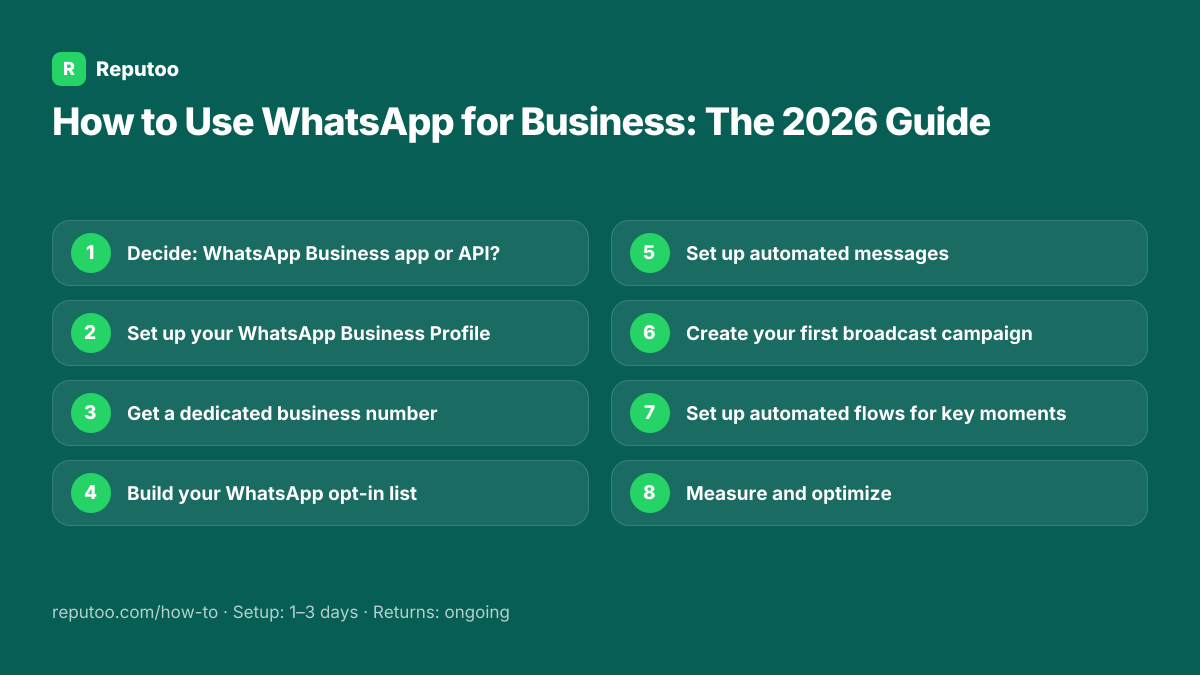
Decide: WhatsApp Business app or API?
If you handle fewer than 50 customer conversations per day, the free WhatsApp Business app is a good start. If you want to send broadcast campaigns, automate messages, run chatbots, or have multiple team members handle chats, you need the WhatsApp Business API accessed through a Business Solution Provider (BSP) like Reputoo.
- 2
Set up your WhatsApp Business Profile
Download the WhatsApp Business app (or work with your BSP for API). Complete your business profile: business name, category, description, address, website, email, and business hours. Add your logo as the profile picture. A complete profile builds trust — customers check it before responding to your messages.
- 3
Get a dedicated business number
Use a phone number that's exclusively for your WhatsApp Business account — don't mix personal and business. Many businesses use a local mobile number or a virtual number. The number can be migrated to the Business API later if you start with the app.
- 4
Build your WhatsApp opt-in list
Collect WhatsApp numbers with explicit consent: add an opt-in widget to your website ("Chat with us on WhatsApp"), use QR codes on receipts and at checkout, add a "Save our number" prompt at the end of every transaction, and run "Click to WhatsApp" ads on Facebook and Instagram. Every number you collect is permission to market to them on WhatsApp.
- 5
Set up automated messages
Create automated responses for common scenarios: greeting message for new contacts ("Thanks for reaching out to [Business]! We'll respond within 1 hour."), away message for out-of-hours queries, and quick replies for your 5 most common questions (hours, pricing, location, how to book, parking). These save hours every week.
- 6
Create your first broadcast campaign
With the WhatsApp Business API via Reputoo: create a message template (submitted to Meta for approval — usually within minutes). Select your audience segment (new customers, lapsed customers, all contacts). Schedule the send time. Monitor delivery, open, and reply rates. Start with a simple campaign: a monthly newsletter or a seasonal offer.
- 7
Set up automated flows for key moments
The highest-ROI WhatsApp automations: (1) Post-purchase re-order prompt — automatically send a one-tap re-order link 24 hours after purchase. (2) Appointment reminder — send a WhatsApp reminder 24 hours before each appointment. (3) Abandoned cart — follow up with customers who didn't complete their purchase. (4) Birthday or anniversary message — send a personal message on customer milestones.
- 8
Measure and optimize
Track these metrics: message delivery rate (should be 95%+), open rate (should be 85%+), reply rate (benchmark: 20–30%), conversion rate per campaign (clicks to purchases or bookings). Test different message timing, copy, and offers. The best WhatsApp marketers treat each campaign as a data point to improve the next one.
Pro tips
- Always get explicit opt-in before sending — WhatsApp can ban numbers for spam complaints
- Send at the right time: 10am–12pm and 6pm–8pm local time get the highest open rates
- Use the customer's name in every message — personalization dramatically improves response rates
- Keep messages short — WhatsApp is not email. 2–4 sentences maximum per message
- Include one clear CTA per message — don't give customers too many things to do
What to expect
Businesses using WhatsApp marketing properly see 3–5× higher engagement rates than email, 15–25% more bookings from reminder automations, and a measurable lift in repeat orders from automated win-back flows.
Frequently asked questions
Is WhatsApp free for business use?
The WhatsApp Business app is free. The WhatsApp Business API (needed for automation and bulk campaigns) is charged by Meta per delivered message, by category and country (in India ₹0.8631 per marketing and ₹0.115 per utility message on the July 1, 2026 rate card). BSP platforms like Reputoo bundle API access with their monthly subscription from $29/mo.
Can I use my existing personal WhatsApp number for business?
You can migrate a personal number to WhatsApp Business, but this means you can no longer use it for personal chats. For businesses, it's better to get a dedicated number for business WhatsApp so you can separate personal and professional communications.
How many messages can I send on WhatsApp Business?
The WhatsApp Business app has a broadcast limit of 256 contacts per broadcast (and only to contacts who saved your number). The WhatsApp Business API starts at 1,000 unique customers per day, increasing over time based on your message quality rating.
Is WhatsApp marketing GDPR compliant?
Yes, if done correctly. WhatsApp marketing via the official Business API is GDPR-compliant when you: get explicit opt-in before sending, provide an easy opt-out mechanism in every message, don't store customer data beyond what's necessary, and use an approved BSP (like Reputoo) that maintains Meta compliance.
What types of messages can I send on WhatsApp Business?
Service messages (response to customer-initiated contact): any format, free-form within 24 hours. Marketing messages (business-initiated campaigns): must use pre-approved message templates that can include text, images, documents, videos, location, and interactive buttons (quick reply buttons, call-to-action links).
Written by Riya · Reputoo
Riya writes Reputoo's guides on WhatsApp and the WhatsApp Business API. Updated July 2026.
Ready to do this with Reputoo?
1,000+ businesses onboarded · Member of NVIDIA Inception · Official WhatsApp Business API, no per-message markup.