How to Request Your WhatsApp Account Info Report
WhatsApp lets you download a report of the information it holds about your account. People request it for a few reasons — curiosity, a privacy audit, or because someone asked them to produce it — and almost everyone is surprised by the same thing when it arrives: there are no messages in it. That is not an omission, and understanding why explains most of what the report is and is not useful for.
Tools You'll Need
Step-by-Step Guide
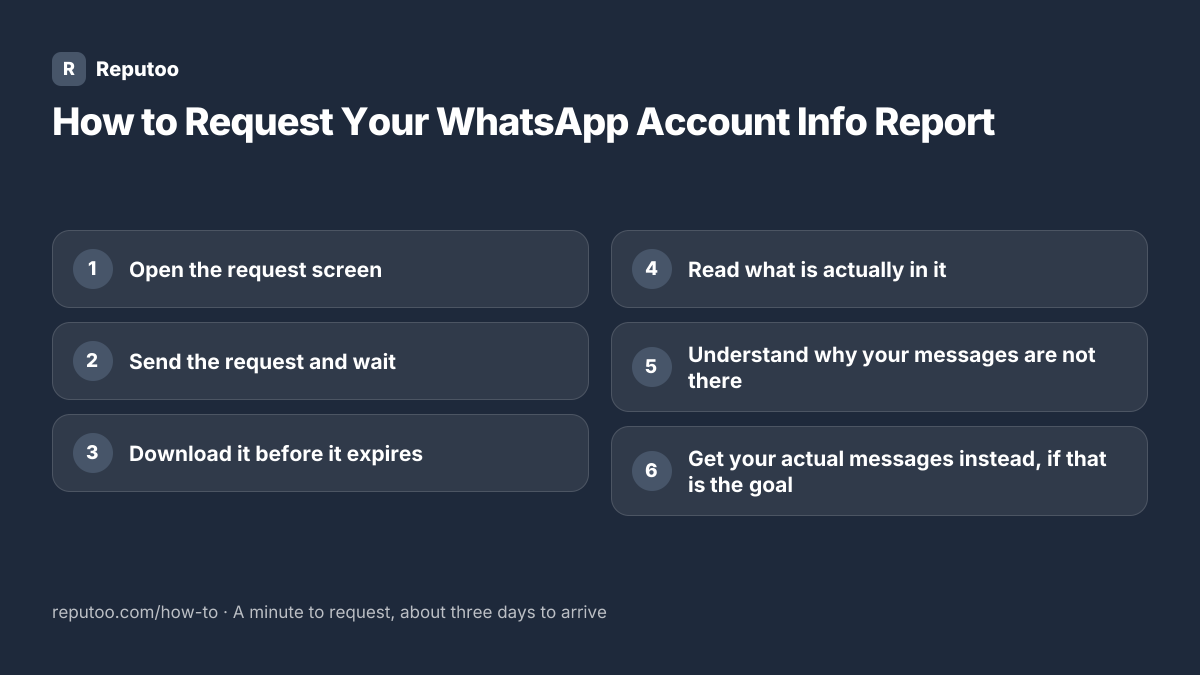
Open the request screen
In WhatsApp, go to Settings, then Account, then Request account info. On Android the Settings screen is behind the three dots in the top right; on iPhone it is the tab at the bottom right. The screen explains what will be included and shows a Request report button.
Send the request and wait
Tap Request report. WhatsApp says the report will be ready in about three days — in practice it is usually a little less, and it is never instant. Leave the app installed and the number active while you wait: if you delete the account or change number in that window, the request is cancelled. You can carry on using WhatsApp normally throughout.
Download it before it expires
When it is ready the same screen shows a Download report button, and WhatsApp usually notifies you. The file is available for a limited window — a few weeks — and then it is deleted and you have to request it again. Download it to somewhere you actually keep files rather than leaving it in a temporary folder. It arrives as a ZIP containing a JSON or HTML file plus your profile photo.
Read what is actually in it
The report holds your account and settings data: the phone number, profile name and photo, your About text, when the account was created, your privacy and notification settings, the groups you belong to, your blocked contacts list, and connected device and business information where it applies. It is a picture of your account, not of your conversations.
Understand why your messages are not there
WhatsApp messages are end-to-end encrypted, which means WhatsApp cannot read them and does not hold them. A message sits on the phones at each end and on WhatsApp’s servers only briefly and only in a form nobody there can read. So a report of "the information WhatsApp holds about you" genuinely cannot contain your chats — the company does not have them to give. If you want your conversations, what you need is a chat backup or a chat export, which are different features.
Get your actual messages instead, if that is the goal
Two options, depending on what you need. Export chat sends a single conversation as a text file, with or without media, from that chat’s menu — useful when someone has asked you to produce a specific conversation. Chat backup copies your whole history to Google Drive or iCloud so it can be restored on a new phone. Neither goes through the account info report, and neither involves WhatsApp reading anything.
Pro Tips
- Requesting the report does not affect your account, your messages or your chats in any way
- Keep the number active while you wait — deleting the account cancels the request
- Download promptly: the file is removed after a few weeks and has to be requested again
- If you need a specific conversation, use Export chat from that chat rather than this report
- The report is a reasonable privacy audit: it is worth reading your blocked list and group memberships
Expected Results
A downloadable file showing exactly what WhatsApp holds about your account — and a clear understanding of why your messages are not in it and where to get them instead.
Ready to implement this with Reputoo?
Set up in minutes. No technical expertise required.
Every how-to guide
Frequently Asked Questions
How do I request my WhatsApp account info report?
Go to Settings, then Account, then Request account info, and tap Request report. It takes about three days to prepare, after which the same screen offers a Download button. Keep the number active while you wait — deleting the account or changing number cancels the request.
What does the WhatsApp account info report contain?
Your account and settings data: phone number, profile name, photo and About text, account creation date, privacy and notification settings, group memberships, blocked contacts, and device or business details where relevant. It does not contain your messages.
Why are my messages not in the report?
Because WhatsApp does not have them. Messages are end-to-end encrypted, so they exist readable only on the phones at each end. A report of what WhatsApp holds about you cannot include chats it cannot read. For your conversations, use Export chat for a single thread or Chat backup for the whole history.
How long does the WhatsApp report take?
About three days, and often slightly less. It is never immediate, and there is no way to speed it up. Once ready, it stays available for a few weeks and is then deleted — after that you have to request it again from the same screen.
Is requesting the report safe?
Yes. It changes nothing about your account, your chats or your settings, and the other person in any conversation is not notified of anything. The only thing to be careful about is what you do with the file afterwards, since it contains your profile details and group memberships in plain form.
Can I see someone else’s WhatsApp report?
No. The report can only be requested from inside the account it belongs to, on a phone that is signed in and passes the device check. Anything online offering to produce another person’s WhatsApp report is a scam, and usually one aimed at taking over your own account.