
How-to · Bulk messaging

Free WhatsApp Bulk Sender: What Works, What Gets Banned

Search for a free WhatsApp bulk sender and you will find dozens of desktop tools promising unlimited messages to unlimited numbers at no cost. They do work, briefly. This page explains what they actually do, why the number you send from is the thing that pays for it, and what free WhatsApp sending genuinely exists — because some of it does, and it may be enough for you.
Riya · ReputooUpdated September 20268 min readBeginner10 minutes to read · saves recovering a banned business number
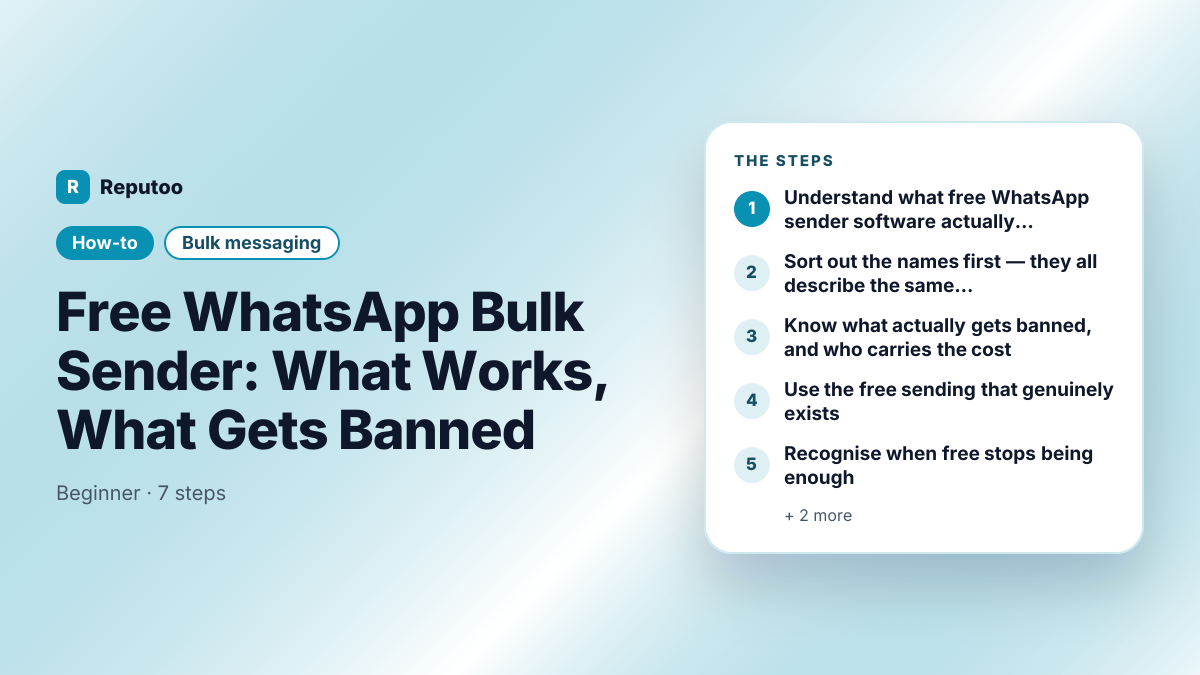
Free WhatsApp Bulk Sender: What Works, What Gets Banned: Understand what free WhatsApp sender software actually does, Sort out the names first — they all describe the same thing, Know what actually gets banned, and who carries the cost, Use the free sending that genuinely exists, Recognise when free stops being enough
Free WhatsApp Bulk Sender: What Works, What Gets Banned — the steps at a glance.
On this page · 5 chapters
  1. 01 · What you need
  2. 02 · Step by step (7 steps)
  3. 03 · Pro tips
  4. 04 · What to expect
  5. 05 · Frequently asked questions
Chapter 01

What you need

  • Your current business phone number
  • An honest count of how many customers you need to reach
Chapter 02

Step by step (7 steps)

  1. 01Understand what free WhatsApp sender software actually doesAlmost every free bulk sender works the same way: it opens WhatsApp Web in a browser it controls, reads your numbers from a spreadsheet, and types and sends messages by driving the page — a script pretending to be your hands. Nothing about that goes through an official interface. WhatsApp has no free bulk-sending API, so there is nothing else these tools could be doing. That is also why they break every time WhatsApp changes its web layout, and why they ask you to scan a QR code to link your personal or business account: the account doing the sending is yours, not theirs.
  2. 02Sort out the names first — they all describe the same thingThe vocabulary here is a mess and it costs people money. WhatsApp message sender, WhatsApp mass sender, bulk WhatsApp sender software, WA bulk message sender, bulk message sender WhatsApp, WhatsApp blast tool — these are not different products. They are the same category under whatever name a vendor thinks people search for, and none of the words carries a technical meaning. What the name never tells you is the only thing that matters: whether the tool sends through Meta's official WhatsApp Business Platform or drives WhatsApp Web through automation. There is a quick test that cuts through all of it. If the tool asks you to scan a QR code to link your existing WhatsApp account, and promises unlimited free sending with no message templates to get approved, it is the automation kind — regardless of what its homepage calls itself. Official platform tools cannot avoid template approval and cannot avoid per-conversation charges, because Meta imposes both. A free WhatsApp bulk sender software download that has neither is not a cheaper route to the same place; it is a different road with your business number as the toll.
  3. 03Know what actually gets banned, and who carries the costMeta does not ban the software. It bans the number. Automated sending patterns — identical messages, unnatural timing, many new conversations at once — are exactly what its abuse detection looks for, and the signal that triggers action fastest is recipients blocking or reporting you. When it happens, the ban lands on the phone number your customers already have saved, and it takes your chat history with it. Appeals exist and often fail. The tool cost nothing; replacing a business number that customers, printed material and Google listings all point at is the actual price.
  4. 04Use the free sending that genuinely existsThere is real free capacity, and most people looking for a bulk sender never find it. The WhatsApp Business app is a free download and its broadcast lists let you send one message to up to 256 contacts at a time, as many times as you like, at no cost. The catch is one specific limit: a recipient only gets the message if they have saved your number in their contacts. For a salon, a clinic or a neighbourhood shop whose regulars already have the number stored, that is frequently the whole answer. Separately, on the WhatsApp Business Platform, conversations a customer starts are free for the first 24 hours in most cases — so replying is not what costs money, starting the conversation is.
  5. 05Recognise when free stops being enoughThree things push a business past the free tier, and none of them are about volume alone. You need to reach people who have not saved your number — which the Business app broadcast simply cannot do. You need more than 256 recipients in one send. Or you need something the app has no concept of: scheduling, segmentation, delivery reporting, two or more staff sharing one inbox, or messages triggered automatically by an order or a booking. If none of those apply to you, stay on the free app. Genuinely. The paid route exists because of those constraints, not because sending messages is inherently expensive.
  6. 06If you are already using a sender tool, get off it carefullyDo not simply switch tools and keep sending to the same list. Stop the automated sending first, because every additional batch adds risk to a number that may already be flagged. Export your contacts and whatever consent record you have. Assume your current number may be compromised and decide deliberately whether to migrate it or start clean — a number that has been driving WhatsApp Web at volume carries history you cannot see. Then rebuild consent properly before the first send from the new setup, even if it means a smaller list. A smaller list that survives is worth more than a large one that gets the number closed.
  7. 07What the paid route actually buysOn the WhatsApp Business Platform you are paying per 24-hour conversation, at a rate set by the conversation category and the recipient's country. In exchange the sending is sanctioned: no contact cap, delivery to people who never saved your number, message templates reviewed in advance, and a quality rating you can see and manage rather than a ban that arrives without warning. Whether that is worth it depends entirely on your numbers, which is why it is worth calculating rather than guessing — the cost calculators here will give you a figure for your own list and market in about a minute.
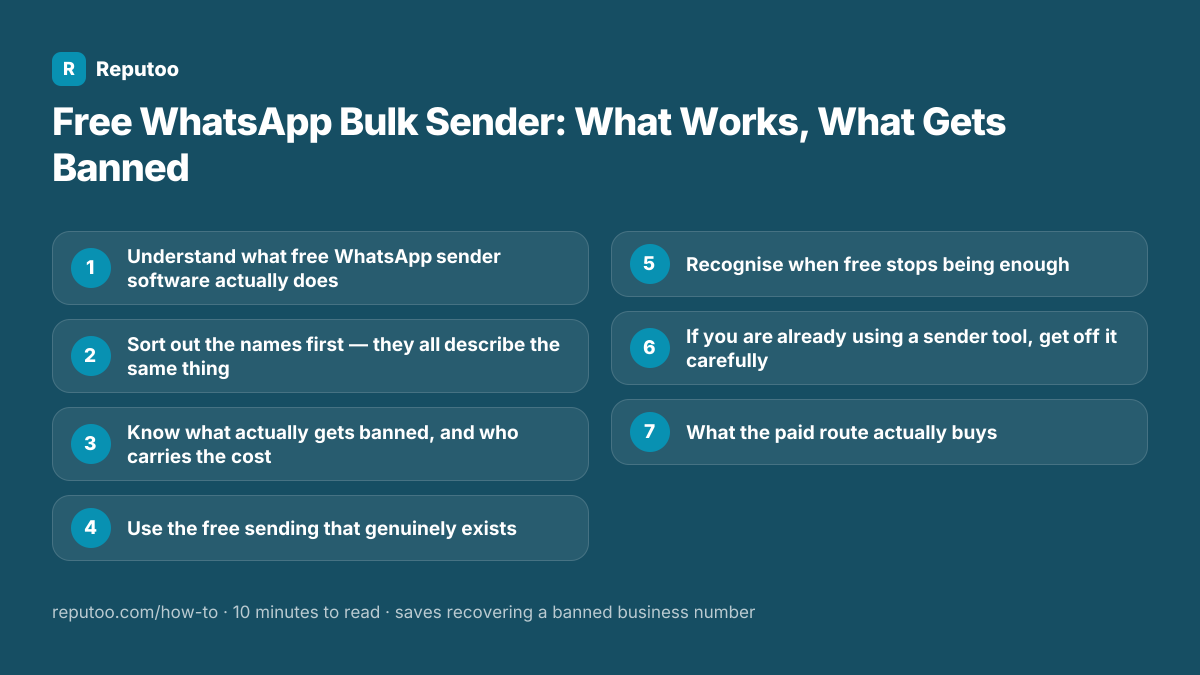
All 7 steps: 1. Understand what free WhatsApp sender software actually does 2. Sort out the names first — they all describe the same thing 3. Know what actually gets banned, and who carries the cost 4. Use the free sending that genuinely exists 5. Recognise when free stops being enough 6. If you are already using a sender tool, get off it carefully 7. What the paid route actually buys
All 7 steps on one card — save it for when you do this.
Chapter 03

Pro tips

  • If your customers have already saved your number, the free WhatsApp Business app broadcast list may be all you need — check before paying for anything
  • Never link your main business number to a sender tool "just to test it" — the risk lands on the number, not the test
  • A tool that asks you to scan a WhatsApp QR code is driving your account, not connecting to an API
  • Keep proof of opt-in with each contact. It is the difference between a sustainable list and a suspended number
  • Sending fewer, more relevant messages is the single most effective thing you can do to protect a business number
Chapter 04

What to expect

A clear-eyed decision: either the free WhatsApp Business app genuinely covers your case, or you move to the official platform knowing what it costs — without risking the number your customers already have.

Chapter 05

Frequently asked questions

Is there a genuinely free WhatsApp bulk sender?

The free WhatsApp Business app is the real one. Its broadcast lists send to up to 256 contacts at a time at no cost, with one condition that decides whether it works for you: recipients must have saved your number. The free desktop "sender" tools are a different thing — they automate WhatsApp Web, which is against Meta's terms, and the number sending through them is what gets banned.

Will I really get banned for using WhatsApp sender software?

It is a genuine and common outcome, not a scare story. Meta's systems look for automated sending patterns, and blocks or reports from recipients accelerate action sharply. The ban applies to the phone number, so the cost is losing the number your customers have saved along with its chat history. Some numbers run for months before anything happens, which is exactly what makes it a bad bet.

How can I send bulk WhatsApp messages for free without getting banned?

Use the WhatsApp Business app's broadcast lists, keep each list to 256 contacts or fewer, and accept that only people who saved your number will receive it. That is the sanctioned free route and it is genuinely enough for many local businesses. Past those limits there is no free option that is also safe — the choice becomes the official platform or the risk.

Why does WhatsApp not offer free bulk messaging?

Because unlimited free business messaging would make the app unusable for the people who use it to talk to family. The conversation-based pricing on the WhatsApp Business Platform is deliberately a brake: it makes indiscriminate blasting expensive and targeted messaging cheap. That is also why the platform rewards a good quality rating with higher limits.

What is the difference between a WhatsApp sender and the WhatsApp Business API?

A sender is software running on your computer, driving your WhatsApp account through a browser without Meta's involvement or permission. The WhatsApp Business Platform is Meta's own sanctioned interface, accessed through an approved provider, with message templates, per-conversation billing, published rate limits and a quality rating you can see. One is unofficial automation of your account; the other is an official channel.

I already used a bulk sender. What should I do now?

Stop the automated sending before anything else — further batches only add risk. Export your contacts and any opt-in records while the account is still active. Then decide deliberately whether to migrate that number to the official platform or start with a clean one, and rebuild consent before your first send. Continuing to send while you decide is the one option with no upside.

Written by Riya · Reputoo. Riya writes Reputoo’s guides on WhatsApp and the WhatsApp Business API. Updated September 2026.

← All how-to guides
Put it to work

Ready to do this with Reputoo?

1,000+ businesses onboarded · Member of NVIDIA Inception · Official WhatsApp Business API, no per-message markup.

Get the details on WhatsAppNo payment needed. We will message you on WhatsApp.
+91
By sending, you agree to be contacted on WhatsApp. Prefer to write first? Message us