
Intermediate Five minutes to find your way around· Updated September 2026

How to Access WhatsApp Manager

WhatsApp Manager is the Meta-side control panel for a business account on the WhatsApp Business Platform. It is where your numbers, message templates, messaging limits and quality rating actually live — which means it is where you look when a template is rejected or a limit will not rise, regardless of what your provider’s dashboard shows. It is not an app, and it has nothing to do with the WhatsApp Business app on a phone.
Tools You'll Need

A Meta Business account with a WhatsApp Business Account attachedAdmin or appropriate access on that Business account

Step-by-Step Guide

1

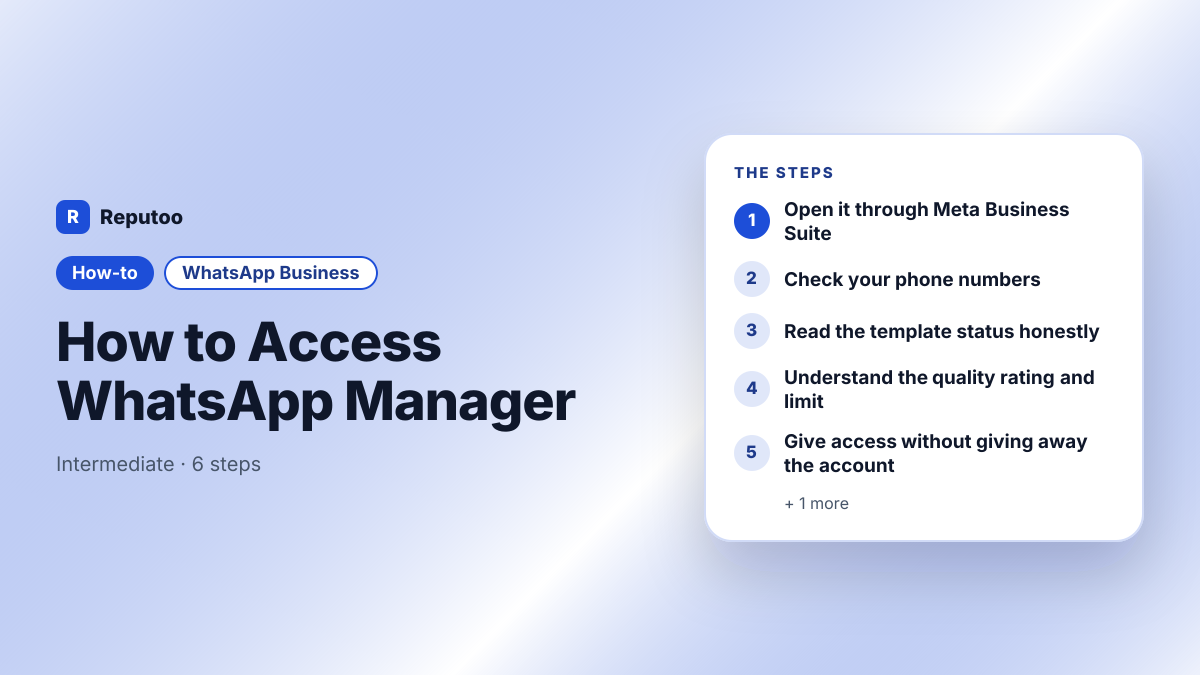
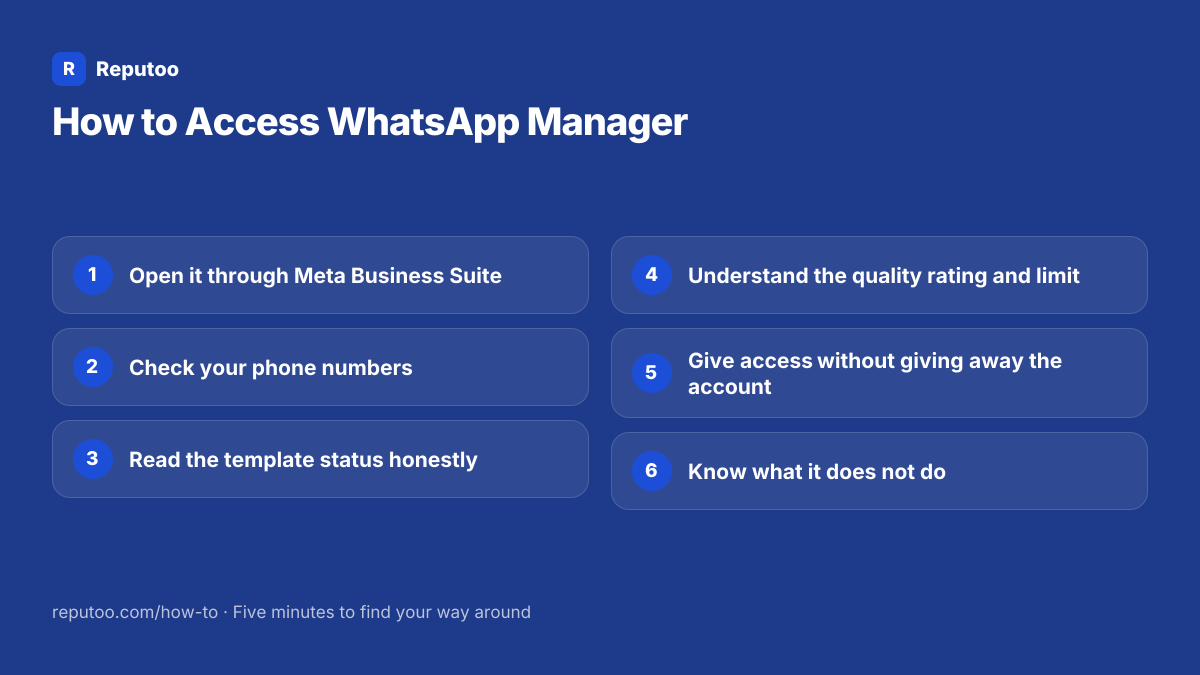
Open it through Meta Business Suite

Go to business.facebook.com and sign in with the personal Facebook account that has access to the business. Open Business Settings, then look under Accounts for WhatsApp Accounts — selecting your WhatsApp Business Account gives you the WhatsApp Manager view. There is no separate whatsappmanager.com and no app to install: searches for a WhatsApp Manager download lead only to things you should not install.

2

Check your phone numbers

The numbers section lists every number registered to the account with its display name, its quality rating and its current messaging tier. This is the authoritative view — if a provider dashboard and this disagree, this one is right. It is also where a display name change is requested, which triggers a Meta review.

3

Read the template status honestly

Message templates live here with their real status: approved, pending, rejected, paused or disabled. When a provider says a template was rejected without saying why, this is where the reason is. It is also where you see a template that was approved and later paused for poor quality — which happens after approval, based on how recipients responded, and which surprises people who assume approval is permanent.

4

Understand the quality rating and limit

Each number carries a quality rating derived from how recipients react — blocks and reports pull it down — and a messaging tier setting how many unique customers you may start conversations with per day. The two are linked: sustained good quality raises the tier, a fall lowers it. Watching this weekly is the single most useful habit for anyone sending at volume, because the drop shows here before it shows in your results.

5

Give access without giving away the account

People are added to the Business account and assigned roles per asset, rather than sharing a login. Give your provider or agency partner access as a partner rather than handing over credentials, and review the people list occasionally — old agencies and departed staff commonly still have access months later. Never share the Facebook login itself; it is a personal account and sharing it breaks Meta’s terms.

6

Know what it does not do

WhatsApp Manager is administration, not operation. There is no inbox, no way to reply to a customer, no campaigns and no automation. Conversations happen in whatever platform you connected to the account. If you went looking for WhatsApp Manager expecting to see and answer messages, what you want is your provider’s inbox or the WhatsApp Business app, not this.

Pro Tips

  • There is no WhatsApp Manager app or download — it lives inside business.facebook.com
  • When a provider dashboard and WhatsApp Manager disagree, WhatsApp Manager is authoritative
  • Approved templates can be paused later for poor quality; approval is not permanent
  • Check the quality rating weekly if you send at volume — it falls before your results do
  • Audit who has access twice a year; former agencies keeping access is common

Expected Results

Direct sight of the numbers, templates, limits and quality rating Meta actually holds for your business — instead of only what a provider chooses to surface.

Ready to implement this with Reputoo?

Set up in minutes. No technical expertise required.

Frequently Asked Questions

How do I access WhatsApp Manager?

Sign in at business.facebook.com with the Facebook account that has access to your business, open Business Settings, and under Accounts choose WhatsApp Accounts, then your WhatsApp Business Account. There is no separate site and no app to download.

Is there a WhatsApp Manager app to download?

No. It is a section of Meta Business Suite in a browser. Search results offering a WhatsApp Manager download are not from Meta, and installing one is how business accounts get compromised.

What can I do in WhatsApp Manager?

Manage phone numbers and display names, see message templates with their real status and rejection reasons, read your quality rating and messaging tier, and control who has access. What you cannot do is read or reply to customer messages — it is administration, not an inbox.

Why does my template show rejected in WhatsApp Manager but approved elsewhere?

Because WhatsApp Manager is the authoritative source and provider dashboards can lag or simplify. It also shows templates that were approved and later paused for poor quality, which some dashboards do not surface at all. Trust this view.

Is WhatsApp Manager the same as the WhatsApp Business app?

No, and they are not related. The Business app is a free app on a phone for small businesses. WhatsApp Manager is the Meta-side administration panel for an account on the WhatsApp Business Platform. Having one does not give you the other.