
How to Build a WhatsApp Chatbot (No-Code)
A WhatsApp chatbot handles your most common customer queries 24/7 — no staff required. You can build one in a few hours without any coding. Here's exactly how, from planning your flows to going live with your first AI-powered WhatsApp assistant.
On this page (5 sections)
What you need
- Reputoo account (for WhatsApp API + chatbot builder)
- List of your 10 most common customer questions
- Your booking/pricing/service information
Step by step
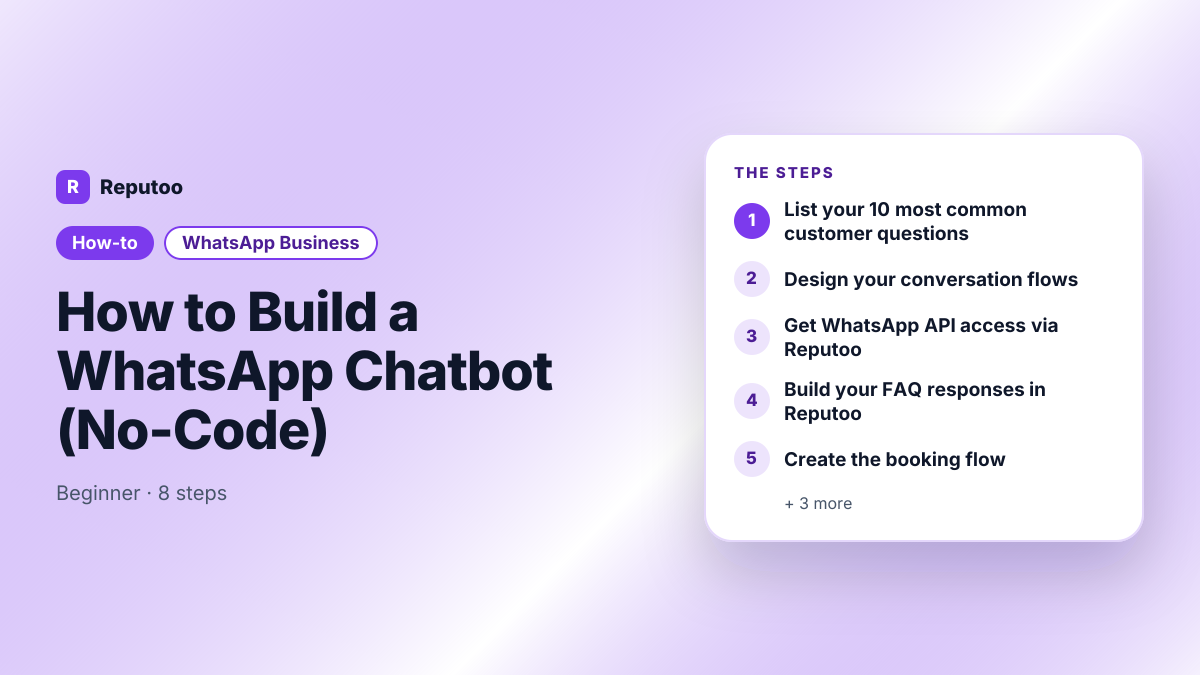
- 1
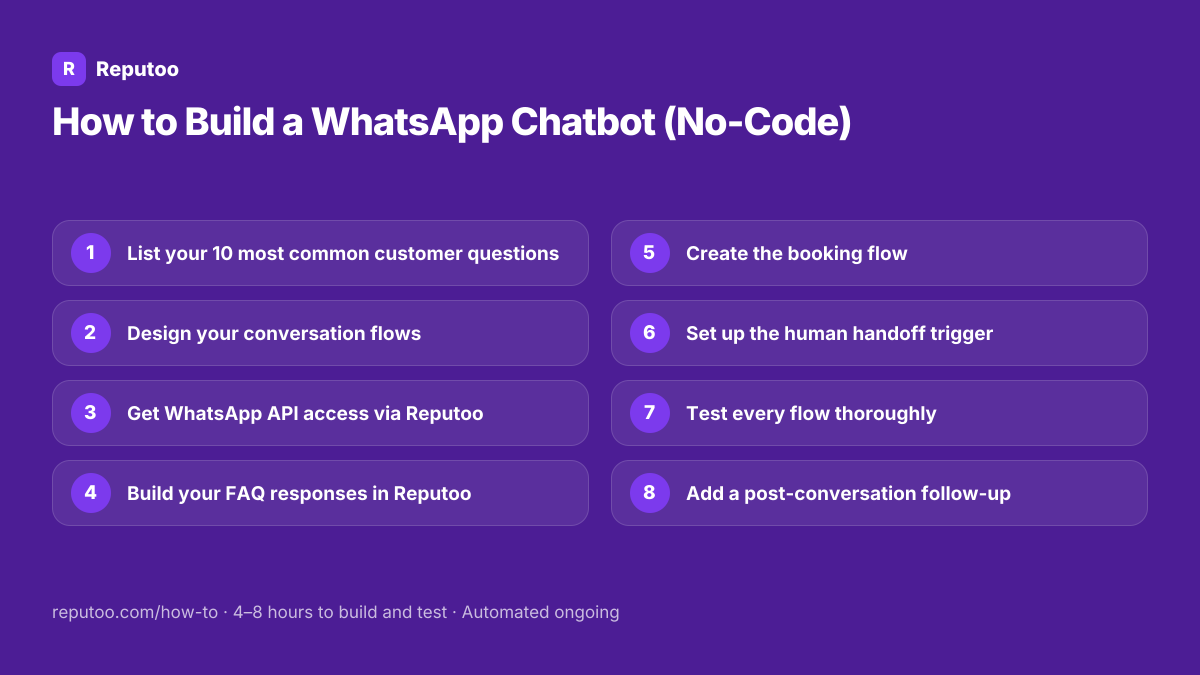
List your 10 most common customer questions
Check your WhatsApp chat history, email inbox, and reception log. What do customers ask most often? Typically: business hours, location/directions, service menu, pricing, how to book, parking, how long it takes, whether you take walk-ins, payment methods, and cancellation policy. These become your chatbot's core knowledge.
- 2
Design your conversation flows
Map out the key paths your chatbot needs to handle: Greeting flow (new contact → welcome + quick menu), FAQ flow (answers to your top 10 questions), Booking flow (collects name, date, service, confirms), Human handoff flow (escalates to staff for complex queries). Draw this on paper first — it makes the build phase much faster.
- 3
Get WhatsApp API access via Reputoo
Sign up at reputoo.com, complete your Meta Business Manager verification, and connect your WhatsApp number. This takes 1–3 days. While waiting for approval, continue building your chatbot content in the next steps.
- 4
Build your FAQ responses in Reputoo
In Reputoo's Chatbot Builder, create your knowledge base: add each common question as a trigger (and its variations), write the answer, add relevant quick reply buttons for follow-ups. Example: trigger "What are your hours?" → response "We're open Mon–Sat 9am–7pm, Sunday 10am–4pm. Want to book an appointment?" + quick reply buttons [Book Now] [Ask Another Question].
- 5
Create the booking flow
The booking flow collects: customer name (ask), preferred service (show menu with buttons), preferred date (ask or show calendar), preferred time (show available slots), contact number (already have it), and confirmation. End with: "Great! We'll see you on [date] at [time] for [service]. You'll receive a WhatsApp reminder the day before."
- 6
Set up the human handoff trigger
Some queries need humans. Configure handoff triggers: keywords like "speak to someone", "manager", "complaint", or any question the AI can't confidently answer. When handoff triggers, the customer gets: "Let me connect you with our team — someone will reply within [timeframe]." Your staff receives a notification in the shared inbox.
- 7
Test every flow thoroughly
Test every path yourself using a personal WhatsApp number. Ask questions in different phrasings — natural language, with typos, abbreviated forms. Check that: all FAQ answers are accurate, booking flow completes correctly, calendar integration works, handoff triggers fire correctly, and the chatbot doesn't get stuck in loops.
- 8
Add a post-conversation follow-up
After any completed positive interaction (booking confirmed, question answered satisfactorily), set a 24-hour delay then send the follow-up. Configure: if conversation tagged "resolved" and sentiment positive → send the next-step message 24 hours later. This turns your chatbot into a repeat-business engine.
Pro tips
- Shorter chatbot responses outperform longer ones — customers on WhatsApp want quick answers, not essays
- Add quick reply buttons wherever possible — they reduce friction and increase completion rates
- Always include a "Talk to a person" option — some customers just want humans, and forcing them through a bot increases frustration
- Start simple and expand — launch with FAQ + booking + handoff, then add more flows based on actual conversation data
- A chatbot that says "I don't know" gracefully is better than one that gives wrong answers confidently
What to expect
A well-built WhatsApp chatbot handles 60–75% of all inbound queries without human involvement, saves 15–25 hours of staff time per week, and captures leads 24/7 including outside business hours.
Frequently asked questions
Can I build a WhatsApp chatbot without coding?
Yes. Platforms like Reputoo provide no-code chatbot builders for WhatsApp — drag-and-drop flow designers, AI-powered response generation, and template libraries. You describe your business and flows; the platform builds the AI chatbot. No developer required.
How much does a WhatsApp chatbot cost?
WhatsApp chatbot platforms range from $15–$100+/mo. Reputoo includes chatbot functionality in plans starting at ₹999/month ($19), including WhatsApp API access. Additional costs: Meta's per-message charges — chatbot replies are charged at the utility rate since 1 October 2026 (₹0.115 in India). Most businesses spend $30–$100/mo total.
What can a WhatsApp chatbot do?
Answer FAQs, take bookings, qualify leads, collect contact information, send product catalogs, process payments (via payment links), follow up on abandoned conversations, schedule the next appointment, escalate to human agents, and send automated reminders for upcoming appointments.
How do I make my WhatsApp chatbot sound more human?
Use the customer's name, keep sentences short and conversational, avoid corporate jargon, include occasional emojis for warmth (where appropriate for your brand), add typing delays between messages for realism, and vary response phrasing so it doesn't sound scripted. Reputoo's AI-powered responses are generated dynamically, so they naturally vary.
What if my chatbot can't answer a question?
Configure a clear fallback: "Good question — let me pass this to my team who can help you better." Then route to your human inbox. Never let the chatbot try to answer if it's not confident — a wrong answer is worse than an honest handoff. Train your chatbot by reviewing handoff conversations and adding the most common unanswered questions to its knowledge base.
Written by Riya · Reputoo
Riya writes Reputoo's guides on WhatsApp and the WhatsApp Business API. Updated July 2026.
Ready to do this with Reputoo?
1,000+ businesses onboarded · Member of NVIDIA Inception · Official WhatsApp Business API, no per-message markup.