
Beginner Setup: 2 minutes · First backup: minutes to hours depending on media· Updated September 2026

How to Back Up WhatsApp Chats

A WhatsApp backup is what stands between you and losing every conversation when a phone dies. It works differently on Android and iPhone, it is not automatic unless you turn it on, and it has one property that catches people out at the worst possible moment: restoring only happens during setup, not afterwards. Here is how to set it up on both platforms and how to get the history back when you need it.
Tools You'll Need

Android: a Google account with Drive spaceiPhone: an iCloud account with spaceWi-Fi, and ideally a charger for the first run

Step-by-Step Guide

1

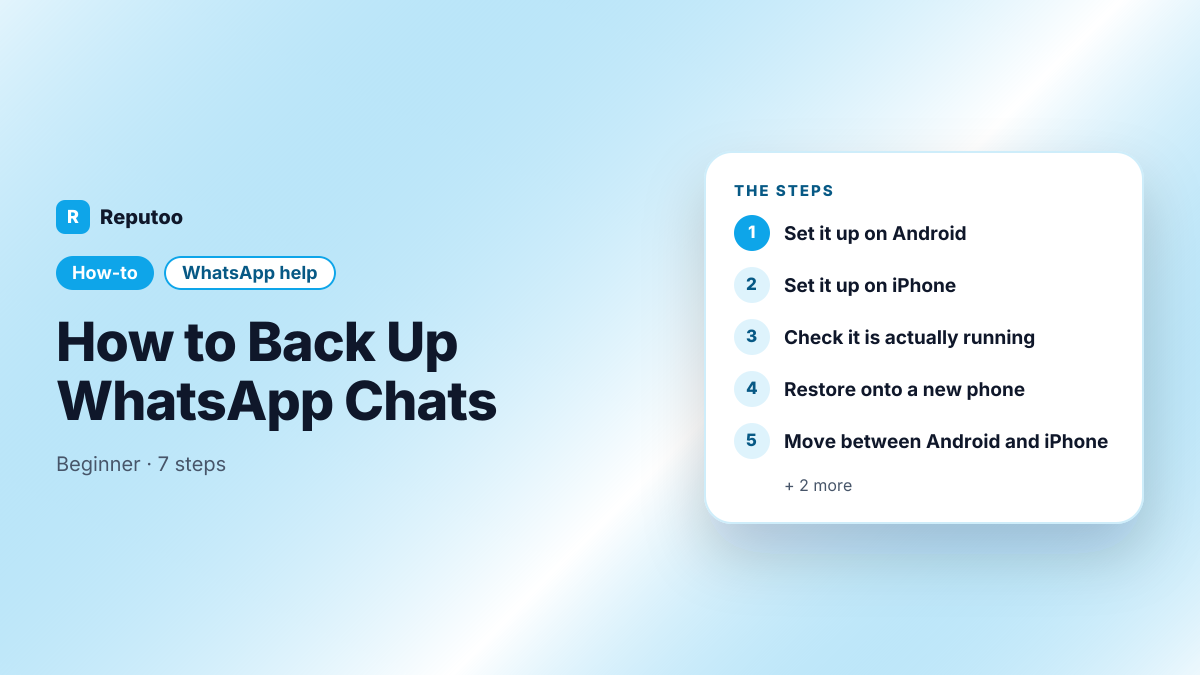
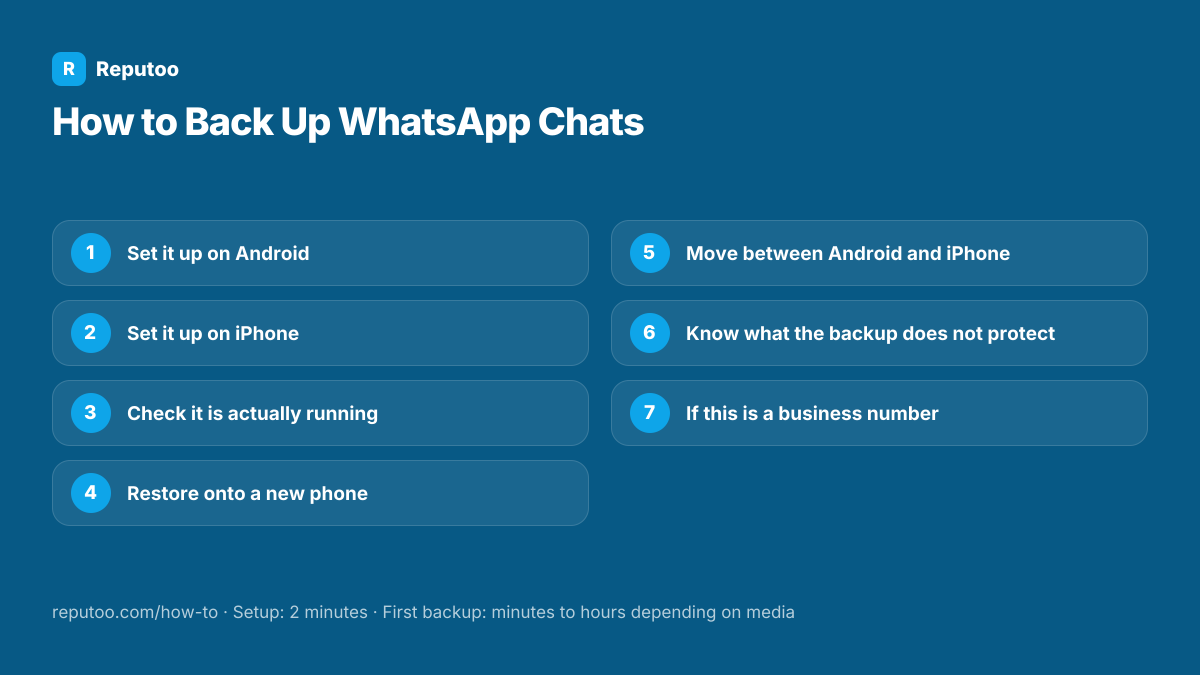
Set it up on Android

Open WhatsApp, tap the three dots, then Settings, Chats, Chat backup. Choose the Google account to back up to, set the frequency — daily is the sensible default — and decide whether to include videos, which is what makes a backup large. Tap Back up to run the first one now rather than waiting for the schedule. Android also keeps a local backup on the phone itself, but that dies with the phone, so it is not a substitute.

2

Set it up on iPhone

Open WhatsApp, tap Settings at the bottom right, then Chats, then Chat Backup. Turn on Auto Backup and pick a frequency, and choose whether to include videos. The backup goes to iCloud under the Apple ID signed into the phone, so that account needs free space — a full iCloud is the single commonest reason an iPhone backup silently stops working.

3

Check it is actually running

Both platforms show the date and size of the last backup on the same screen. Look at it now. A backup that says "Never" or shows a date weeks old is the normal state for people who assumed it was automatic, and it is worth finding out today rather than after a phone is lost. Size matters too: if it is tiny, media is probably excluded.

4

Restore onto a new phone

This is the step with the trap. Install WhatsApp on the new phone, verify the same phone number, and when it offers to restore from backup, accept. That prompt appears only during setup — once you skip it and start using WhatsApp, the only way back is to uninstall and start again. The Google account or Apple ID must be the same one that holds the backup, and the phone number must match.

5

Move between Android and iPhone

Google Drive and iCloud backups are not interchangeable, so switching platforms does not work through the normal restore. WhatsApp instead offers a device-to-device transfer during setup on the new phone, using a cable or a QR code, which moves the history across directly. It has to be done at setup time on the new device, and both phones need to be present — there is no way to do it later from a backup file.

6

Know what the backup does not protect

Two things. A backup is tied to the phone number: change the number and the old backup is not restorable to the new one. And backups are not permanent — Google has removed WhatsApp backups from Drive after long periods of inactivity. For a conversation you genuinely cannot lose, Export chat from that chat gives you a text file you hold yourself, which no account policy can delete.

7

If this is a business number

A phone-based backup ties your customer history to a handset and a personal Google or Apple account, usually an employee’s. When they leave, the history leaves with them, and there is no admin who can retrieve it. That is a different problem from backup and it is not solved by backing up more carefully — it is solved by the conversations living on a business account rather than a phone.

Pro Tips

  • Check the last backup date today — "I assumed it was on" is the usual story after a lost phone
  • Excluding videos makes backups dramatically smaller and faster with little practical loss
  • The restore prompt appears only during setup; skip it and you must uninstall to try again
  • A backup is tied to the phone number — changing number leaves the old backup unusable
  • For a conversation that genuinely matters, Export chat gives you a file nobody else controls

Expected Results

Automatic backups running to Google Drive or iCloud, a known-good last backup date, and a clear path for restoring or moving between platforms without losing the history.

Ready to implement this with Reputoo?

Set up in minutes. No technical expertise required.

Frequently Asked Questions

How do I back up WhatsApp chats?

On Android: three dots, Settings, Chats, Chat backup — pick a Google account and a frequency, then tap Back up. On iPhone: Settings, Chats, Chat Backup — turn on Auto Backup and choose a frequency; it goes to iCloud. Neither is on by default at the frequency most people assume, so check the last backup date.

How do I restore WhatsApp chats on a new phone?

Install WhatsApp, verify the same phone number, and accept the restore prompt when it appears during setup. That prompt only appears then — if you skip it and start using the app, you have to uninstall and set up again to get it back. The Google or Apple account must be the one holding the backup.

Can I move WhatsApp chats from Android to iPhone?

Yes, but not through the cloud backup — Google Drive and iCloud backups are not interchangeable. WhatsApp offers a device-to-device transfer during setup on the new phone using a cable or QR code. Both phones have to be present, and it must be done at setup rather than later.

Where are WhatsApp backups stored?

Android backs up to Google Drive under the account you chose, plus a local copy on the phone itself. iPhone backs up to iCloud under the Apple ID signed into the device. The local Android copy is not a real safety net, because it disappears with the phone.

Why is my WhatsApp backup not working?

On iPhone, almost always a full iCloud account. On Android, either no space in Drive, the wrong Google account selected, or backups only running on Wi-Fi when the phone is rarely on it. Open the Chat backup screen and read the last backup date and size — that usually shows the problem immediately.

Does the backup include my WhatsApp messages?

Yes — unlike the account info report, which contains none. A chat backup holds your conversations and, if you include them, your media. That is why the backup is the answer when someone wants their messages and the report is not.