
Beginner Two minutes· Updated September 2026

How to Use One WhatsApp Account on Two Phones

For years the answer was that you could not — one number, one phone, and everything else was a workaround. That changed with companion mode, which lets a second phone be linked to the same account the way a computer is. It works well, and it has limits that matter, particularly if the reason you are asking is that two people need to answer the same number.
Tools You'll Need

Your main phone with WhatsApp signed inA second phone with WhatsApp installed but not registered to a number

Step-by-Step Guide

1

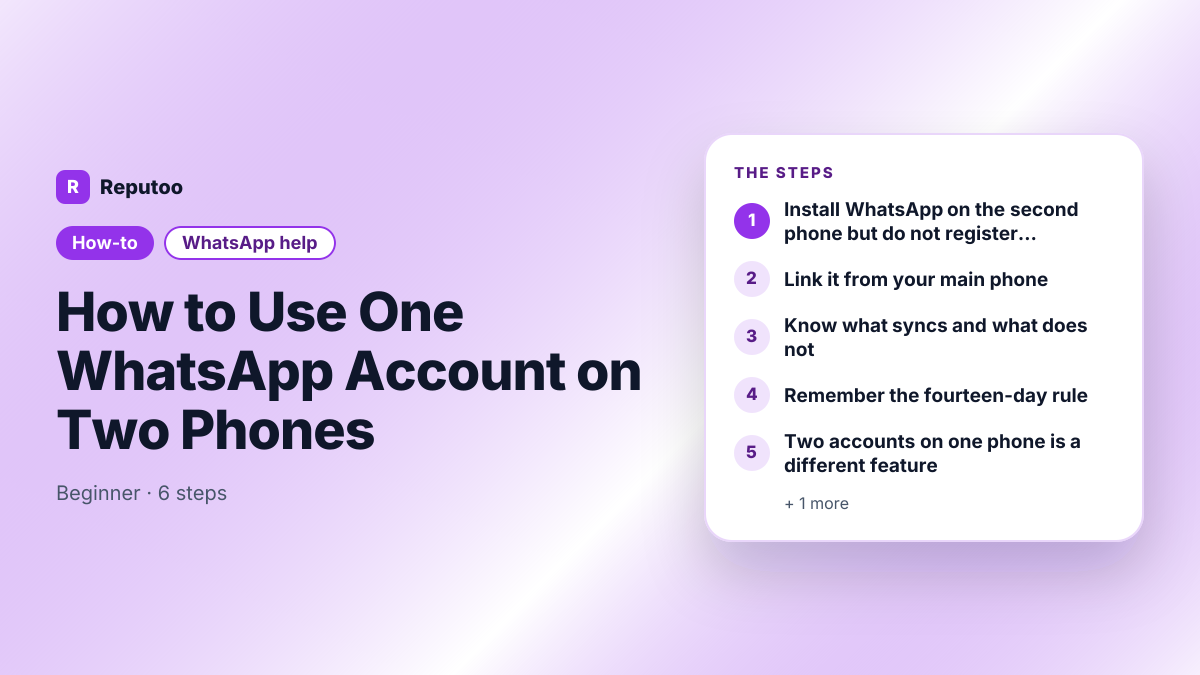
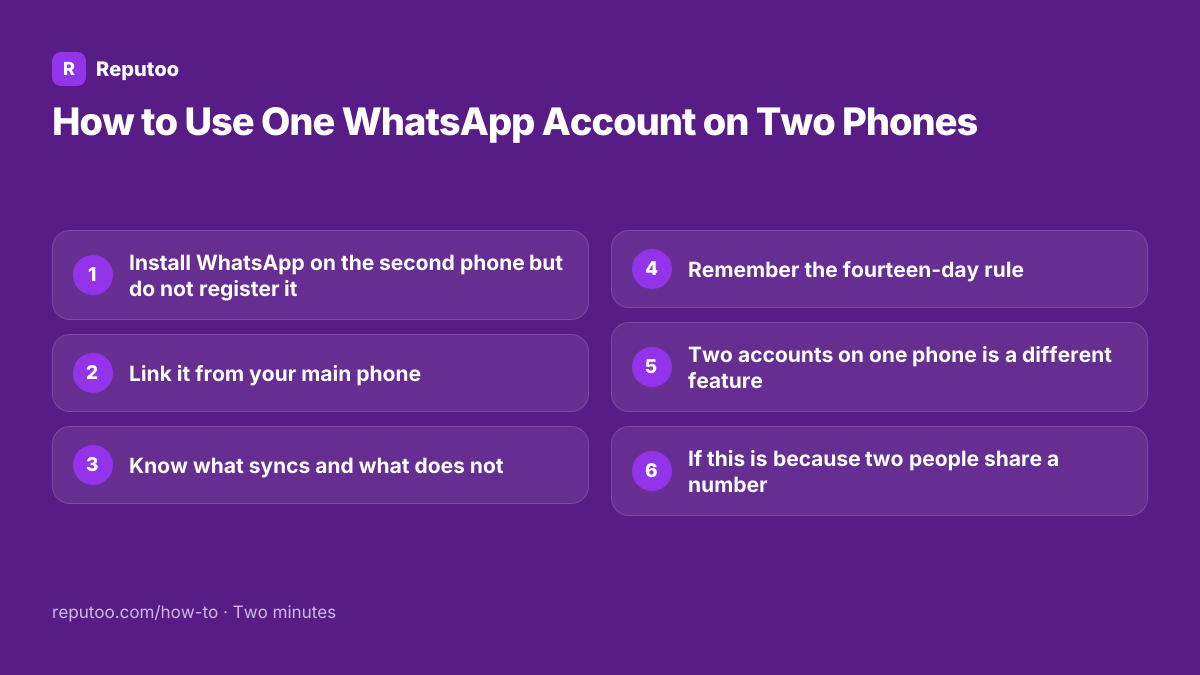
Install WhatsApp on the second phone but do not register it

This is the step that goes wrong. On the second phone, install WhatsApp and open it — then, instead of entering a phone number, look for the option to link to an existing account. On Android it is behind the three dots on the registration screen; on iPhone it appears as a link on that screen. Entering a number here instead registers a separate account and the linking option disappears.

2

Link it from your main phone

The second phone shows a QR code. On your main phone, open WhatsApp, go to Linked devices — three dots on Android, Settings on iPhone — and tap Link a device, then scan the code on the second phone. Confirm with fingerprint, face or PIN. The second phone then syncs your chats, exactly as a linked computer does.

3

Know what syncs and what does not

Messages, chats and contacts sync both ways, and either phone can send and receive. Your chat history transfers to the companion device, though very old history may not appear in full. What does not sync is anything tied to the primary device: some settings changes, and features WhatsApp keeps on the main phone only. Calls work on companion devices but the behaviour has been less consistent than messaging.

4

Remember the fourteen-day rule

The primary phone must come online at least once every fourteen days. If it does not, every linked device — companion phones and computers alike — is logged out and has to be linked again. That makes companion mode unsuitable for the case people most often want it for: a spare phone used while the main one is switched off in a drawer for a month.

5

Two accounts on one phone is a different feature

Often confused with this. WhatsApp now supports a second account on the same phone, for a second number — Settings, tap your profile, add account. That is one phone with two numbers, whereas companion mode is one number on two phones. If what you want is to keep work and personal separate on a single handset, the second-account feature is the one, not this.

6

If this is because two people share a number

Companion mode makes the same inbox visible on two handsets, and for a business that is where the trouble starts rather than ends. There is no assignment, no way to see who is replying, and two staff routinely answer the same customer differently within a minute of each other. What a team actually needs is a shared inbox on the WhatsApp Business Platform, where one number is worked by many people with ownership, internal notes and response tracking — which companion mode is not trying to be.

Pro Tips

  • Do not enter a phone number on the second phone — that registers a separate account and loses the link option
  • The primary phone must connect at least once every fourteen days or all linked devices drop
  • Companion mode is one number on two phones; the second-account feature is two numbers on one phone
  • Avoid modified apps promising this — they are the commonest cause of a banned number
  • For two people answering one business number, companion mode creates double replies rather than solving them

Expected Results

The same WhatsApp account running on a second phone with your chats synced — and a clear view of when that is the right tool and when a shared business inbox is.

Ready to implement this with Reputoo?

Set up in minutes. No technical expertise required.

Frequently Asked Questions

Can WhatsApp be used on two phones?

Yes, with companion mode. Install WhatsApp on the second phone and, instead of entering a number, choose the option to link to an existing account. Then scan the code it shows from Linked devices on your main phone. Both phones can then send and receive on the same number.

How do I use the same WhatsApp account on two phones?

On the second phone open WhatsApp and pick the link-to-existing-account option on the registration screen rather than typing a number — it is behind the three dots on Android and shown as a link on iPhone. On your main phone go to Linked devices, tap Link a device, and scan the code.

Does my main phone need to stay on?

Not constantly, but it must come online at least once every fourteen days. Longer than that and every linked device is logged out and has to be linked again — which rules out using a companion phone while the primary sits switched off for weeks.

Can two people use one WhatsApp number?

Technically yes through companion mode, practically not well. Both see the same inbox with no assignment and no way to tell who is answering, so customers get answered twice or not at all. A business that needs several people on one number needs a shared inbox on the WhatsApp Business Platform.

How do I use two WhatsApp numbers on one phone?

That is a different feature: WhatsApp supports a second account on the same device. Open Settings, tap your profile at the top and add an account with the second number. Companion mode is the reverse — one number across two phones.

Do modified apps like GB WhatsApp work for this?

They claim to and they are the commonest reason numbers get banned. The ban applies to the phone number, so you lose the number your contacts have along with its history. Companion mode does the same job officially and without that risk.