How to Send a Video Message on WhatsApp
WhatsApp has two different ways to send video and they behave nothing alike. A video message is a short round clip you record in the chat, like a voice note with a face. Sending a video file is attaching something from your gallery. Knowing which you want saves the usual round of failed sends and compressed, unwatchable footage.
Tools You'll Need
Step-by-Step Guide
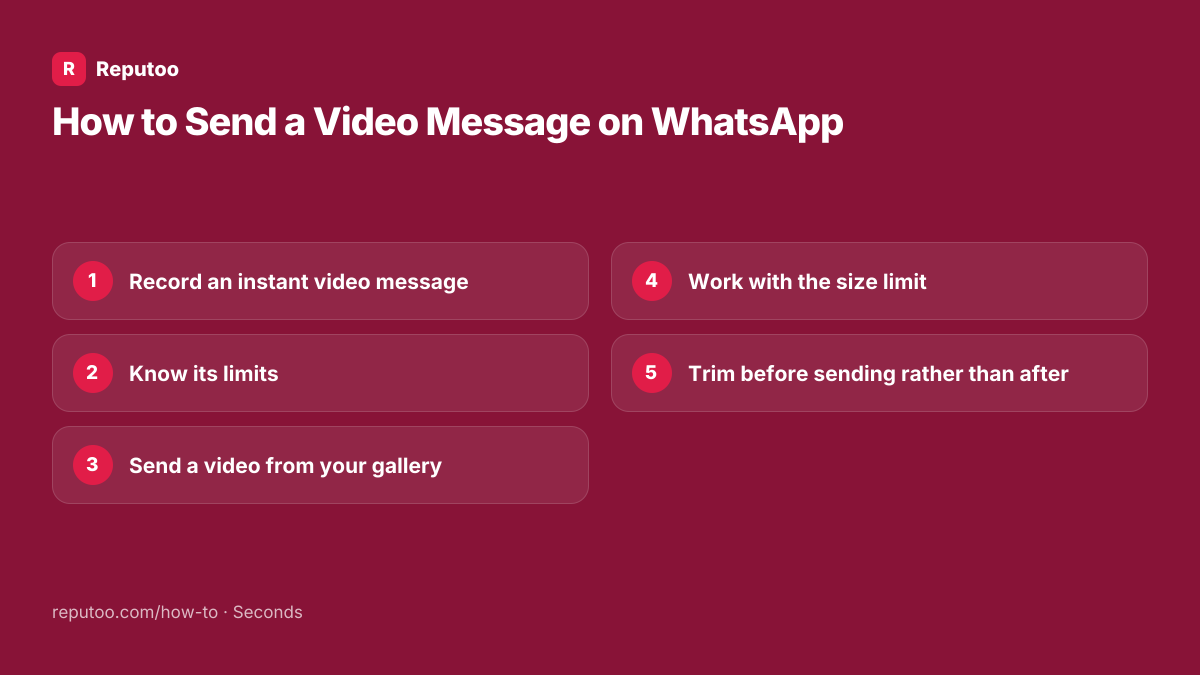
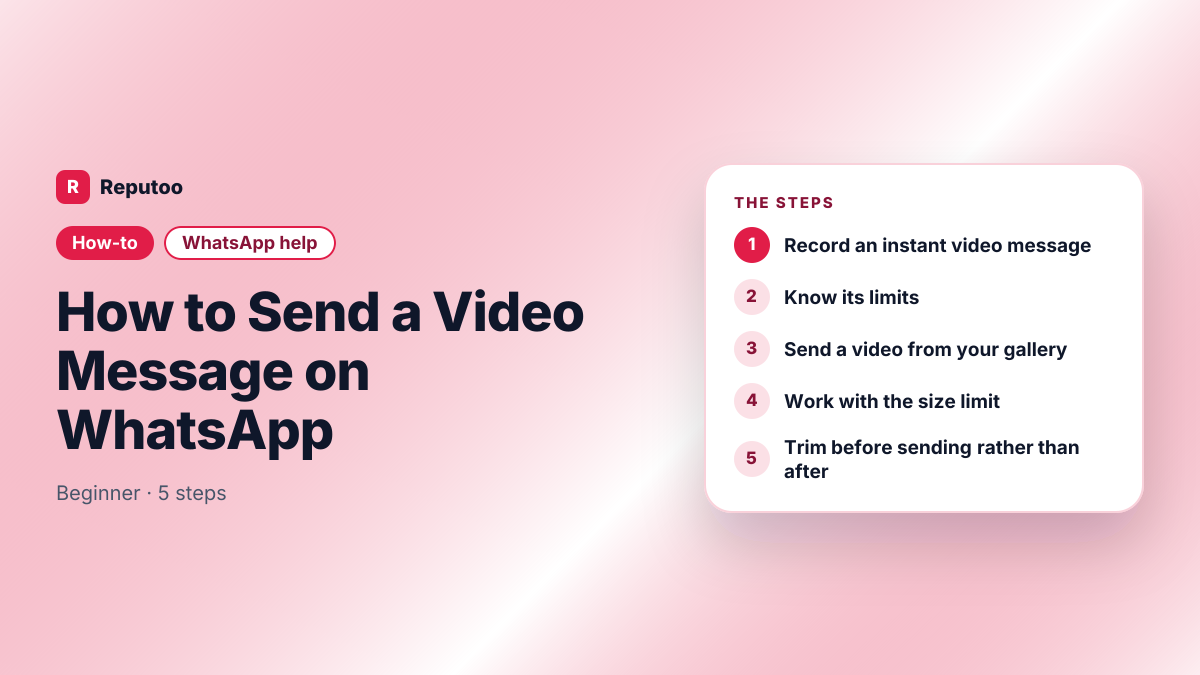
Record an instant video message
Open the chat and find the microphone icon on the right of the message box. Tap it once to switch it to a camera icon — that toggle is the whole trick, and it is why most people never find the feature. Then press and hold the camera icon to record, or swipe up to lock it so you can record hands-free. Release, or tap send, and the clip goes as a round video that plays inline.
Know its limits
Video messages are deliberately short — around a minute — and they play muted until tapped, in a small circle rather than full frame. They are meant for a quick reply with tone and a face, not for showing something in detail. If what you have is longer or needs to be seen properly, send it as a file instead.
Send a video from your gallery
Tap the attachment icon — a paperclip or a plus depending on platform — choose Gallery or Photo & Video Library, pick the video, add a caption if useful, and send. This route keeps the video full frame and lets the recipient scrub through it, which the round message does not.
Work with the size limit
WhatsApp caps the size of a media file — historically 16 MB, raised on some versions and for some file types — and compresses video hard on the way. That is why a clear clip arrives blurry. For anything where quality matters, send it as a document instead: attachment, then Document, then the video file. It skips compression, though it also skips the inline preview and is subject to the larger document limit.
Trim before sending rather than after
The gallery picker in WhatsApp lets you drag the ends of the timeline to trim before it sends. Doing that first is worth the seconds: a shorter clip compresses less aggressively, so trimming does more for quality than any setting does. For a long video, splitting it into two clips beats sending one that fails.
Pro Tips
- Tap the microphone icon once to turn it into a camera — that toggle is the video message feature
- Swipe up while recording to lock it and film hands-free
- Send as Document to skip compression when quality matters more than the preview
- Trim before sending — shorter clips compress less and arrive clearer
- Video messages play muted in a small circle; use a file for anything that needs to be seen properly
Expected Results
A short video message recorded and sent in the chat, or a full-quality video file delivered uncompressed — with a clear idea of which situation calls for which.
Ready to implement this with Reputoo?
Set up in minutes. No technical expertise required.
Every how-to guide
Frequently Asked Questions
How do I send a video message on WhatsApp?
Tap the microphone icon at the right of the message box once — it becomes a camera icon. Press and hold it to record, or swipe up to lock it hands-free, then release or tap send. The clip goes as a short round video that plays inline in the chat.
What is the difference between a video message and sending a video?
A video message is a short round clip recorded in the chat, capped at around a minute, that plays muted in a small circle until tapped. Sending a video attaches a file from your gallery, plays full frame, and can be scrubbed through. Use the first for a quick personal reply and the second for anything that needs to be seen properly.
Why does my video look blurry on WhatsApp?
Because WhatsApp compresses video heavily to fit its media size limit. To avoid it, send the file as a Document instead of from the gallery — attachment, Document, pick the video. It arrives uncompressed, at the cost of the inline preview. Trimming the clip first also helps, since shorter videos compress less.
How long can a WhatsApp video message be?
Around a minute for the round in-chat video message. Videos sent as files are limited by size rather than duration, and WhatsApp compresses them to fit — which in practice means a long video either arrives poor or fails to send.
Why can I not find the video message button?
Because it shares its place with the voice note button. The microphone icon at the right of the message box toggles to a camera icon when tapped once — there is no separate button, which is why the feature is missed so often. If tapping does nothing, update WhatsApp.