Run it on WhatsApp with ReputooOfficial WhatsApp Business API · plans from ₹999 a monthBook a DemoStart for FREE
How-to · Bulk messaging
How to Send Bulk WhatsApp Messages to Your Customers
There are three official ways to send one WhatsApp message to many customers, and which one fits depends on two numbers: how many customers you have, and whether they have saved your number. This guide compares the three routes and walks through each step: consent, templates, messaging limits, and what a send costs at Meta's current rates.
RRiya · ReputooUpdated September 20269 min readBeginner10 minutes for an app broadcast · 2–3 hours to set up the API route
✓ Checked against 6 primary sources, listed at the end
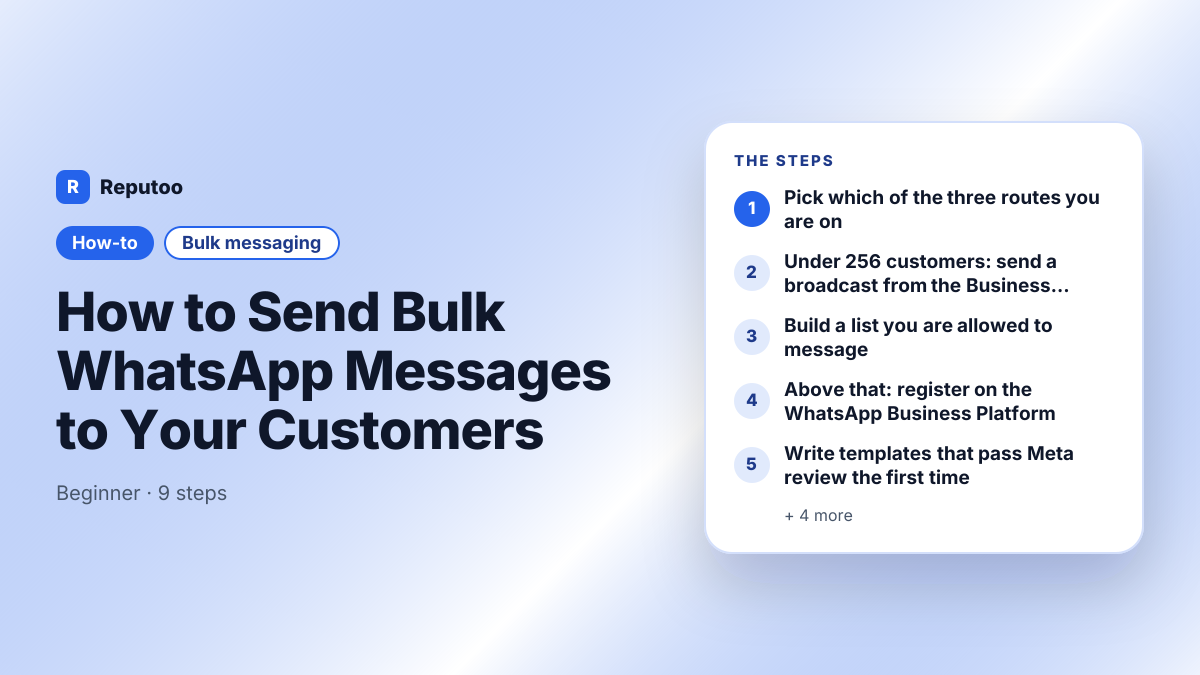
How to Send Bulk WhatsApp Messages to Your Customers — the steps at a glance.
Quick answer
To send bulk WhatsApp messages to your customers, use one of three official routes. (1) A broadcast list in the free WhatsApp Business app: up to 256 contacts per list, and only people who have saved your number receive it. (2) Business broadcasts in the WhatsApp Business app, which Meta made a paid feature in April 2025. (3) The WhatsApp Business Platform (API): no list cap, Meta-approved templates, and a charge per delivered template message, which is ₹0.86 per marketing message in India and $0.025 in the US on Meta's 1 July 2026 rate card. Every route needs the customer's opt-in. Bulk "sender" software that automates WhatsApp Web is against Meta's terms and gets numbers banned.
The three official ways to send bulk WhatsApp messages, compared
Broadcast list (Business app)
Business broadcasts (Business app)
WhatsApp Business Platform (API)
Cost
Free
Paid. The price is shown in the app before you send
Per delivered message. India: ₹0.8631 marketing, ₹0.115 utility. US: $0.025 marketing, $0.0034 utility (Meta list rates, 1 July 2026). From 1 October 2026, replies inside the 24-hour window are charged too
How many people per send
256 contacts per list
Not published as a fixed number. Meta limits how many marketing messages each person receives
Starts at 250 unique customers per 24 hours, then 2,000 → 10,000 → 100,000 → unlimited
Recipient must have saved your number
Yes
Not stated by Meta
No, opt-in is what counts
Templates approved by Meta
No
Not stated by Meta
Yes, for every message your business starts
Automation, CRM, scheduling
No, sent by hand
No, sent by hand from the app
Yes, through a provider or your own integration
Best for
Fewer than 256 regular customers
App users who need more than a broadcast list
Hundreds to millions of customers, and automated sends
Chapter 02
What you need
WhatsApp Business app (routes 1 and 2)
A contact list with recorded opt-in
A Meta Business account and a number not active on the WhatsApp app (route 3)
Chapter 03
Step by step (9 steps)
01Pick which of the three routes you are onThe three routes are separate products, not settings you switch between. (1) Broadcast lists in the free WhatsApp Business app cost nothing, but each list holds 256 contacts, and a message only arrives for people who have saved your number in their phone. (2) Business broadcasts are the paid option in the same app. Meta announced them on 3 April 2025 as "a more powerful and advanced message type" and made them a paid feature. (3) The WhatsApp Business Platform, usually called the API, has no list cap, reaches anyone who opted in whether or not they saved your number, and is the only route that plugs into a CRM or runs automatically. There is also a fourth thing people find when they search: desktop "bulk sender" software that drives WhatsApp Web. It is not a route. It breaks Meta's terms, and the number it runs on gets banned.
02Under 256 customers: send a broadcast from the Business appAndroid: open WhatsApp Business → Chats → More options (⋮) → New broadcast → choose up to 256 contacts → tap the tick → type your message → Send.
iPhone: open WhatsApp Business → Chats → Broadcast Lists → New List → choose contacts → Create → type your message → Send.
Each person gets it as a private one-to-one chat, and replies land in your normal chats. Before you rely on it, ask a few customers to confirm they have your number saved. Anyone who hasn't saved it gets nothing, and WhatsApp won't tell you.
03Build a list you are allowed to messageAll three routes require consent, and on the Platform consent affects how much you can send. Every recipient should have agreed to hear from you, and you should be able to say when and how. Legitimate opt-in sources: a checkbox at checkout, a website chat widget, a keyword opt-in (customers text JOIN to your number), a QR code on a receipt or table, and click-to-WhatsApp ads. Bought and scraped lists produce blocks and reports, and those lower the quality rating that sets your messaging limit. 500 people who asked to hear from you will outperform 5,000 who did not.
04Above that: register on the WhatsApp Business PlatformYou need a Meta Business account, a display name that reads as your real business, and a phone number that is not active on the WhatsApp app or the WhatsApp Business app, because a number can only be registered in one place at a time. If you move an existing business number across, export the chat history you want to keep first. It does not transfer. Most businesses connect through a provider such as Reputoo rather than building on the API themselves. Plan around the messaging limit: a new business portfolio can message 250 unique customers in a moving 24-hour window. Verifying your business moves it to 2,000, and after that it scales automatically to 10,000, 100,000 and unlimited while your quality stays high and you use at least half of your current limit. The limit applies to the whole portfolio, not to each number.
05Write templates that pass Meta review the first timeAny message your business starts, as opposed to a reply inside an open conversation, must use a template Meta has approved. Choose the category honestly: Marketing for offers and promotions, Utility for order updates, reminders and confirmations, Authentication for one-time codes. The most common rejection is promotional wording filed as Utility to get the lower rate. Keep the body under 1,024 characters, use a variable such as {{1}} for the customer's name, and include an opt-out line. Every rejection costs another review cycle, so run the text through the template checker before you submit it.
06Segment before you sendA bulk send should not go to everyone at once. Segments that usually pay off: customers who bought in the last 30 days, customers who have not bought in 90+ days, customers above a given order value, and people who opted in but have never bought. Each needs a different message. Sending one message to all of them raises the block rate, and a higher block rate lowers your messaging limit.
07Work out the cost before you press sendSince 1 July 2025, Meta has charged per delivered template message, not per 24-hour conversation. The rate depends on the template category and the recipient's country. On Meta's rate card effective 1 July 2026, a marketing message costs ₹0.8631 to an Indian number (INR card) and $0.025 to a US number, and a utility message costs ₹0.115 and $0.0034. So 1,000 marketing messages cost about ₹863 in India and $25 in the US at list rate, before any provider fee. Replies cost money too from 1 October 2026: Meta starts charging for service messages (your free-form replies inside the 24-hour customer service window) and for utility templates sent inside that window, at the same rate as utility messages in that market and with no volume discount. A bulk send that gets a lot of replies therefore costs more than the send itself. The one window that stays free is the 72 hours after a customer reaches you through a click-to-WhatsApp ad or a Facebook Page button, provided you reply within 24 hours. Put your list size and country mix into the broadcast cost calculator to get your own figure.
08Test first, then send to everyoneSend to five or ten of your own and your colleagues' numbers first. Check that variables show real values rather than {{1}}, that images load, that buttons and links work, and that the message looks right on Android and iOS. A mistake at ten recipients is cheap to fix. At ten thousand, you have paid for every copy.
09Watch the numbers that decide your next sendDelivered and read counts only show that the send worked technically. Replies, clicks and attributed revenue show whether it was worth sending. Watch blocks and reports most closely: they feed the quality rating, and Meta uses that rating to decide whether your messaging limit rises. A campaign that converts but draws complaints reduces what you can send next time.
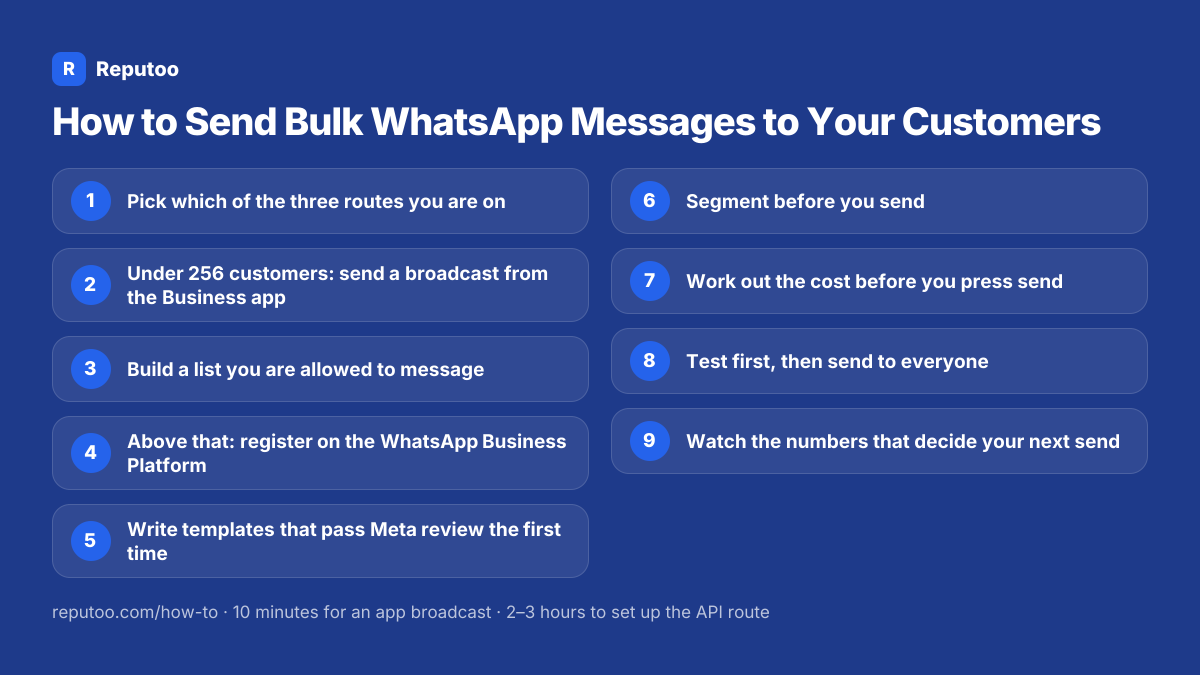
All 9 steps on one card — save it for when you do this.
Chapter 04
Pro tips
Send to your most engaged segment first and widen only if the reply rate holds up
Always include an opt-out line such as "Reply STOP to unsubscribe". It keeps complaints out of your quality rating
Personalise with something specific, like a last purchase or an upcoming appointment, not just a first name
Cap frequency at roughly one message a week to active customers and one a month to lapsed ones
Customers who come in through click-to-WhatsApp ads open a 72-hour free window, so answer them within 24 hours
Store each contact's opt-in record with the contact, not in a separate spreadsheet
Chapter 05
What to expect
You end up with a route that fits your list size, an opted-in list, approved templates, a cost you worked out from Meta's published rates before sending, and a messaging limit that rises instead of falling.
Chapter 06
Frequently asked questions
How do I send bulk messages on WhatsApp to my customers?
There are three official routes. For up to 256 customers who have saved your number, use a free broadcast list in the WhatsApp Business app. For a larger send from the app, use business broadcasts, which Meta made a paid feature in April 2025. For thousands of customers or automated sends, use the WhatsApp Business Platform (API), which has no list cap, uses Meta-approved templates, and charges per delivered template message. Every route needs your customers' opt-in.
How much does it cost to send bulk WhatsApp messages?
Broadcast lists in the WhatsApp Business app are free. On the WhatsApp Business Platform, Meta charges per delivered template message. On the rate card effective 1 July 2026, a marketing message costs ₹0.8631 to an Indian number and $0.025 to a US number, and a utility message costs ₹0.115 and $0.0034. So 1,000 marketing messages cost about ₹863 in India or $25 in the US at list rate, plus your provider's fee. From 1 October 2026, your replies inside the 24-hour customer service window are charged too, at the market's utility rate. Only messages in the 72-hour window after a click-to-WhatsApp ad stay free.
How many bulk WhatsApp messages can I send in a day?
In the WhatsApp Business app, each broadcast list holds 256 contacts. On the WhatsApp Business Platform, a new business portfolio can message 250 unique customers in a moving 24-hour window. Verifying the business raises that to 2,000, and it then scales automatically to 10,000, 100,000 and unlimited while message quality stays high. The limit is shared across every number in the portfolio.
Why did my WhatsApp broadcast not reach some customers?
A broadcast list in the WhatsApp Business app only delivers to people who have saved your number in their phone. Anyone who hasn't saved it receives nothing, and the app does not warn you. The WhatsApp Business Platform does not have this restriction. It delivers to anyone who opted in.
Is bulk WhatsApp messaging legal?
Yes, when you use the WhatsApp Business app or the WhatsApp Business Platform to message people who opted in. Messaging people who never agreed is not allowed, and neither is using unofficial software that automates WhatsApp Web or the consumer app. Numbers used that way get banned.
Can I send bulk WhatsApp messages from an Excel sheet?
You can import contacts from a spreadsheet into a WhatsApp Business Platform provider. That is a normal data step. What is not safe is a desktop tool that reads the spreadsheet and types messages into WhatsApp Web for you. That automation breaks Meta's terms.
Do customers know the message was sent in bulk?
No. On both the app and the Platform, each customer receives a private one-to-one message from your business and cannot see who else received it. Neither route creates a group chat.