
Put a WhatsApp Button on Your Website in One Paste
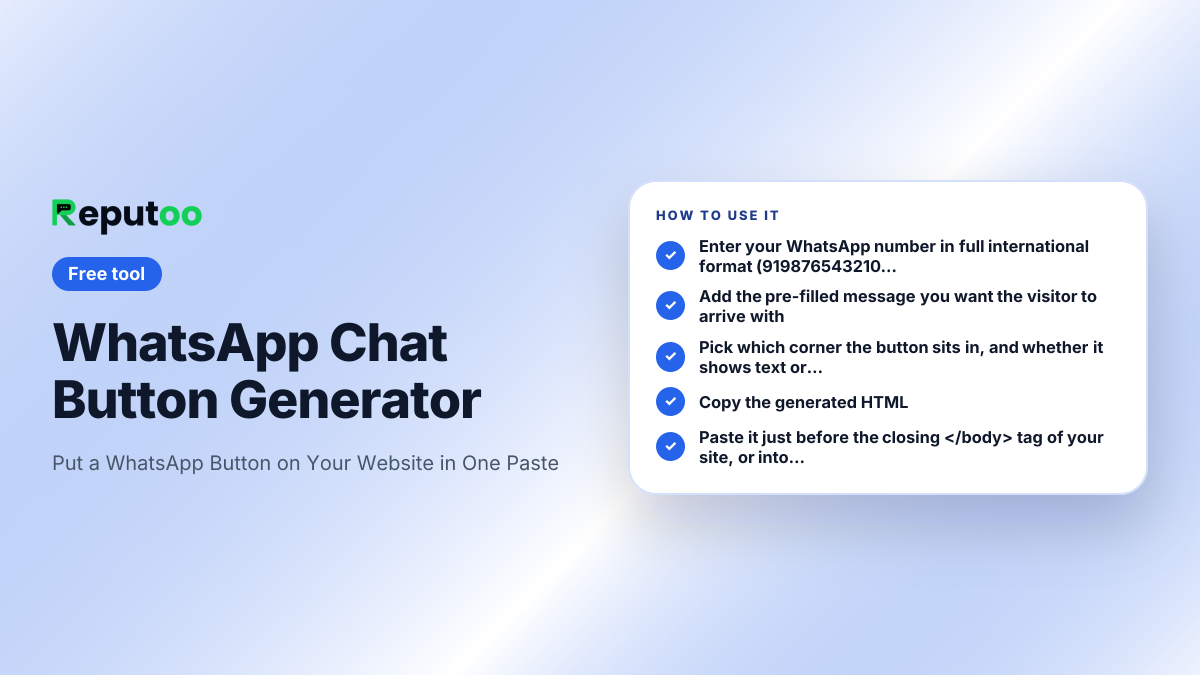
Generate a floating WhatsApp chat button for your website — pick the number, message, position and style, then paste one block of HTML. No plugin, no script, no signup.
WhatsApp Chat Button Generator
Paste before </body>
<!-- WhatsApp chat button -->
<div style="position:fixed;bottom:20px;right:20px;z-index:9999;display:flex;
            flex-direction:column;align-items:flex-end;gap:6px;">
  <a href="https://wa.me/919876543210?text=Hi%2C%20I%20have%20a%20question"
     target="_blank" rel="noopener noreferrer"
     aria-label="Chat with us"
     style="display:inline-flex;align-items:center;gap:10px;background:#25D366;color:#fff;
            text-decoration:none;font:600 15px/1 system-ui,-apple-system,sans-serif;
            padding:14px 20px;border-radius:999px;
            box-shadow:0 4px 14px rgba(0,0,0,.25);">
    <svg width="22" height="22" viewBox="0 0 24 24" fill="currentColor" aria-hidden="true">
      <path d="M17.5 14.4c-.3-.2-1.7-.9-2-1-.3-.1-.5-.2-.7.1-.2.3-.7 1-.9 1.2-.2.2-.3.2-.6.1-1.7-.9-2.9-1.6-4-3.5-.3-.5.3-.5.8-1.5.1-.2 0-.4 0-.5s-.7-1.6-.9-2.2c-.2-.6-.5-.5-.7-.5h-.6c-.2 0-.5.1-.8.4-.3.3-1 1-1 2.5s1.1 2.9 1.2 3.1c.2.2 2.1 3.3 5.2 4.6 1.9.8 2.7.9 3.6.8.6-.1 1.7-.7 2-1.4.2-.7.2-1.2.2-1.4-.1-.2-.3-.2-.6-.4z"/>
      <path d="M12 2C6.5 2 2 6.5 2 12c0 1.8.5 3.4 1.3 4.9L2 22l5.3-1.4c1.4.8 3 1.2 4.7 1.2 5.5 0 10-4.5 10-10S17.5 2 12 2zm0 18.2c-1.5 0-3-.4-4.3-1.2l-.3-.2-3.1.8.8-3-.2-.3C4.2 15 3.8 13.5 3.8 12c0-4.5 3.7-8.2 8.2-8.2s8.2 3.7 8.2 8.2-3.7 8.2-8.2 8.2z"/>
    </svg>
    <span>Chat with us</span>
  </a>
  <a href="https://www.reputoo.com/tools/whatsapp-chat-button"
     target="_blank" rel="noopener"
     style="font:500 11px/1 system-ui,-apple-system,sans-serif;color:#6b7280;
            text-decoration:none;background:rgba(255,255,255,.9);
            padding:3px 8px;border-radius:999px;">WhatsApp button by Reputoo</a>
</div>
Self-contained: inline styles, no script, no library. Works in WordPress, Shopify, Wix, Squarespace and any plain HTML page. Nothing is sent anywhere — the button links straight to WhatsApp. The small "by Reputoo" line is optional; switch it off above if you would rather not show it.
Frequently asked questions
How do I add a WhatsApp button to my website?
Generate the HTML above and paste it just before your closing </body> tag. It is an ordinary link with inline styles — no plugin, no JavaScript and no library — so it works the same in WordPress, Shopify, Wix, Squarespace and hand-written HTML. In a site builder, paste it into the custom-HTML or footer-code box.
Does a WhatsApp widget need a plugin?
No. Most WordPress plugins that add a WhatsApp button are wrapping the same thing this generates: a wa.me link styled as a floating button. A plugin adds a settings screen, an update to maintain and a script to load. The pasted HTML has none of those and cannot slow the page down.
Will the button work on mobile?
Yes. On a phone it opens the WhatsApp app directly; on a desktop it opens WhatsApp Web or the desktop app. The visitor does not need your number saved, and you do not need theirs — that is the point of a click-to-chat link.
Can I pre-fill the message?
Yes, and it is worth doing. A pre-filled message removes the "what do I even say" pause that loses enquiries, and it doubles as free tracking: use different text on different pages and the conversation arrives in your inbox already telling you where it came from.
Where should the button sit on the page?
Bottom-right is the convention and the safest default, because it is where people look for chat. Move it left only if something else already lives there. Keep it visible on scroll — a button that only appears in the footer gets seen by the visitors who were already going to contact you.
Does this send my details anywhere?
No. The generator runs in your browser and produces static HTML. The finished button is a plain link to wa.me — nothing is stored, and no request goes to Reputoo when a visitor clicks it.
Can I use a WhatsApp button with the Business API?
Yes, and it works better with it. The button just starts the conversation; what happens next is the question. On the free Business app one person answers on one phone. On the WhatsApp Business Platform the enquiry lands in a shared inbox your whole team can work, with an auto-reply covering the hours nobody is there.
Other free tools
Automate this with Reputoo.
1,000+ businesses onboarded · Member of NVIDIA Inception · Official WhatsApp Business API, no per-message markup.