How to Unblock a WhatsApp Account
Two completely different problems get searched with the same words. One is that you blocked a contact and want to undo it — that takes about ten seconds. The other is that WhatsApp has banned your number and you cannot use the app at all — that takes an appeal, and whether it works depends entirely on why it happened. This guide covers both, starting with which one you actually have.
Tools You'll Need
Step-by-Step Guide
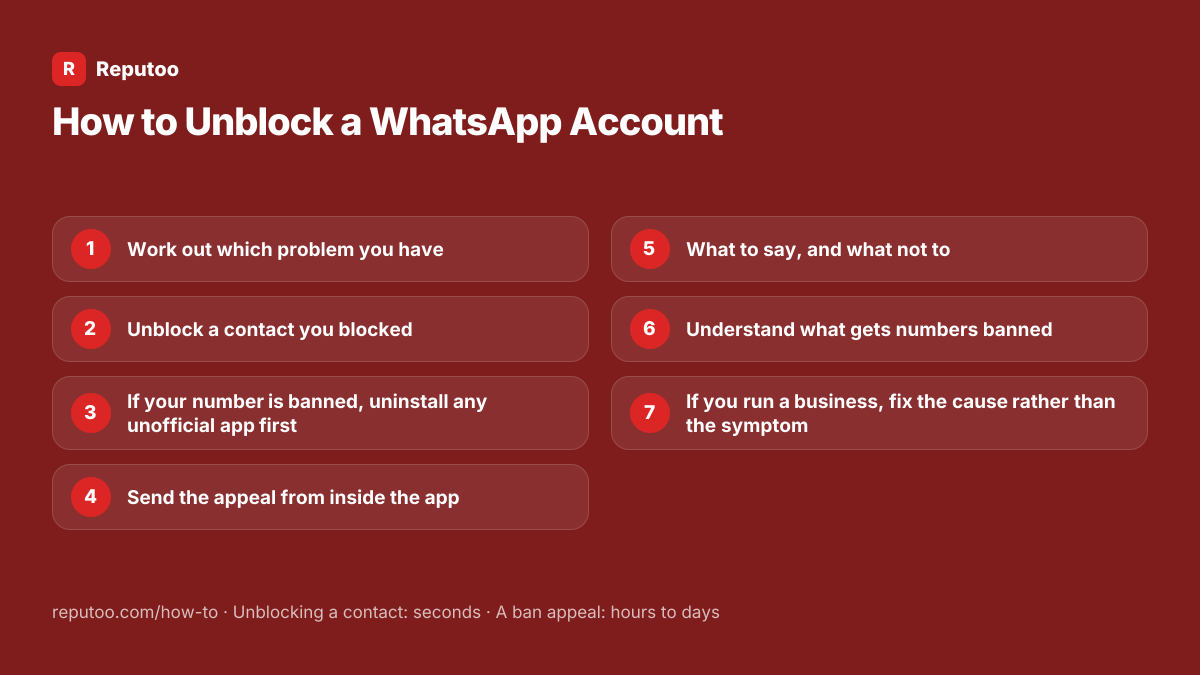
Work out which problem you have
If WhatsApp opens normally and you simply cannot see a particular person’s messages, you blocked them — go to the next step. If WhatsApp opens to a message saying your phone number is banned from using WhatsApp, or you cannot get past the verification screen, WhatsApp has banned the number, and steps three onward apply. A third possibility often confused with both: the other person blocked you, which you cannot fix from your side and which WhatsApp deliberately never confirms.
Unblock a contact you blocked
Go to Settings, then Privacy, then Blocked contacts. Tap the person and choose Unblock. You can also open the chat and tap Unblock at the bottom. Once unblocked, messages flow normally again — but nothing sent while they were blocked is delivered retrospectively, so anything they wrote during that period is gone rather than queued.
If your number is banned, uninstall any unofficial app first
The single most common cause of a ban is using a modified WhatsApp client — GB WhatsApp, WhatsApp Plus, and the others of that family. If one is installed, uninstall it and install the official WhatsApp from the Play Store or App Store before appealing, because an appeal made while a modified client is on the phone is refused. This also explains why so many bans come as a surprise: the app looked like WhatsApp and worked like it, but it was not.
Send the appeal from inside the app
On the banned screen there is a Support or Request a review button. Use it — an in-app appeal carries your account details automatically and gets handled faster than an email. Write plainly: state that you use the official app, say what you believe happened, and ask for a review. Do not paste a template you found online; identical text sent by thousands of people is exactly what a review system learns to ignore.
What to say, and what not to
A useful appeal is short and specific: who you are, what you use the number for, that you are on the official app, and that you have stopped whatever caused it if you know. What does not help: demanding, repeating the appeal daily, or claiming you did nothing when you were sending bulk messages. Temporary bans usually lift on their own within hours to a day, and the counter restarts if you keep trying to sign in — so wait it out rather than retrying.
Understand what gets numbers banned
Modified clients top the list. After that: messaging large numbers of people who never contacted you, adding strangers to groups, sending identical messages rapidly from a fresh number, and accumulating blocks and reports from recipients. The pattern behind all of them is the same — behaviour that looks automated or unwanted. Business accounts get banned for the commercial version of it, which is bulk sending without consent.
If you run a business, fix the cause rather than the symptom
A banned business number is expensive in a way a personal one is not: you lose the number every customer saved, along with its chat history, and neither comes back. If the ban came from bulk messaging, the fix is not a better appeal — it is moving that sending onto the WhatsApp Business Platform, which is Meta’s own sanctioned route for messaging at scale, with approved templates and published limits. Numbers running there do not get banned for sending, because the sending is authorised.
Pro Tips
- Unblocking does not deliver messages sent while the person was blocked — those are gone, not queued
- Uninstall any modified WhatsApp before appealing; an appeal from one is refused
- Appeal once and wait. Repeating it daily does not speed anything up and can reset a temporary ban
- Write your own appeal — copied templates are the ones review systems learn to ignore
- WhatsApp never confirms whether someone blocked you, and no app or website can tell you either
Expected Results
Either a contact unblocked in seconds, or an appeal submitted properly with a realistic view of whether it will succeed — and, for a business, a route that stops it happening again.
Ready to implement this with Reputoo?
Set up in minutes. No technical expertise required.
Every how-to guide
Frequently Asked Questions
How do I unblock someone on WhatsApp?
Settings, then Privacy, then Blocked contacts — tap the person and choose Unblock. You can also open the chat and tap Unblock at the bottom. Messages they sent while blocked are not delivered afterwards; they were discarded rather than held.
My WhatsApp number is banned. How do I get it back?
Uninstall any modified WhatsApp such as GB WhatsApp first and install the official app, because appeals from modified clients are refused. Then use the Support or Request a review button on the banned screen and write a short, specific appeal in your own words. Temporary bans often lift within hours; permanent ones depend entirely on the reason.
How long does a WhatsApp ban last?
A temporary ban usually clears within a few hours to a day, and the timer can restart if you keep trying to sign in — so waiting is genuinely faster than retrying. A permanent ban does not expire; it is lifted only if a review overturns it, which is why the appeal matters more than the waiting.
What message should I send to unban my WhatsApp number?
Your own words, kept short: who you are, what the number is used for, that you are on the official app, and what you have changed. Avoid the copy-and-paste appeal templates circulating online — thousands of identical submissions are exactly what a review process learns to discount.
Why did WhatsApp ban my number?
Usually a modified client such as GB WhatsApp or WhatsApp Plus, or behaviour that looks automated or unwanted: messaging many people who never contacted you, adding strangers to groups, rapid identical sends from a new number, or accumulating blocks and reports. For businesses it is nearly always bulk messaging without consent.
How do I know if someone blocked me on WhatsApp?
You cannot know for certain, and that is deliberate. Their last seen and profile photo disappearing, messages stopping at one tick, and calls not connecting are all consistent with being blocked — and equally consistent with them changing privacy settings or having no signal. No app or website can tell you, and the ones claiming to are after your account.