How to Turn Off Blue Ticks on WhatsApp
Blue ticks are one setting, and turning them off takes about five seconds. What most guides leave out is the trade — the setting is reciprocal, so switching it off means you stop seeing everyone else’s read receipts too. This covers the switch, what it does and does not hide, and the two other blue things in WhatsApp that people search for with the same words.
Tools You'll Need
Step-by-Step Guide
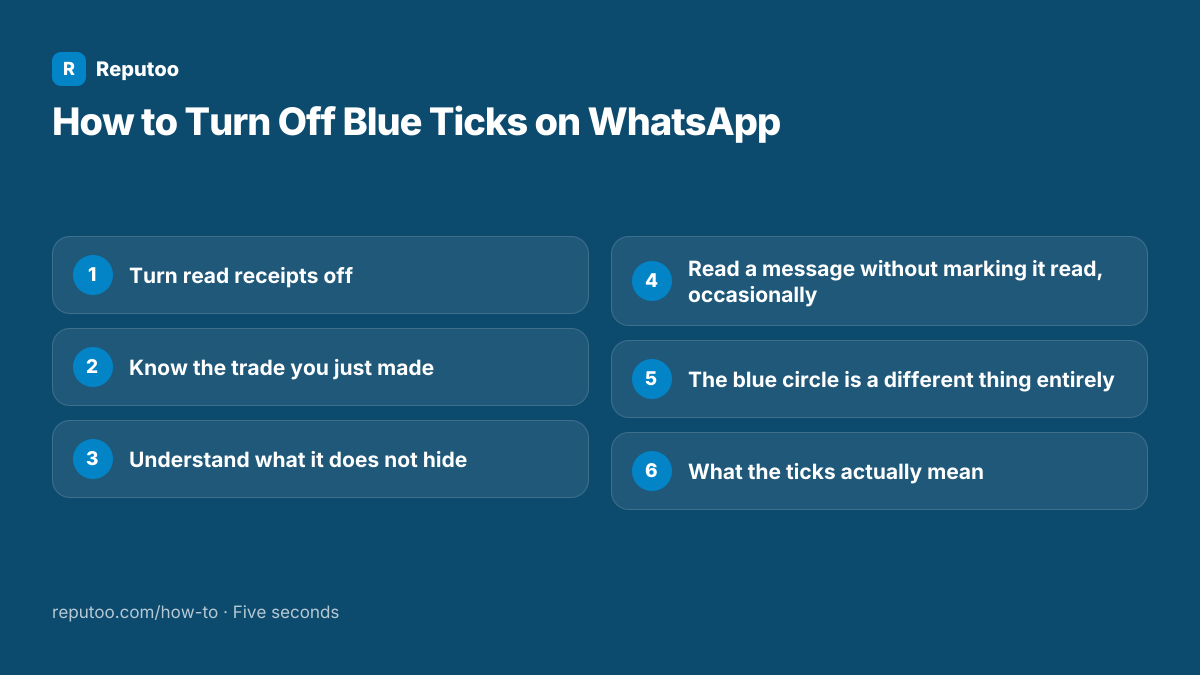
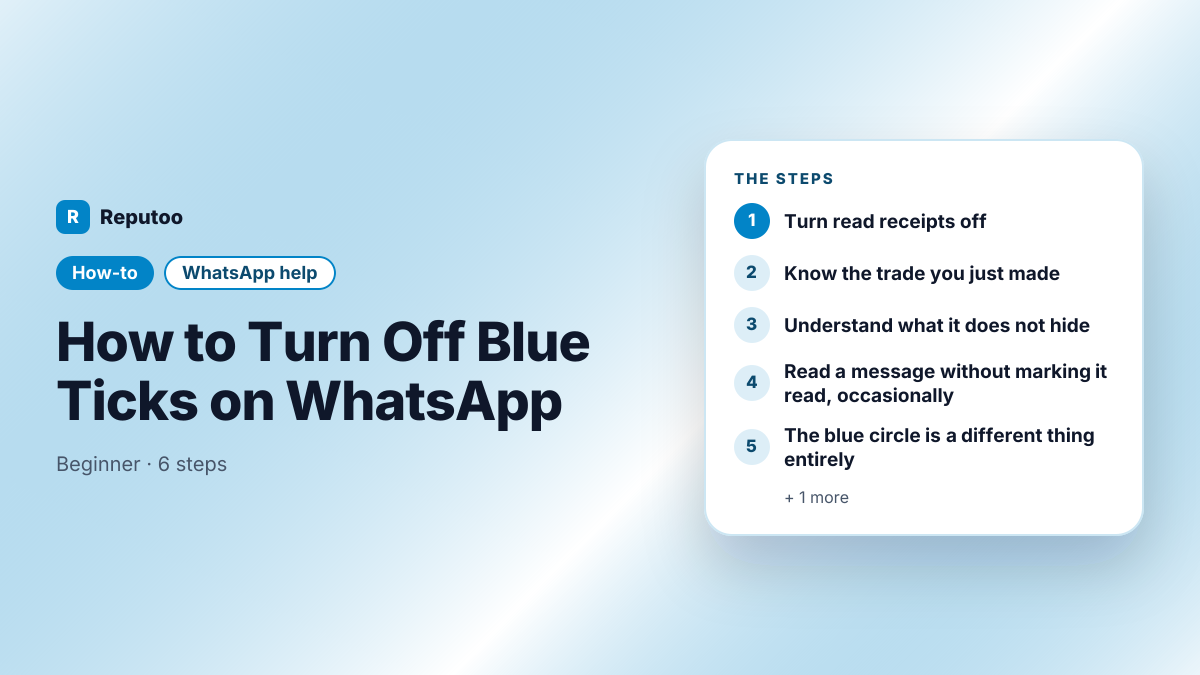
Turn read receipts off
Go to Settings, then Privacy, then find Read receipts and switch it off. On Android, Settings is behind the three dots at the top right; on iPhone it is the tab at the bottom right. That is the whole change — there is nothing to save and it takes effect immediately.
Know the trade you just made
The setting is reciprocal by design. With read receipts off, other people stop seeing when you have read their messages, and you stop seeing when they have read yours. WhatsApp will not let you have one without the other, which is the point most people discover a day later when they can no longer tell whether a message landed.
Understand what it does not hide
Three things stay visible. Group chats always show read receipts — the setting has no effect there at all, which is why messages in groups still turn blue. Voice notes always show blue ticks when listened to, regardless of the setting. And the two grey ticks meaning delivered are unaffected: people can still see that the message reached your phone, just not that you opened it.
Read a message without marking it read, occasionally
If you want to keep read receipts on generally but read one message quietly, the notification preview shows short messages without opening the chat. On Android, the notification shade holds recent messages; on both platforms, long-pressing the chat in the list shows a preview on some versions. Airplane mode also works — open, read, close, then turn it back on — though the receipt is sent as soon as the chat is opened again with a connection.
The blue circle is a different thing entirely
Searches for the WhatsApp blue circle are usually not about read receipts. A blue ring around a contact’s photo in the Updates tab means they have posted a status you have not viewed — it disappears once you watch it. The blue-and-green circular button floating in the chat list is Meta AI, WhatsApp’s built-in assistant; it opens a chat with the assistant and can be ignored, though it cannot currently be removed from the app entirely. Neither has anything to do with ticks.
What the ticks actually mean
One grey tick: the message left your phone and reached WhatsApp’s servers. Two grey ticks: it was delivered to the recipient’s device. Two blue ticks: it was opened. A message stuck on one tick usually means their phone is off or has no connection — it does not mean you are blocked, though being blocked also looks like that, which is why the sign is useless as proof of either.
Pro Tips
- The setting is all-or-nothing and reciprocal — you cannot hide yours while still seeing theirs
- Group chats ignore the setting completely; blue ticks always show there
- Voice notes always show blue ticks when played, whatever your privacy setting
- One grey tick means undelivered, not blocked — a phone that is off looks identical
- On WhatsApp Business, turning read receipts off also hides whether customers read you, which is usually worth keeping
Expected Results
Read receipts off, with a clear picture of what stays visible anyway — groups, voice notes and delivery ticks — and of what the blue circle in the app actually is.
Ready to implement this with Reputoo?
Set up in minutes. No technical expertise required.
Every how-to guide
Frequently Asked Questions
How do I turn off blue ticks on WhatsApp?
Settings, then Privacy, then switch Read receipts off. It applies immediately and there is nothing to save. Remember it is reciprocal: with it off you also stop seeing when other people read your messages.
Why do blue ticks still show in groups?
Because the read receipts setting does not apply to group chats — WhatsApp keeps them on there by design, and there is no way to turn them off for groups. The same is true of voice notes, which always show blue ticks once played.
Can I hide my blue ticks but still see theirs?
No. WhatsApp deliberately ties the two together: turning read receipts off removes them in both directions. Any app or trick claiming otherwise is either not doing what it says or is a modified client that will get your number banned.
What does the blue circle on WhatsApp mean?
It depends which one. A blue ring around a contact’s picture in Updates means an unviewed status, and it goes when you watch it. The floating blue-and-green circular button in the chat list is Meta AI, WhatsApp’s built-in assistant — it opens a chat with the assistant and is unrelated to read receipts.
How can I read a WhatsApp message without them knowing?
The simplest way is the notification preview, which shows short messages without opening the chat. Airplane mode also works — read the chat offline, close it, then reconnect — but the receipt is sent the moment the chat is opened again while online, so it only defers it. Turning read receipts off is the reliable answer.
Does one grey tick mean I am blocked?
No. One tick means the message has not been delivered, which happens whenever the recipient’s phone is off, out of signal or has WhatsApp closed by the system. Being blocked looks the same, which is exactly why the tick count cannot tell you which it is.