
What Is a WABA (WhatsApp Business Account)?
Definition
A WABA — WhatsApp Business Account — is the container Meta creates on its side to hold your business's presence on the WhatsApp Business Platform. It owns your registered phone numbers, your approved message templates, your messaging limits and your quality rating. It is not an app you install; it is the record Meta keeps about your business.
Key Points
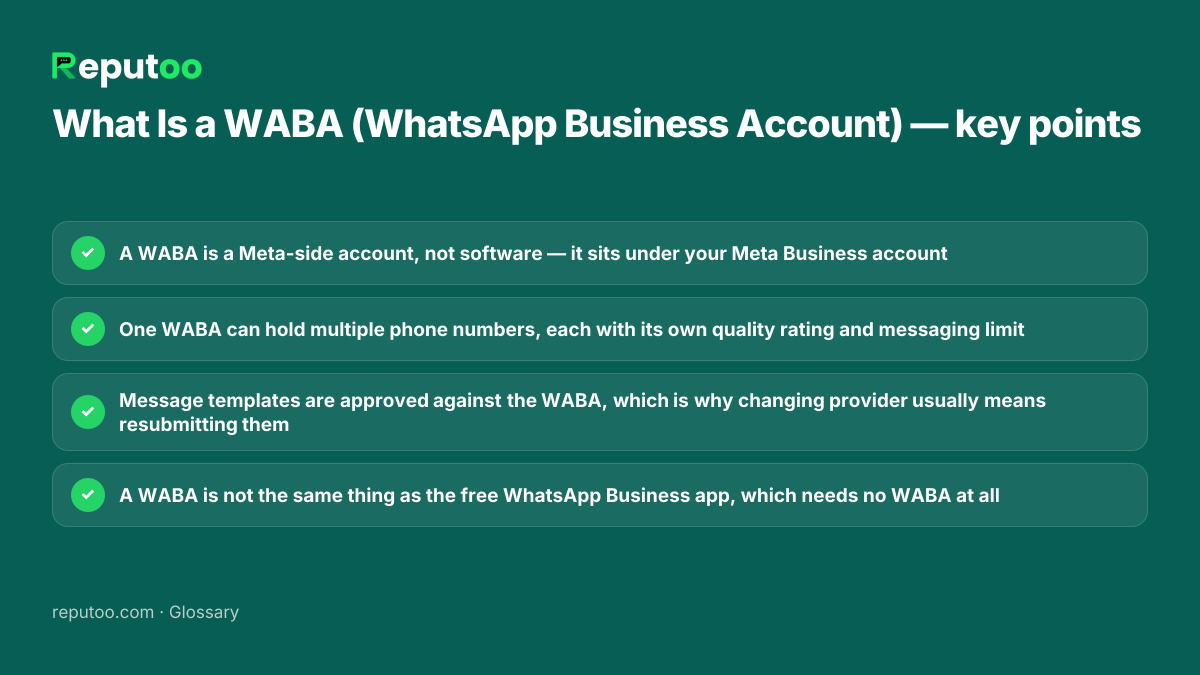
- A WABA is a Meta-side account, not software — it sits under your Meta Business account
- One WABA can hold multiple phone numbers, each with its own quality rating and messaging limit
- Message templates are approved against the WABA, which is why changing provider usually means resubmitting them
- A WABA is not the same thing as the free WhatsApp Business app, which needs no WABA at all
WABA vs the WhatsApp Business app
The free WhatsApp Business app is a download for a single phone. It has a business profile, quick replies, away messages and a catalogue, and it needs no WABA because it is not on the platform. A WABA exists only once you move to the WhatsApp Business Platform — the programmatic side. That is the point at which templates, conversation-based pricing, messaging limits and quality ratings all start to apply, because those are all properties of the WABA rather than of an app on a handset.
What actually lives inside a WABA
Four things, and each of them matters operationally. Phone numbers: one WABA can hold several, each separately registered and separately rated. Message templates: submitted, reviewed and approved against the WABA, which is why they generally have to be recreated when a business changes provider. Messaging limits: the tier governing how many unique customers you may start conversations with per day, typically beginning at 1,000 and rising with a good track record. Quality rating: Meta's rolling assessment based on how recipients respond, and the thing that drops your limit when blocks and reports rise.
How a WABA relates to your Meta Business account
The hierarchy trips people up. Your Meta Business account — formerly Business Manager — is the top-level record of the business itself, and it is what goes through business verification. A WABA sits underneath it, and phone numbers sit underneath the WABA. A Business Solution Provider is granted access to your WABA rather than owning it, which is what makes it possible to change provider without losing the account. If a vendor tells you the WABA belongs to them, ask directly what happens to your numbers and templates when you leave.
Is a WABA free?
Creating one costs nothing. Meta does not charge for the account, for registering numbers against it, or for submitting templates. What is billed is conversations, per 24-hour window, priced by category and by the recipient's country — and Meta includes an allowance of free service conversations each month. So "free WhatsApp Business API" is half true: the access is free, the sending is not, and any tool advertising unlimited free business messaging is not on the platform at all.
How Reputoo Helps
Put this into practice with Reputoo
- Reputoo sets up and connects your WABA as part of onboarding, including Meta Business verification and display-name review
- Templates are created and submitted for you, with the category chosen correctly the first time to avoid rejection cycles
- Your quality rating and messaging limit are visible rather than something you discover when sending stops working
- The WABA remains your business's — access can be revoked, and your numbers and contacts are exportable
Frequently Asked Questions
What does WABA stand for?
WhatsApp Business Account. It is the account Meta holds on its side for a business on the WhatsApp Business Platform, containing that business's registered phone numbers, approved message templates, messaging limits and quality rating.
Is a WABA the same as the WhatsApp Business app?
No. The WhatsApp Business app is free software for one phone and requires no WABA. A WABA exists only on the WhatsApp Business Platform, and it is what makes templates, per-conversation billing, messaging limits and quality ratings apply to your business at all.
Is a WhatsApp Business Account free?
The account itself is free to create, and so is registering numbers and submitting templates. Meta bills per 24-hour conversation, with rates depending on conversation category and recipient country, and includes an allowance of free service conversations each month.
Can one WABA have multiple phone numbers?
Yes. A single WABA can hold several numbers — commonly one per brand, location or department. Each number carries its own quality rating and its own messaging limit, so one number performing badly does not automatically drag the others down.
Who owns my WABA — me or my provider?
It should be your business. A Business Solution Provider is granted access to your WABA under your Meta Business account rather than owning it, which is what lets you change provider without abandoning the account. Confirm this before signing: ask specifically what happens to your numbers and templates if you leave.