
22 templates· Order updates, bookings, shipping, payments and campaign messages on the API· Updated September 2026

WhatsApp Business Message Templates

On the WhatsApp Business Platform, any message your business starts has to use a template Meta approved in advance. Getting one rejected costs another review cycle, and the commonest reason is not the wording — it is submitting a promotional message under the cheaper Utility category. The templates below are grouped by the category they belong in, which is the decision that governs both approval and what you pay.

Utility — order and purchase updates

Utility covers messages about a transaction the customer already made. Cheaper than Marketing, and rejected if you slip an offer into it.

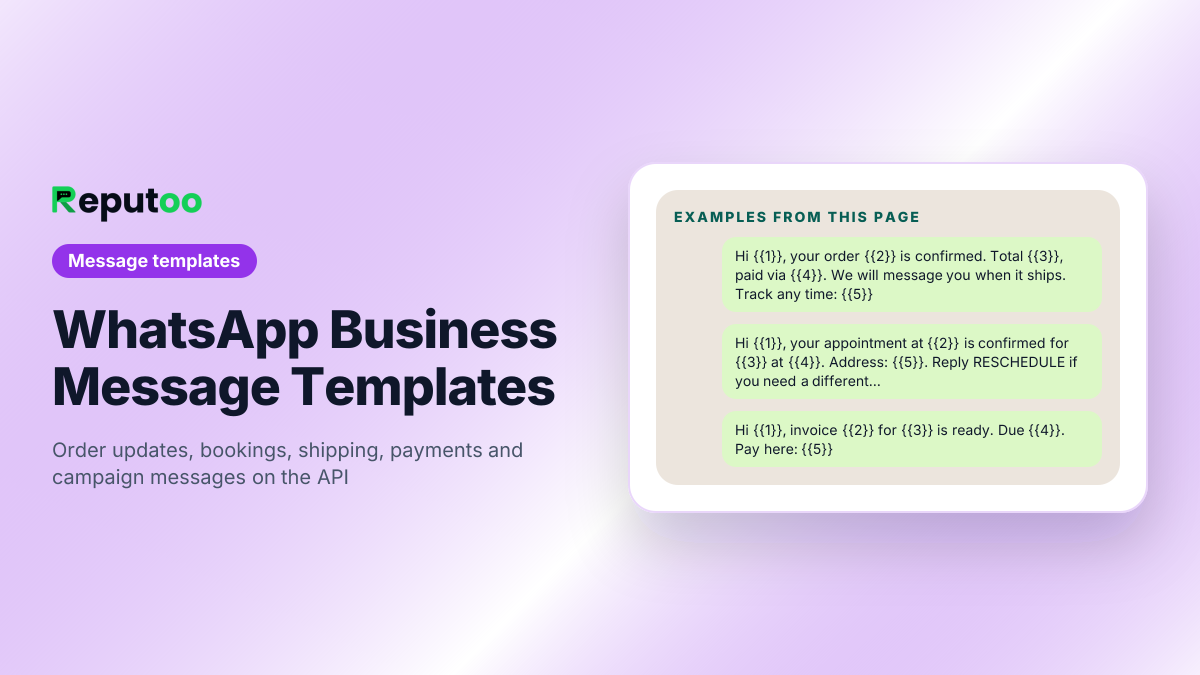
Hi {{1}}, your order {{2}} is confirmed. Total {{3}}, paid via {{4}}. We will message you when it ships. Track any time: {{5}}
Order {{1}} update: your items are packed and leaving our warehouse today. Expected delivery {{2}}. Tracking: {{3}}
Hello {{1}}, your order {{2}} was delivered at {{3}}. If anything is not right, reply here within {{4}} days and we will sort it.
Hi {{1}}, we could not complete your order {{2}} because {{3}}. Reply here and we will fix it, or complete it yourself at {{4}}.
Your refund for order {{1}} has been processed. {{2}} will reach your {{3}} within {{4}} working days.
Utility — bookings and appointments

Confirmations and changes for an appointment the customer requested. Include the details they will need at the door.

Hi {{1}}, your appointment at {{2}} is confirmed for {{3}} at {{4}}. Address: {{5}}. Reply RESCHEDULE if you need a different time.
Hello {{1}}, this confirms your booking for {{2}} on {{3}}. {{4}} has been assigned to you. Please arrive {{5}} minutes early.
{{1}}, your appointment on {{2}} has been moved to {{3}} at your request. Everything else stays the same. See you then.
Hi {{1}}, your booking {{2}} for {{3}} has been cancelled as requested. Any amount paid will be returned within {{4}} days.

Utility — payments and invoices

Ties to a real transaction. Keep the amount, the reference and the action in the first two lines.

Hi {{1}}, invoice {{2}} for {{3}} is ready. Due {{4}}. Pay here: {{5}}
Payment of {{1}} received against invoice {{2}}. Thank you — your receipt is here: {{3}}
Hello {{1}}, {{2}} is outstanding on invoice {{3}}, due {{4}}. If it has already been paid, ignore this. Otherwise: {{5}}

Marketing — offers and campaigns

Anything promotional belongs here, whatever it is dressed up as. Marketing templates need explicit opt-in and carry the higher rate.

Hi {{1}}, {{2}} is on at {{3}} until {{4}}. Your code: {{5}}. Shop here: {{6}} · Reply STOP to opt out.
{{1}}, the {{2}} you were looking at is back in stock. {{3}} left. See it here: {{4}} · Reply STOP to opt out.
Hello {{1}} — new in at {{2}}: {{3}}. Early access for our WhatsApp list until {{4}}: {{5}} · Reply STOP to opt out.
Hi {{1}}, it has been a while. Here is {{2}} off your next order at {{3}}, valid until {{4}}. Code {{5}} · Reply STOP to opt out.

Authentication — one-time codes

Its own category with a fixed shape. No marketing, no links, no extra sentences — additions get it rejected.

{{1}} is your verification code. For your security, do not share this code.
{{1}} is your {{2}} login code. It expires in {{3}} minutes.

Quick-reply buttons

Buttons raise response rates sharply because they remove typing. Keep labels under 20 characters and make them mutually exclusive.

Body: Hi {{1}}, your appointment is on {{2}} at {{3}}. Can you make it? · Buttons: Confirm · Reschedule · Cancel
Body: Your order {{1}} arrives {{2}}. Anything you need? · Buttons: Track order · Talk to us · All good
Body: How was {{1}} at {{2}}? · Buttons: Great · Okay · Not good
Body: {{1}}, your {{2}} is due for renewal on {{3}}. · Buttons: Renew now · Remind me later · Cancel

Before you send

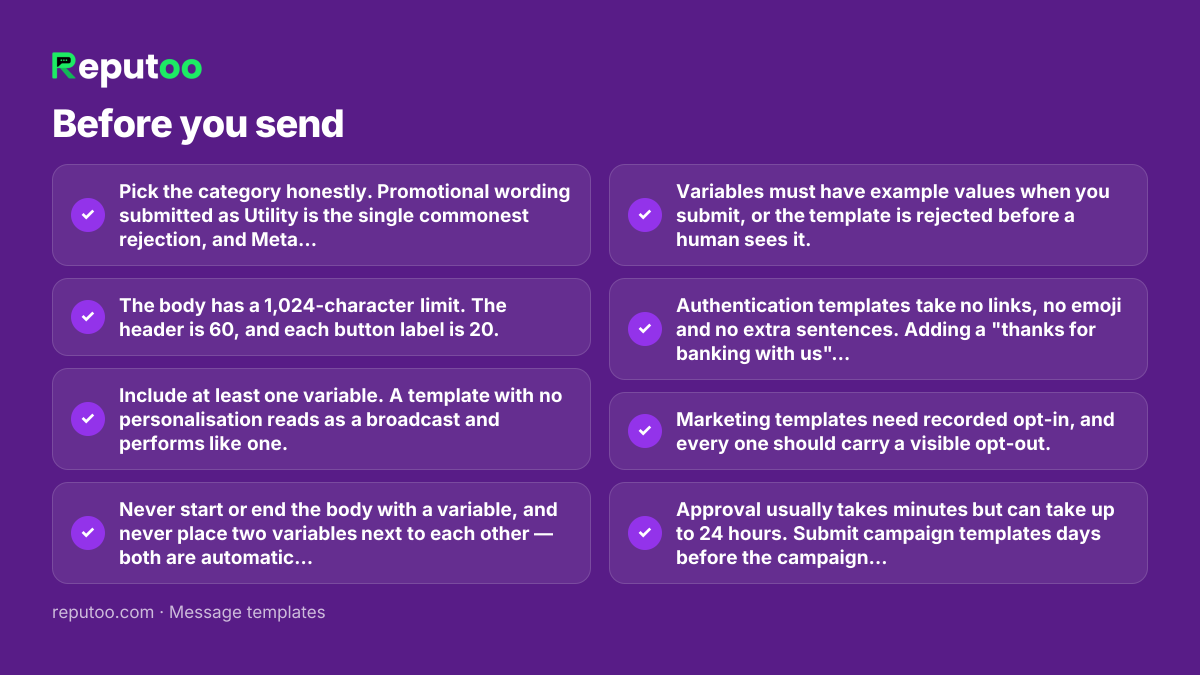
  • Pick the category honestly. Promotional wording submitted as Utility is the single commonest rejection, and Meta re-categorises what it disagrees with.
  • The body has a 1,024-character limit. The header is 60, and each button label is 20.
  • Include at least one variable. A template with no personalisation reads as a broadcast and performs like one.
  • Never start or end the body with a variable, and never place two variables next to each other — both are automatic rejections.
  • Variables must have example values when you submit, or the template is rejected before a human sees it.
  • Authentication templates take no links, no emoji and no extra sentences. Adding a "thanks for banking with us" line will get one refused.
  • Marketing templates need recorded opt-in, and every one should carry a visible opt-out.
  • Approval usually takes minutes but can take up to 24 hours. Submit campaign templates days before the campaign, not the morning of it.
  • A template that accumulates blocks and reports gets paused whatever its approval status. Quality is judged after approval, continuously.

Frequently asked

What are the WhatsApp message types?

For business-initiated messages there are three template categories: Utility for transaction-related messages such as order updates, bookings and payment notices; Marketing for promotions, offers and anything that sells; Authentication for one-time passcodes. Inside an open 24-hour conversation started by the customer you can also send free-form text, media, lists and buttons without a template.

Why do WhatsApp templates get rejected?

Most often because the category is wrong — promotional wording submitted as Utility, which is cheaper. After that: variables placed at the very start or end of the body, two variables side by side, missing example values, and Authentication templates with extra sentences or links added. Wording that reads as spam is a smaller cause than people expect.

How long does WhatsApp template approval take?

Usually a few minutes, sometimes up to 24 hours. That range is why campaign templates should be submitted days ahead rather than on the day. A rejection sends you round the cycle again, so check the text before submitting rather than after.

What is a WhatsApp order template?

A Utility template used to tell a customer something about an order they placed — confirmation, packing, dispatch, delivery, failure or refund. Because the customer already transacted, it sits in the cheaper Utility category and does not need marketing opt-in, provided it stays strictly about the order and carries no offer.

Can I add buttons to a WhatsApp template?

Yes. Quick-reply buttons send a fixed response back with one tap, and call-to-action buttons open a URL or dial a number. Labels are capped at 20 characters. Buttons lift response rates substantially on confirmations and feedback requests because they remove the need to type anything.

How much does sending a template cost?

Meta bills per 24-hour conversation, not per message, and the rate depends on the category and the recipient’s country. Marketing costs more than Utility, and rates vary widely between markets — which is why a single per-message estimate produces the wrong budget. Run your own list size and country mix through a cost calculator.

Send these at scale, properly

Reputoo runs these on the official WhatsApp Business API — templates submitted for approval, personalisation from your own customer data, and delivery to everyone who opted in, whether or not they saved your number.

Get started