
21 templates· First contact, business introductions, group admin posts and opt-in welcomes· Updated September 2026

WhatsApp Greeting and Introduction Messages

The first message decides whether there is a second one. On WhatsApp that first message arrives in the same list as the reader’s family and friends, which is why the formal register people carry over from email reads badly here and gets ignored. Below are messages for the situations businesses actually face — a first approach to a new contact, an introduction to a group, a welcome after someone opts in — written the way they work on this channel, with a note on what to change before you send.

Formal first message to a new contact

Formal on WhatsApp means clear and respectful of the reader’s time — not the long salutations of a letter. Say who you are, why you are writing, and what happens next, inside four lines.

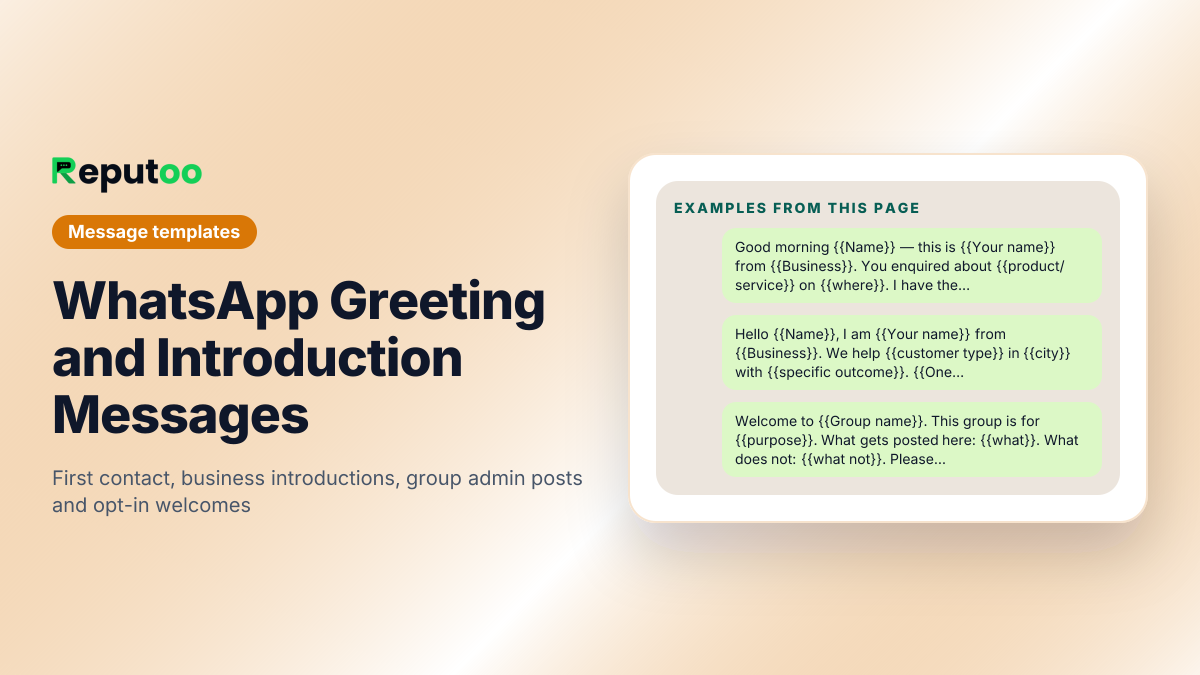
Good morning {{Name}} — this is {{Your name}} from {{Business}}. You enquired about {{product/service}} on {{where}}. I have the details ready. Would you like me to send them here, or would a quick call suit you better?
Hello {{Name}}, {{Your name}} here from {{Business}}. Thank you for getting in touch. So I can send you the right information, could you tell me {{one qualifying question}}?
Dear {{Name}}, this is {{Business}}. We received your request on {{date}} and it is with {{team/person}} now. You will have a full response by {{day}}. If anything is urgent before then, reply here and we will bring it forward.
Hello {{Name}} — {{Your name}} from {{Business}}. {{Referrer}} suggested I contact you about {{topic}}. Is this a convenient number for a short conversation, or shall I write instead?
Good afternoon {{Name}}. This is {{Business}} following up on {{reference}}. Everything is confirmed at our end. Please confirm {{detail}} and we will proceed.
Business introduction to a prospect

Lead with the outcome the reader wants, not the year you were founded. One specific proof point beats three adjectives.

Hello {{Name}}, I am {{Your name}} from {{Business}}. We help {{customer type}} in {{city}} with {{specific outcome}}. {{One proof point — a number, a named client, a guarantee}}. Would it be useful if I sent a short breakdown?
Hi {{Name}} — {{Business}} here. You are looking for {{need}}, and that is what we do: {{one-line description}}. Here is our catalogue: {{link}}. Tell me what fits and I will send pricing.
Hello {{Name}}, this is {{Your name}} from {{Business}}. We spoke at {{event/place}} about {{topic}}. As promised, here is {{the thing you promised}}: {{link}}. Any questions, just reply here.
Hi {{Name}}, {{Business}} in {{area}}. We are {{distinctive fact}} — {{proof}}. If {{problem}} is on your list this quarter, I can show you how we handle it in about ten minutes.

WhatsApp group introduction (for admins)

Post this as the first message after creating a group. It sets the purpose and the rules, which is what prevents the group turning into noise and emptying out.

Welcome to {{Group name}}. This group is for {{purpose}}. What gets posted here: {{what}}. What does not: {{what not}}. Please keep messages to group hours, {{hours}}. Questions for me directly: {{number/handle}}.
Hello everyone, and welcome. I am {{Your name}}, admin of this group. We are here to {{purpose}}. Please introduce yourself with your name, {{relevant detail}} and what you are hoping to get from the group.
Welcome to the {{Business}} customer group. You will get {{what members receive}} here first. No promotions from members, no forwards, and please keep discussion on topic so the group stays useful.
Namaste and welcome to {{Group name}} 🙏 This group is for {{purpose}}. Class/updates timings: {{schedule}}. Please save my number so you receive the updates. Any doubts, message me directly rather than in the group.
Welcome. Quick housekeeping so nobody has to guess: posts allowed {{when}}, topics {{list}}, and please do not add anyone without asking. Introductions are welcome — tell us who you are and what you do.

Welcome message after someone opts in

Send within seconds of the opt-in, while the intent is live. Confirm what they signed up for, set frequency, and give the opt-out. That last line is not optional and it protects your quality rating.

Welcome to {{Business}}, {{Name}} 👋 You will now get {{what}} on WhatsApp — about {{frequency}}. First up: {{immediate value — the discount, the guide, the booking link}}. Reply STOP any time to leave.
Thanks for subscribing, {{Name}}. Here is the {{offer}} you signed up for: {{code/link}}. Valid until {{date}}. We send roughly {{frequency}} — reply STOP to unsubscribe whenever you like.
You are in, {{Name}} 🎉 Save this number so our messages reach you properly. Coming up: {{what to expect}}. Reply MENU any time to see what we can do here, or STOP to opt out.
Hello {{Name}}, welcome to {{Business}}. Your {{account/membership}} is active. Here is what you can do in this chat: {{list}}. We will only message you about {{topics}} — reply STOP to end that at any point.

Greeting when someone messages you first

This is the automated reply that fires on a first inbound message. Answer the two questions every new enquiry has: is anyone there, and how long will this take.

Hi {{Name}}, thanks for messaging {{Business}}. Someone is with you in a few minutes. In the meantime, tell us what you need — {{option 1}}, {{option 2}} or {{option 3}} — and it will reach the right person faster.
Welcome to {{Business}} 👋 We reply within {{time}} during {{hours}}. So we can help quickly, send us {{the detail you always end up asking for}}.
Thanks for reaching out to {{Business}}. Reply with a number: 1 for {{option}}, 2 for {{option}}, 3 to talk to a person.

Before you send

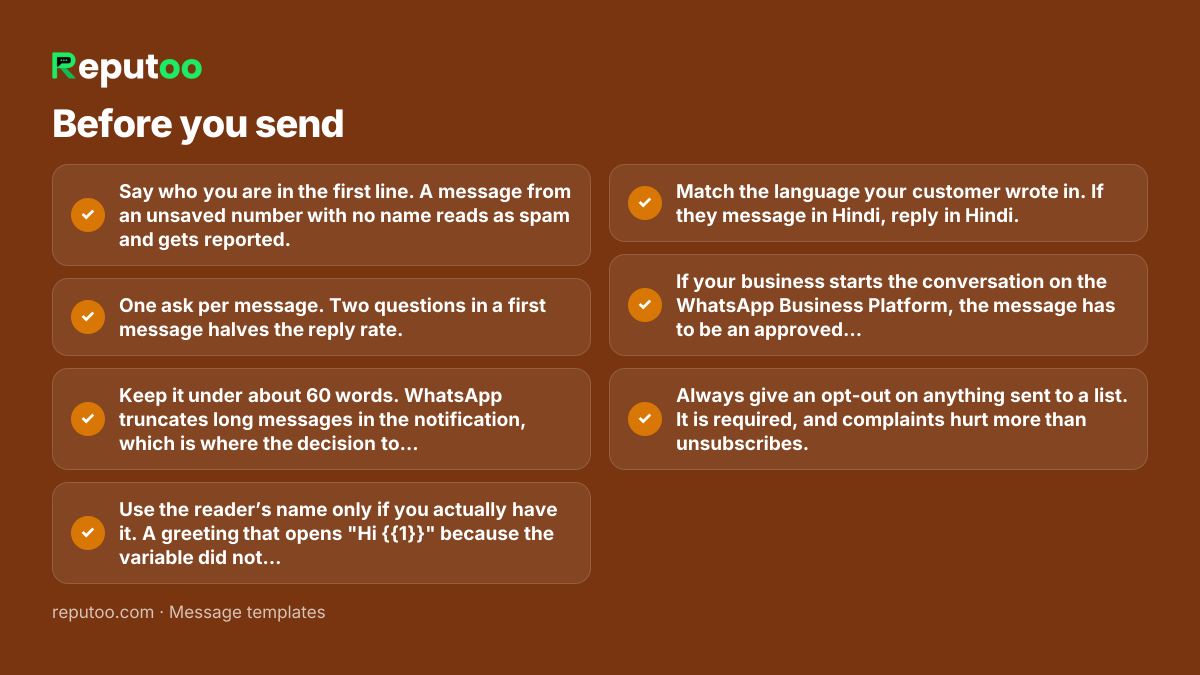
  • Say who you are in the first line. A message from an unsaved number with no name reads as spam and gets reported.
  • One ask per message. Two questions in a first message halves the reply rate.
  • Keep it under about 60 words. WhatsApp truncates long messages in the notification, which is where the decision to open gets made.
  • Use the reader’s name only if you actually have it. A greeting that opens "Hi {{1}}" because the variable did not resolve is worse than no name.
  • Match the language your customer wrote in. If they message in Hindi, reply in Hindi.
  • If your business starts the conversation on the WhatsApp Business Platform, the message has to be an approved template — a greeting is not exempt.
  • Always give an opt-out on anything sent to a list. It is required, and complaints hurt more than unsubscribes.

Frequently asked

How do I send a formal message on WhatsApp?

State who you are, why you are writing and what happens next, in about four lines. Formal on WhatsApp means clear and respectful of the reader’s time, not the long salutations of a letter — "Dear Sir, I hope this message finds you well" reads as a mass send here. Use the person’s name, one specific reference to why you are contacting them, and one question.

What should an introduction message on WhatsApp say?

Three things: who you are, why you are writing to this person specifically, and what you want them to do next. Lead with the outcome the reader cares about rather than your company history, and include one concrete proof point — a number, a named client, a guarantee. Keep it under 60 words so it is readable in the notification.

What is a good introduction message for a WhatsApp group?

For an admin creating a group, the first post should set purpose, rules and timings: what the group is for, what may and may not be posted, when messages go out, and how to reach you directly instead of in the group. Groups that do not set this in the first message fill with forwards and empty out.

Should a welcome message include an opt-out?

Yes, on anything sent to a list. A visible "reply STOP to unsubscribe" line is required practice and it protects you: people who cannot find the exit report the number instead, and reports feed the quality rating that governs how many customers you are allowed to message per day.

Do greeting messages need Meta approval?

If your business starts the conversation on the WhatsApp Business Platform, yes — any business-initiated message needs an approved template, greetings included. If the customer messaged you first, you are inside a 24-hour service window and can reply freely in your own words. The automated greeting that fires on an inbound message falls in the second case.

Can I send the same greeting to everyone?

You can, and it will underperform. The greeting that works references something true about that reader — the page they enquired from, the event you met at, the product they were looking at. Where you cannot personalise the fact, at least segment: a first-time enquiry and a returning customer should not get the same opening line.

Send these at scale, properly

Reputoo runs these on the official WhatsApp Business API — templates submitted for approval, personalisation from your own customer data, and delivery to everyone who opted in, whether or not they saved your number.

Get started