
10 templates· Login codes, transaction verification and password resets· Updated September 2026

WhatsApp OTP Message Examples

One-time passcodes are the strictest template category on WhatsApp and the least forgiving to write, because almost every instinct people have about improving them causes a rejection. Authentication templates take no links, no emoji, no marketing and no additional sentences. What follows is what an approved OTP message actually looks like, the rules behind that shape, and the honest comparison with SMS — which is usually why a business is considering the move.

Login and sign-in codes

The shortest form that works. Meta supplies the security warning and the copy-code button — you supply the code variable.

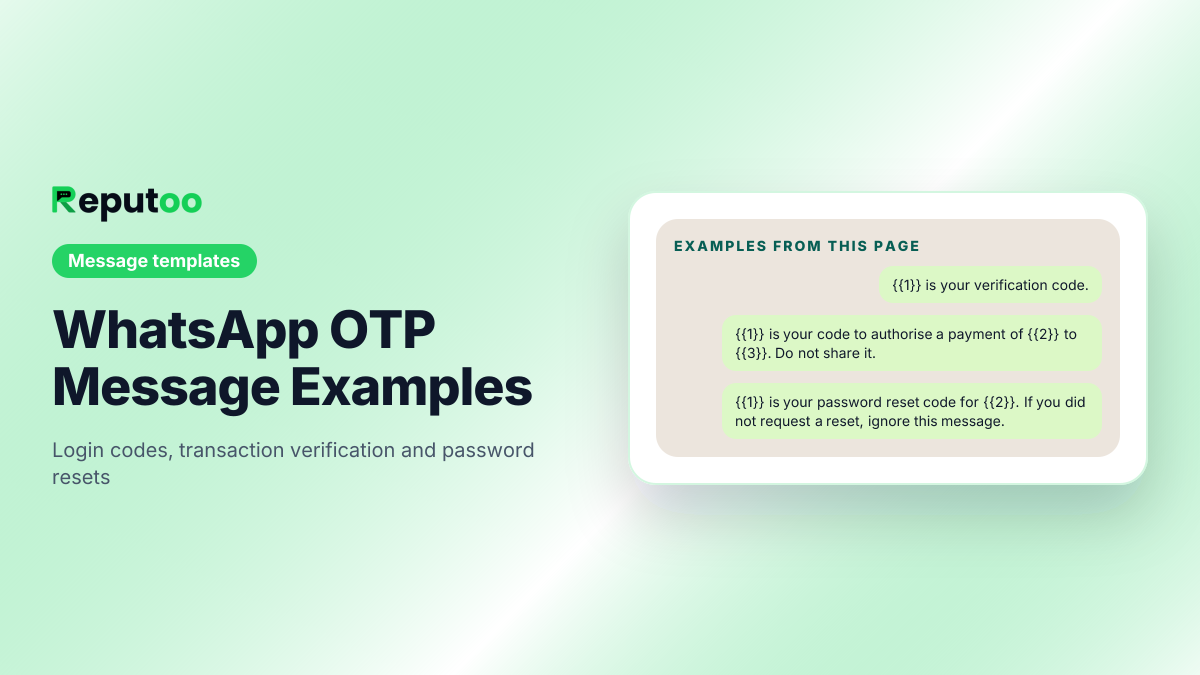
{{1}} is your verification code.
{{1}} is your verification code. For your security, do not share this code.
{{1}} is your {{2}} login code. It expires in {{3}} minutes.
{{1}} is your one-time password. Do not share it with anyone, including staff of {{2}}.
Transaction and payment verification

Name the amount and the merchant so the customer can tell a genuine request from a fraudulent one. That is the whole security value.

{{1}} is your code to authorise a payment of {{2}} to {{3}}. Do not share it.
{{1}} is your verification code for the transaction of {{2}} on {{3}}. If you did not request this, do not proceed.
{{1}} is your code to confirm the order {{2}}. Valid for {{3}} minutes.

Password reset and account changes

Say what the code will change. A reset code that does not name the action is what phishing looks like.

{{1}} is your password reset code for {{2}}. If you did not request a reset, ignore this message.
{{1}} is your code to change the mobile number on your {{2}} account. Do not share it.
{{1}} is your code to confirm your email change on {{2}}. It expires in {{3}} minutes.

Before you send

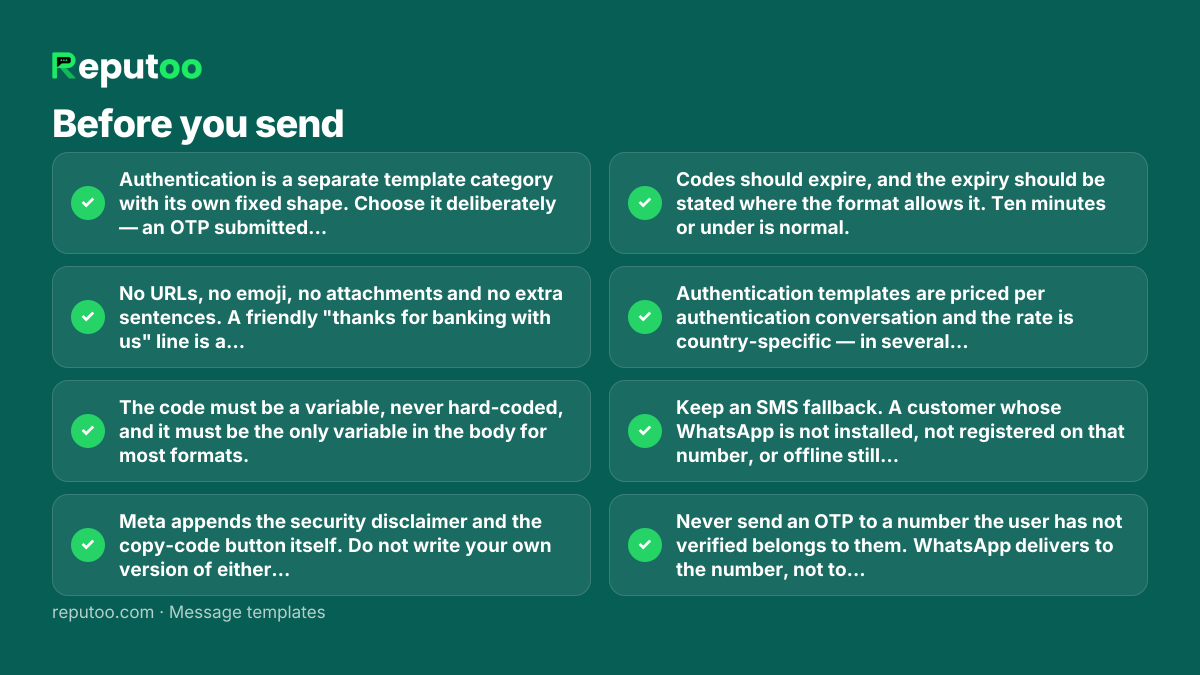
  • Authentication is a separate template category with its own fixed shape. Choose it deliberately — an OTP submitted as Utility or Marketing will be rejected or re-categorised.
  • No URLs, no emoji, no attachments and no extra sentences. A friendly "thanks for banking with us" line is a rejection.
  • The code must be a variable, never hard-coded, and it must be the only variable in the body for most formats.
  • Meta appends the security disclaimer and the copy-code button itself. Do not write your own version of either — duplicating them gets the template refused.
  • Codes should expire, and the expiry should be stated where the format allows it. Ten minutes or under is normal.
  • Authentication templates are priced per authentication conversation and the rate is country-specific — in several markets, including India, meaningfully cheaper than transactional SMS at volume.
  • Keep an SMS fallback. A customer whose WhatsApp is not installed, not registered on that number, or offline still needs to log in.
  • Never send an OTP to a number the user has not verified belongs to them. WhatsApp delivers to the number, not to the account.

Frequently asked

What does a WhatsApp OTP message look like?

Short and bare: "{{1}} is your verification code." Meta adds the security warning and the one-tap copy button itself, so the business supplies only the code variable and at most a brief line naming the service and the expiry. Anything more — a greeting, a link, an emoji — causes a rejection.

How do I send OTP on WhatsApp?

Through the WhatsApp Business Platform with an approved Authentication template, triggered by your application at the moment the user requests a code. It cannot be done from the free WhatsApp Business app, which has no programmatic sending. You will normally reach the platform through a provider rather than integrating with Meta directly.

Why was my WhatsApp OTP template rejected?

Almost always because something was added. Authentication templates permit no URLs, no emoji, no marketing and no extra sentences, and Meta supplies the security disclaimer and copy-code button — writing your own version of either is a rejection. The other common cause is submitting under the wrong category.

Is WhatsApp OTP cheaper than SMS?

In several markets, including India, yes at volume — authentication conversations are priced separately and per-country, and the gap against transactional SMS can be significant. It is not universal, though: check the rate for the countries you actually send to before switching, because in some markets SMS remains cheaper.

Is WhatsApp OTP safe?

The transport is encrypted end to end, and the copy-code button reduces the transcription errors that cause failed logins. The risk profile is the same as SMS in one important respect: it authenticates possession of a number, not a person. Treat it as one factor, and keep the message specific about what the code authorises so users can spot a fraudulent request.

What if the customer does not have WhatsApp?

They will not receive it, so keep an SMS fallback. The usual pattern is to attempt WhatsApp first, then fall back to SMS after a few seconds without delivery — that captures the cost saving where it applies without locking anyone out of their account.

Send these at scale, properly

Reputoo runs these on the official WhatsApp Business API — templates submitted for approval, personalisation from your own customer data, and delivery to everyone who opted in, whether or not they saved your number.

Get started