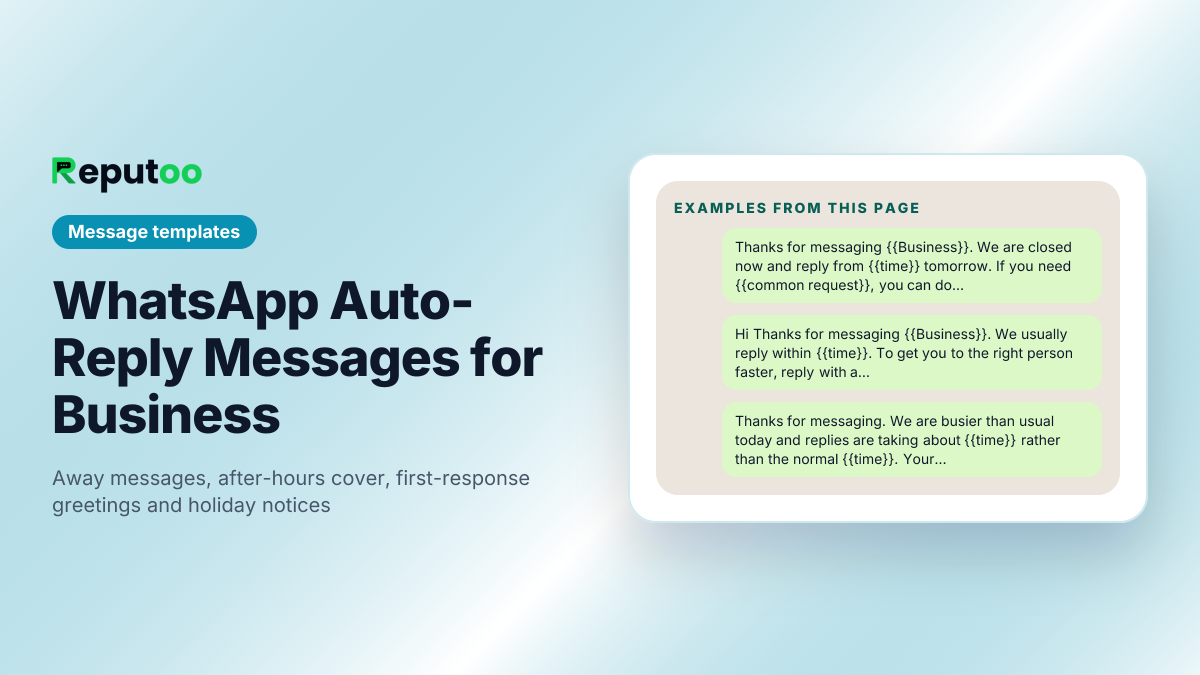
WhatsApp Auto-Reply Messages for Business
An auto-reply is doing one job: stopping a person who just messaged you from concluding that nobody is there. It fails when it says nothing — "Thank you for your message, we will get back to you" tells the reader precisely what they already assumed. Every message below commits to something instead: a time, an option, a link that resolves the question without a human. That is the difference between an auto-reply that holds an enquiry and one that loses it.
Away message — outside business hours
Give the reopening time in words the reader can act on, and one thing they can do right now. "We are closed" alone converts nothing.
Greeting — automatic first response
Fires on a first inbound message. Set an expectation and route the enquiry in the same breath, so the human who picks it up starts with the information they need.
Busy or high-volume periods
Use when reply times slip. Naming the real delay costs you nothing and prevents the follow-up messages that make the backlog worse.
Holiday and closure notices
Set these before the closure begins, not on the first day of it, and always include the exact reopening date.
Out of stock, waitlist and no-availability
Never end on the bad news. Every one of these captures something — a waitlist entry, an alternative, a callback.
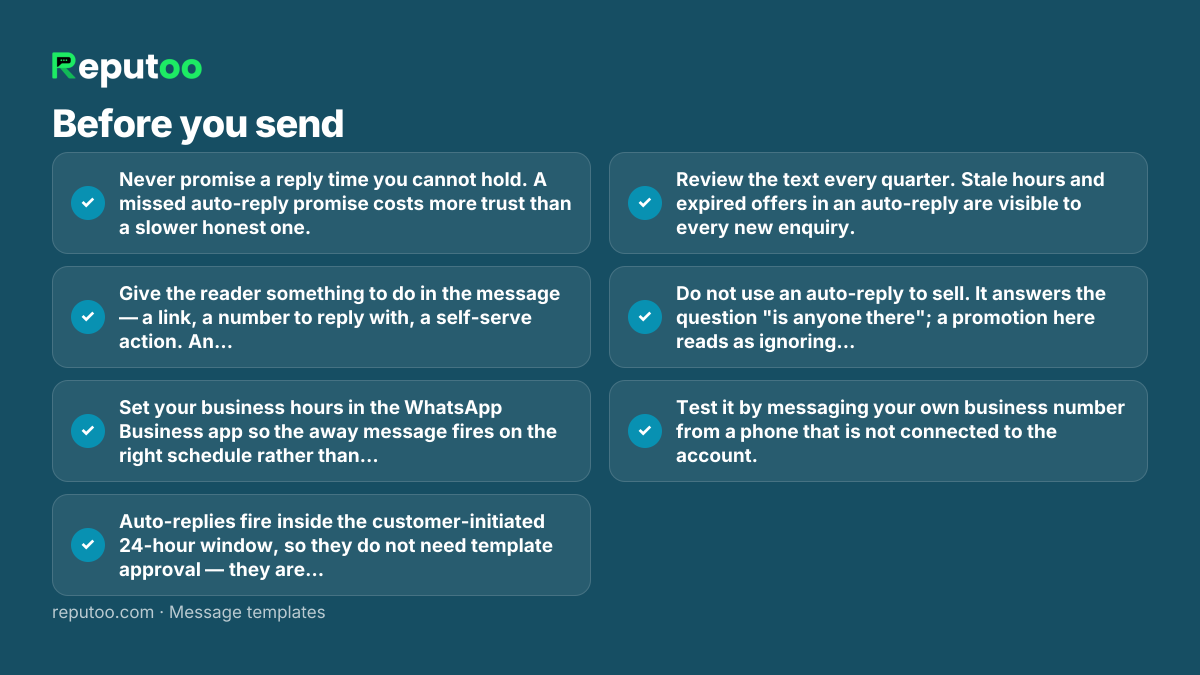
Before you send
- Never promise a reply time you cannot hold. A missed auto-reply promise costs more trust than a slower honest one.
- Give the reader something to do in the message — a link, a number to reply with, a self-serve action. An auto-reply with no next step is a dead end.
- Set your business hours in the WhatsApp Business app so the away message fires on the right schedule rather than on every message.
- Auto-replies fire inside the customer-initiated 24-hour window, so they do not need template approval — they are replies, not business-initiated messages.
- Review the text every quarter. Stale hours and expired offers in an auto-reply are visible to every new enquiry.
- Do not use an auto-reply to sell. It answers the question "is anyone there"; a promotion here reads as ignoring the person.
- Test it by messaging your own business number from a phone that is not connected to the account.
Frequently asked
How do I set an auto-reply on WhatsApp Business?
In the free WhatsApp Business app, open Settings → Business tools. "Away message" covers hours you are closed and lets you set the schedule; "Greeting message" fires when someone writes for the first time or after 14 days of silence. On the WhatsApp Business Platform the same behaviour is configured in your provider’s dashboard, where you can also branch the reply on what the customer said.
What is a good away message for business?
One that names a real reopening time and gives the reader something to do now. "Thanks for messaging — we are closed and reply from 9am tomorrow. Bookings can still be made at {{link}}" beats "We will get back to you soon", because the second sentence tells the reader nothing they had not already assumed.
Do auto-replies need Meta template approval?
No. An auto-reply fires in response to a customer message, which puts it inside the 24-hour customer service window where you can send freely worded messages. Template approval applies to business-initiated messages — the ones you send to start a conversation.
Can I send different auto-replies to different customers?
On the free Business app, no — the away and greeting messages are single fixed texts. On the WhatsApp Business Platform, yes: replies can branch on what the customer wrote, on their history with you, or on which entry point they came through, which is the practical reason businesses move across.
What is "smart reply" on WhatsApp?
It is the general term for replies that respond to the content of a message rather than firing the same text at everyone. WhatsApp itself has no such feature; it comes from the platform you connect to the Business API, either as keyword rules or as an AI agent that reads the message and answers from your own knowledge base.
How long should an auto-reply be?
Two or three short lines. It has to be readable in a notification preview, because that is where most people decide whether to open it. If you need more than that, the extra belongs behind a link, not in the message.
Send these at scale, properly
Reputoo runs these on the official WhatsApp Business API — templates submitted for approval, personalisation from your own customer data, and delivery to everyone who opted in, whether or not they saved your number.
Get started