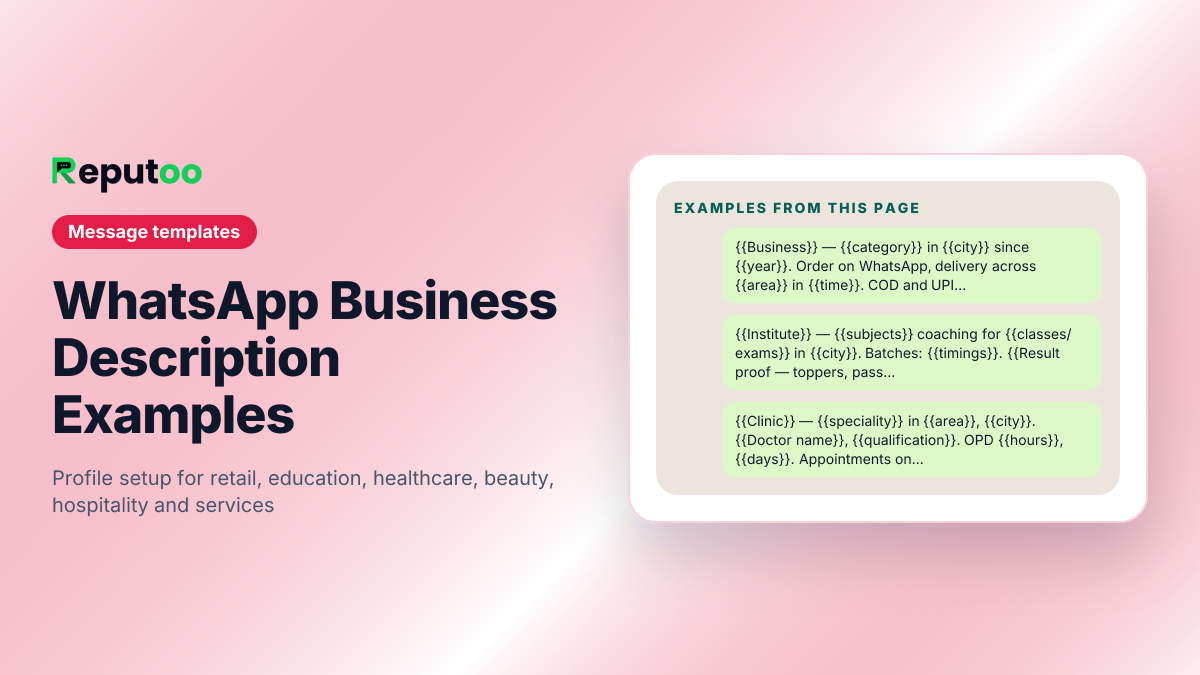
WhatsApp Business Description Examples
Your business description is 512 characters shown to someone deciding whether to trust an unsaved number. Most businesses fill it with adjectives; the ones that convert fill it with facts — what you sell, where you are, when you answer, and what to do next. Below are descriptions by industry that you can paste and edit, and the display-name rules that decide whether your profile is approved at all.
Retail and e-commerce
Lead with the category and the delivery promise. Shoppers are checking whether you are real and whether the thing arrives.
Coaching, tuition and education
Parents are checking outcomes and logistics. Name the boards or exams, the batch timings and the fee conversation.
Clinics, dental and healthcare
Keep it factual and avoid outcome claims. Booking, hours and location do the work.
Salon, spa and beauty
Availability is the entire question. Put booking and timings ahead of the service list.
Restaurants, cafes and cloud kitchens
Menu, hours, delivery radius. Anything else is decoration.
Professional and home services
Service area and response time matter more than credentials for an unsaved number.
Before you send
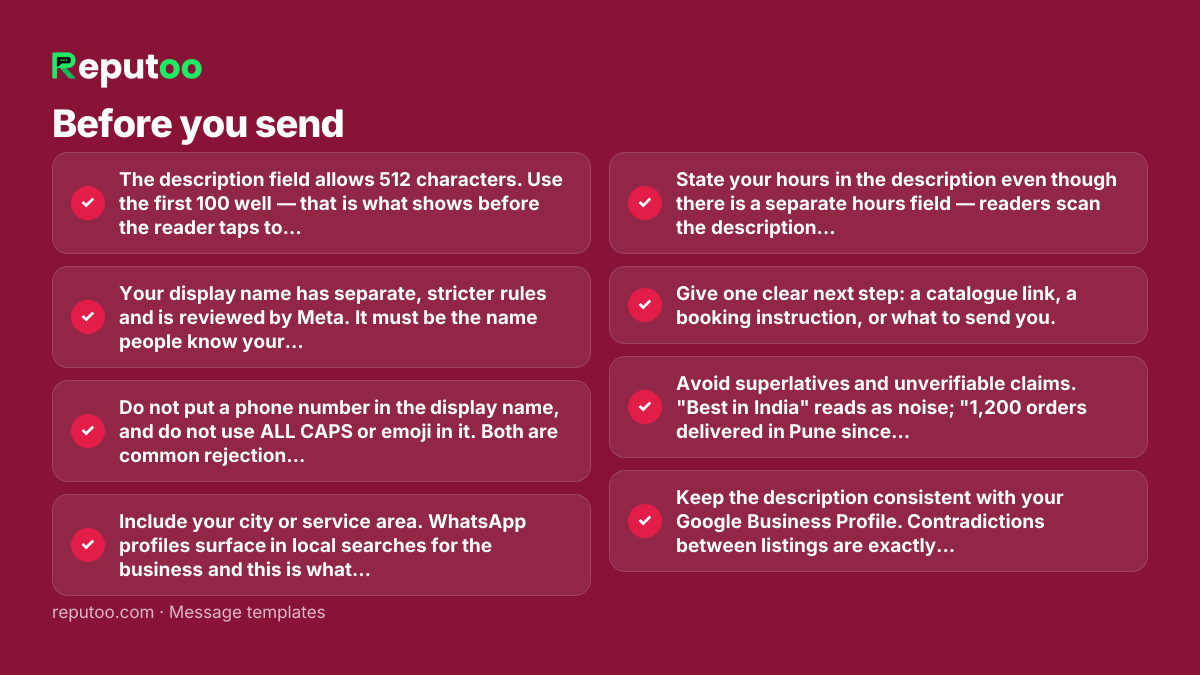
- The description field allows 512 characters. Use the first 100 well — that is what shows before the reader taps to expand.
- Your display name has separate, stricter rules and is reviewed by Meta. It must be the name people know your business by. Generic names like "Best Deals" or "Shop Online" are rejected, and so is a name that does not match your website and other listings.
- Do not put a phone number in the display name, and do not use ALL CAPS or emoji in it. Both are common rejection causes.
- Include your city or service area. WhatsApp profiles surface in local searches for the business and this is what makes them useful.
- State your hours in the description even though there is a separate hours field — readers scan the description first.
- Give one clear next step: a catalogue link, a booking instruction, or what to send you.
- Avoid superlatives and unverifiable claims. "Best in India" reads as noise; "1,200 orders delivered in Pune since 2019" reads as a business.
- Keep the description consistent with your Google Business Profile. Contradictions between listings are exactly what a cautious customer checks for.
Frequently asked
What should I write in my WhatsApp Business description?
What you sell, where you operate, when you answer, and what the reader should do next. You have 512 characters and only the first hundred or so are visible before the reader has to tap. Facts convert better than adjectives here, because the description is read by someone deciding whether an unsaved number is a real business.
How many characters is the WhatsApp Business description?
512 characters. The business name has its own much shorter limit and its own approval rules, and the "about" line seen in the chat header is a separate, shorter field again. Write the description assuming the reader only sees the opening line.
Why was my WhatsApp Business display name rejected?
Usually because it is generic, does not match the business as it appears elsewhere online, contains a phone number or URL, or uses formatting Meta does not allow such as all-caps or emoji. Meta checks the name against your website and public listings, so the fix is normally to use the name customers actually know you by rather than a keyword-stuffed variant.
Can I change my WhatsApp Business description later?
Yes, freely and as often as you like — the description is not reviewed. The display name is different: changing it triggers another Meta review, and on the Business Platform there are limits on how often you can do it, so it is worth getting right the first time.
Should the description be in English or the local language?
The language your customers write to you in. If most enquiries arrive in Hindi, a Hindi description will be read by more of them. You can mix — a short English line for the category and the details in the local language is common and works well.
Send these at scale, properly
Reputoo runs these on the official WhatsApp Business API — templates submitted for approval, personalisation from your own customer data, and delivery to everyone who opted in, whether or not they saved your number.
Get started