
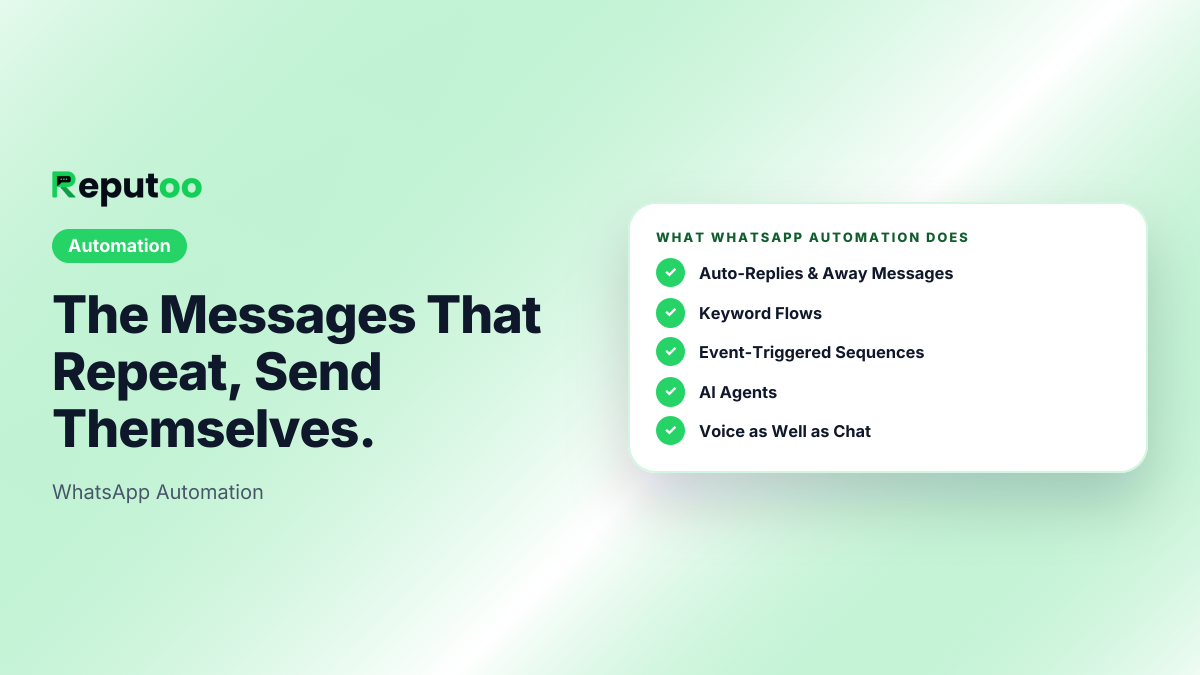
The Messages That Repeat, Send Themselves.
Automated WhatsApp messaging built on the official Business Platform — replies to people who message first, sequences that fire from real business events, and AI agents that hold a conversation on chat and on calls.
- Answers Without You
- 24/7
- Triggers, Not Clock Times
- Event-based
- No Banned Numbers
- Official API
- Flow Builder
- No-code
Illustrative outcomes based on common industry scenarios — not measured Reputoo customer results.
Without WhatsApp Automation, businesses struggle with:
Everything you need
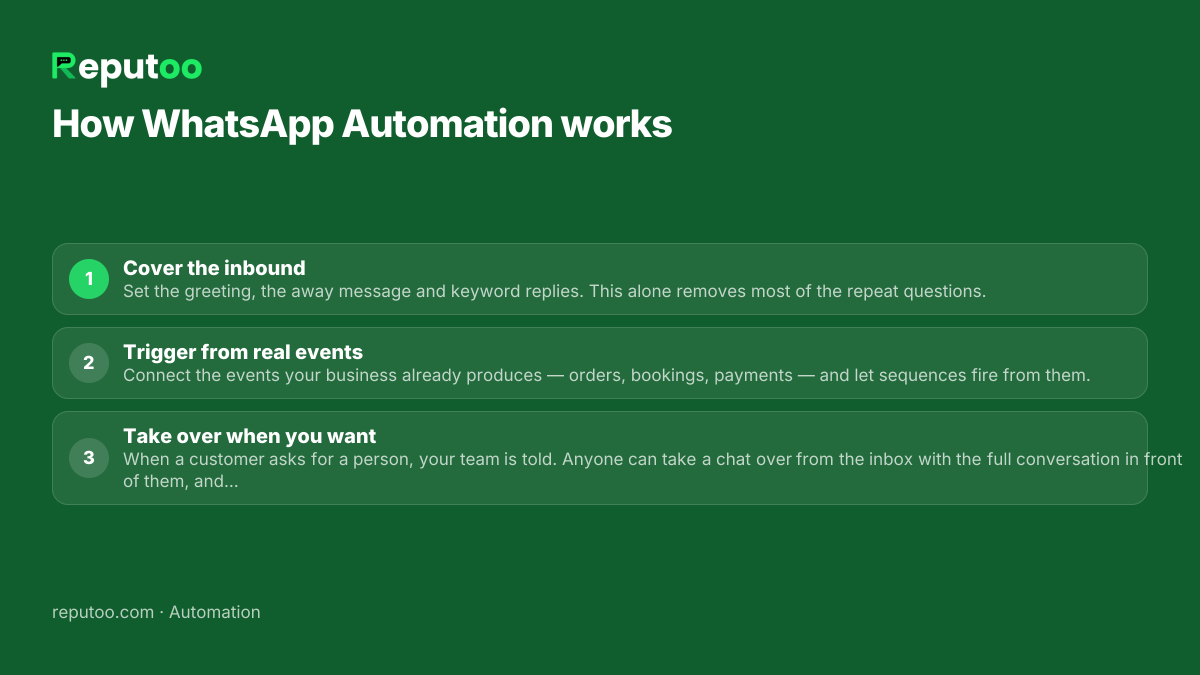
Up and running in minutes
Frequently asked questions
What is WhatsApp automation?
Sending or replying to WhatsApp messages without a person doing it each time. In practice it covers four things: automatic replies to people who message you, keyword flows that answer a specific request, sequences that fire from a business event such as an order or a booking, and AI agents that hold a whole conversation. All of it runs on the official WhatsApp Business Platform.
Can I automate WhatsApp without getting banned?
Yes, on the official WhatsApp Business Platform, which is what Meta built for exactly this. What gets numbers banned is the other kind of tool — software that drives WhatsApp Web through a browser, usually identifiable because it asks you to scan a WhatsApp Web QR code. That is automating your account rather than using an API, and the ban applies to the phone number.
Can WhatsApp send messages automatically at a set time?
On the Business Platform, yes — campaigns and sequences send without a phone being involved. WhatsApp itself has no scheduling feature, which is why the phone-level tricks people use for personal messages stop at preparing the message. For a business, triggering off an event is usually more useful than a clock time anyway.
What is the difference between a chatbot and automation?
A chatbot is one kind of automation — the conversational kind, answering what someone asks. Automation also covers what happens with no message coming in: the reminder that goes out 24 hours before an appointment, the win-back after 90 days of silence, the cart nudge. Most businesses need both, and they run from the same place.
Do automated messages need Meta template approval?
It depends who starts the conversation. A reply sent inside the 24 hours after a customer messages you can be freely worded. Anything your business initiates — a reminder, a campaign, a follow-up on a cold lead — needs a template approved in advance, in the right category.
Will customers know they are talking to automation?
They should, when it matters. The useful pattern is automation that answers the routine question immediately, and a person who steps in when the customer asks for one — with the conversation already in front of them. What loses customers is not automation; it is automation with no exit, which is why a customer can always ask for a person and your team can take over any chat.
Related features
Start using WhatsApp Automation today.
1,000+ businesses onboarded · Member of NVIDIA Inception · Official WhatsApp Business API, no per-message markup.