
Check If a Phone Number Is Valid for WhatsApp
Validate any phone number format for WhatsApp messaging instantly. Check number length, country code, and WhatsApp compatibility — free tool, no API key needed.
WhatsApp Number Checker
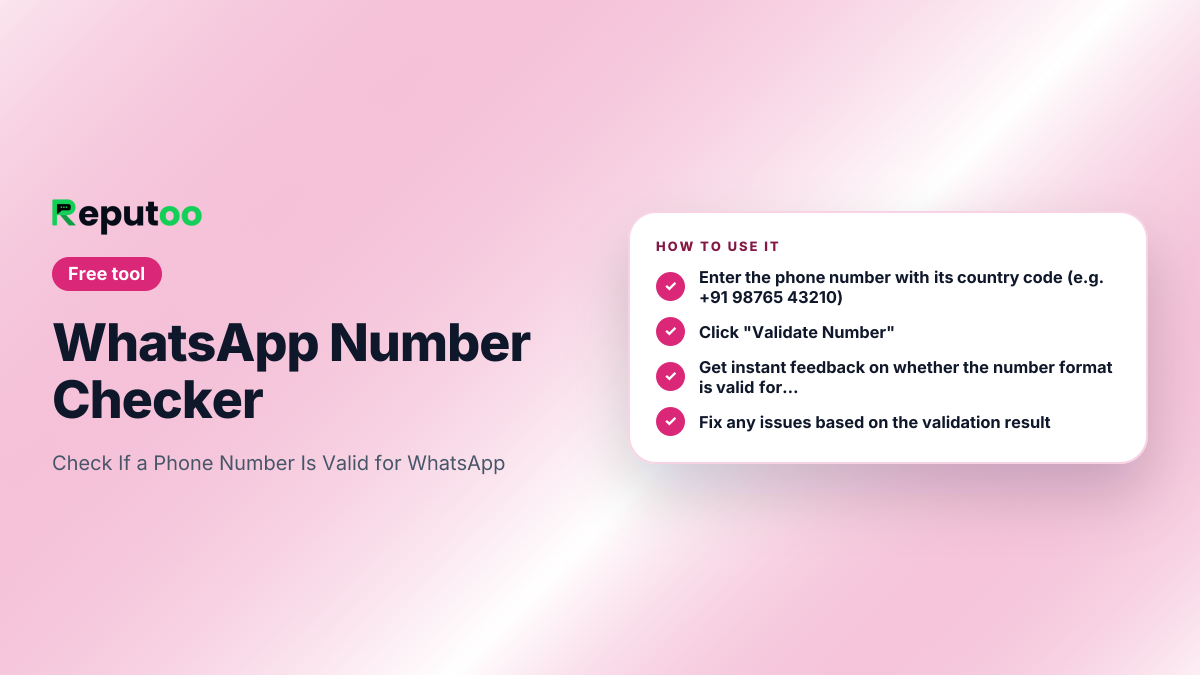
How to Use
- 1
Enter the phone number with its country code (e.g. +91 98765 43210)
- 2
Click "Validate Number"
- 3
Get instant feedback on whether the number format is valid for WhatsApp
- 4
Fix any issues based on the validation result
Automate This with Reputoo
Send WhatsApp campaigns, answer chats and calls with an AI agent, and book appointments automatically — zero manual work.
Get StartedOther Free Tools
Frequently Asked Questions
What makes a WhatsApp number valid?
A valid WhatsApp number must have a correct country code, be 7 to 15 digits total (after removing +, spaces, and dashes), and belong to a carrier that supports WhatsApp. Our tool checks the format and length.
Can I bulk validate WhatsApp numbers?
This free tool validates one number at a time. For bulk validation of thousands of contacts, Reputoo's platform offers bulk WhatsApp number validation as part of its contact import feature.
Does validation confirm the number has WhatsApp?
This tool validates the number format and length. To confirm if WhatsApp is actively installed on the number, you need the WhatsApp Business API, which Reputoo provides.
Why should I validate numbers before sending?
Sending to invalid numbers increases your block rate, which can get your WhatsApp Business account flagged or suspended by Meta. Always clean your contact list before broadcasts.
What country codes are supported?
All international country codes are supported. Enter the full number with country code — India (+91), UAE (+971), USA (+1), UK (+44), etc.
Ready to automate your
WhatsApp marketing?
Reputoo automates everything this tool does — at scale, for every customer, automatically.
Get Started with ReputooCancel anytime · No hidden costs