
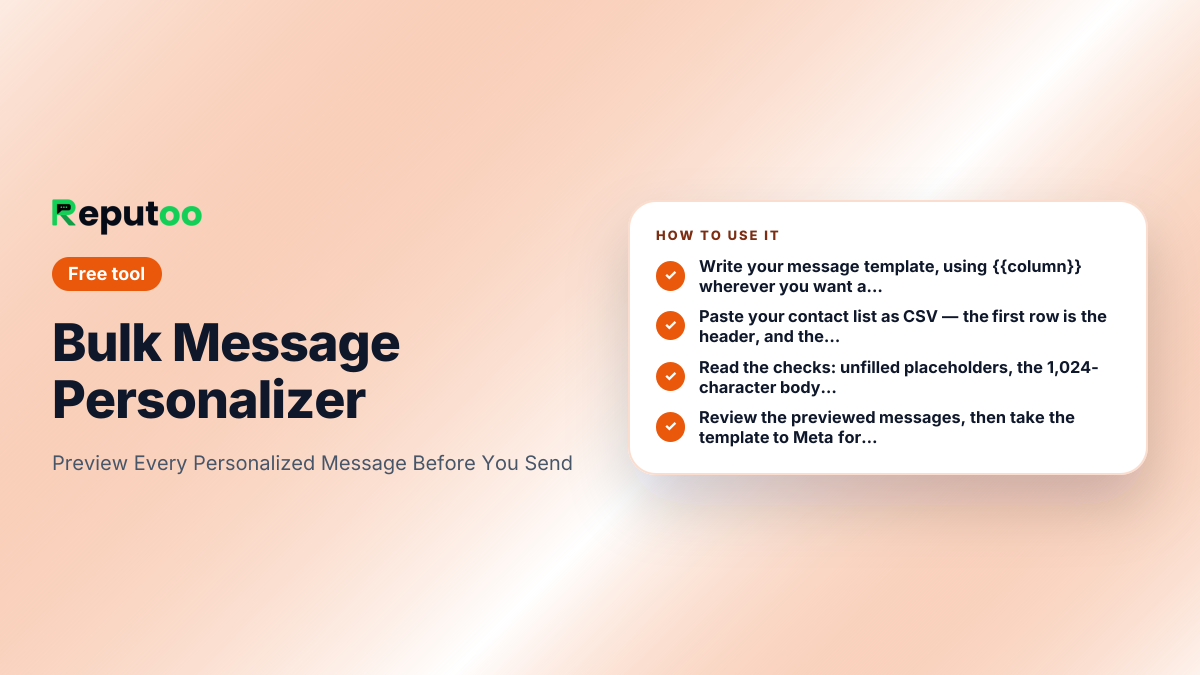
Preview Every Personalized Message Before You Send
Paste a message template and your contact CSV, and see exactly what each customer will receive. Catches unfilled variables, over-length messages and spam-trigger wording before Meta reviews your template. Free, runs in your browser.
Bulk Message Personalizer
120 / 1024 characters
3 contacts · columns: name, service, date
Before you submit this template
- Uses 3 variables: name, service, date
- Every variable has a matching CSV column
- All placeholders resolve in every row
- Every message is within the 1,024-character body limit
- No common spam-trigger words detected
Preview — first 3 of 3
Hi Priya, your haircut at Reputoo Salon is confirmed for Tuesday 4pm. Reply RESCHEDULE if you need a different time.
116 characters
Hi Rahul, your beard trim at Reputoo Salon is confirmed for Wednesday 11am. Reply RESCHEDULE if you need a different time.
122 characters
Hi Aneesha, your colour at Reputoo Salon is confirmed for Friday 6pm. Reply RESCHEDULE if you need a different time.
116 characters
Runs entirely in your browser — nothing is uploaded, and nothing is sent. This previews and checks messages; sending them to an opted-in list needs the official WhatsApp Business Platform.
Frequently asked questions
Does this tool send WhatsApp messages?
No, and deliberately so. It personalizes and previews messages in your browser so you can check them before they go anywhere. Nothing is uploaded and nothing is sent. Actually sending to an opted-in list needs the official WhatsApp Business Platform — free desktop "senders" that automate WhatsApp Web get the number banned.
Is my contact list uploaded anywhere?
No. The whole tool runs in your browser — the CSV you paste never leaves the page and is not sent to any server. Close the tab and it is gone.
What variable format should I use?
Use {{column}}, matching a header name in your CSV — so {{name}} pulls from the "name" column. Matching is case-insensitive. The tool flags any variable in your template with no matching column, which is the mistake that sends "Hi {{name}}" to a real customer.
Why does it warn about 1,024 characters?
That is Meta's limit for a WhatsApp template body. Personalization is what usually pushes a message over it — the template fits, then a long service name or address expands it past the cap. The tool checks the rendered length for every row, not just the template.
Will this get my template approved by Meta?
It removes the avoidable reasons for rejection — missing variables, over-length bodies, obvious spam wording. Meta reviews against its own current policy and has the final word, so treat this as a first pass rather than a guarantee. Category matters too: promotional wording submitted as Utility is the single most common rejection.
Other free tools
Automate this with Reputoo.
1,000+ businesses onboarded · Member of NVIDIA Inception · Official WhatsApp Business API, no per-message markup.