
Format WhatsApp Text — Bold, Italic, Strikethrough
Format your WhatsApp messages with bold, italic, strikethrough, and monospace text. Copy formatted text ready to paste into WhatsApp — free online tool, no app needed.
WhatsApp Text Formatter
0 characters
Type something above to see formatting options
*Hello World*_Hello World_~Hello World~```Hello World```How to Use
- 1
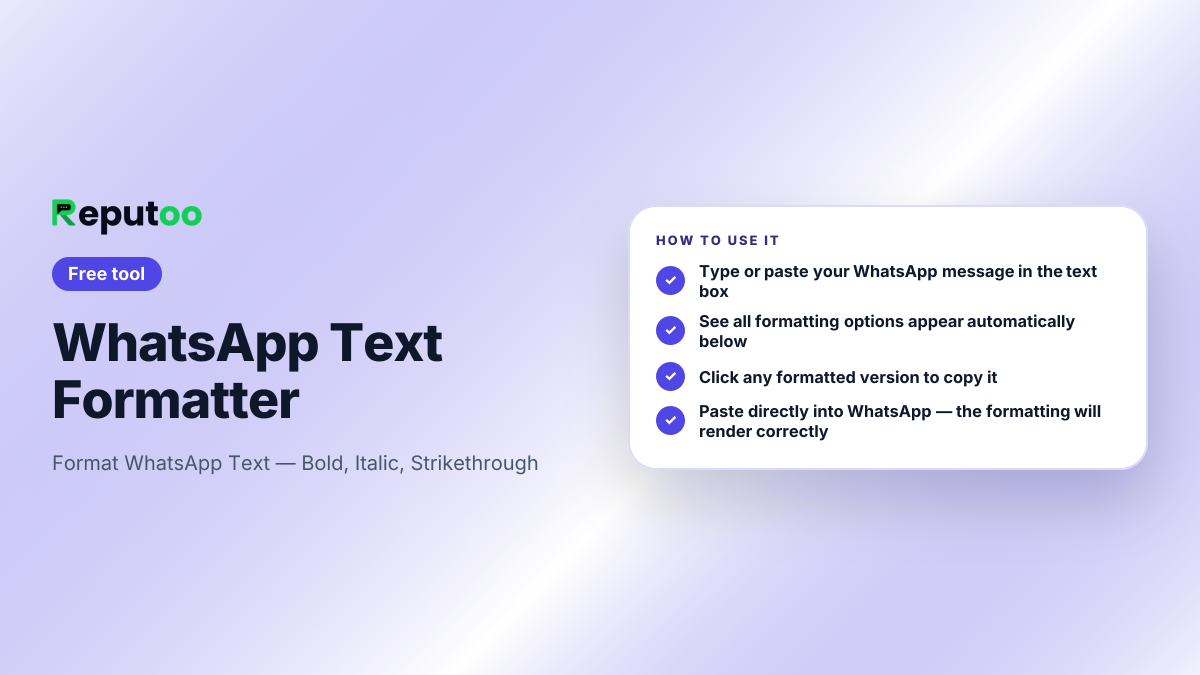
Type or paste your WhatsApp message in the text box
- 2
See all formatting options appear automatically below
- 3
Click any formatted version to copy it
- 4
Paste directly into WhatsApp — the formatting will render correctly
Automate This with Reputoo
Send WhatsApp campaigns, answer chats and calls with an AI agent, and book appointments automatically — zero manual work.
Get StartedOther Free Tools
Frequently Asked Questions
How do I make text bold on WhatsApp?
Wrap your text with asterisks: *your text*. For example, *Hello* will appear as Hello in bold. You can also use this tool to generate bold text with one click.
How do I make text italic on WhatsApp?
Wrap your text with underscores: _your text_. For example, _Hello_ will appear in italic on WhatsApp.
How do I strikethrough text on WhatsApp?
Wrap your text with tildes: ~your text~. For example, ~Hello~ will appear with a line through it.
Does WhatsApp text formatting work in groups?
Yes. Bold, italic, strikethrough, and monospace formatting work in personal chats, group chats, and WhatsApp Business messages.
Can I combine bold and italic on WhatsApp?
Yes. Combine them: *_your text_* for bold italic. This tool generates the combined format with one click.
Does formatting work in WhatsApp Business messages?
Yes. WhatsApp Business API templates and regular WhatsApp Business messages support the same bold (*), italic (_), strikethrough (~), and monospace (```) formatting.
Ready to automate your
WhatsApp marketing?
Reputoo automates everything this tool does — at scale, for every customer, automatically.
Get Started with ReputooCancel anytime · No hidden costs