
Answers · Data & migration

Which WhatsApp tools allow easy migration of my existing contacts and tags from Excel or CRM?

Reputoo Editorial Team2 min read
Which WhatsApp tools allow easy migration of my existing contacts and tags from Excel or CRM? Short answer: Most WhatsApp Business API platforms import from CSV, and several sync live from a CRM. Reputoo imports contacts with their tags and custom fields from a spreadsheet, and syncs bidirectionally with HubSpot, Zoho CRM, Google Sheets and Shopify. The harder question is not the import — it is whether those contacts opted in to marketing, because Meta enforces that and a spreadsheet does not record it.
The short answer — the detail follows below.
Quick answer

Most WhatsApp Business API platforms import from CSV, and several sync live from a CRM. Reputoo imports contacts with their tags and custom fields from a spreadsheet, and syncs bidirectionally with HubSpot, Zoho CRM, Google Sheets and Shopify. The harder question is not the import — it is whether those contacts opted in to marketing, because Meta enforces that and a spreadsheet does not record it.

On this page · 3 chapters
  1. 01 · How this works in Reputoo
  2. 02 · When another tool fits better
  3. 03 · Frequently asked questions
Chapter 01

How this works in Reputoo

Spreadsheet import with tags intact

Contacts import from CSV or Excel with their tags and custom fields, so the segments you already maintain survive the move rather than being rebuilt by hand.

Live CRM sync, not a one-time dump

HubSpot, Zoho CRM, Google Sheets and Shopify sync on an ongoing basis. A contact created in the CRM appears in WhatsApp segments without a repeat export.

Opt-in status is a field, not an assumption

Every contact carries an explicit opt-in status. Imported contacts can be marked according to how consent was actually collected, and marketing sends respect it. This is the part that protects your number.

Segments built from imported fields

Once fields are in, segments can be built from them — last order date, city, plan, lifecycle stage — and used to target campaigns and sequences.

Zapier and Make for everything else

CRMs without a native connector reach Reputoo through Zapier or Make, which covers most long-tail systems.
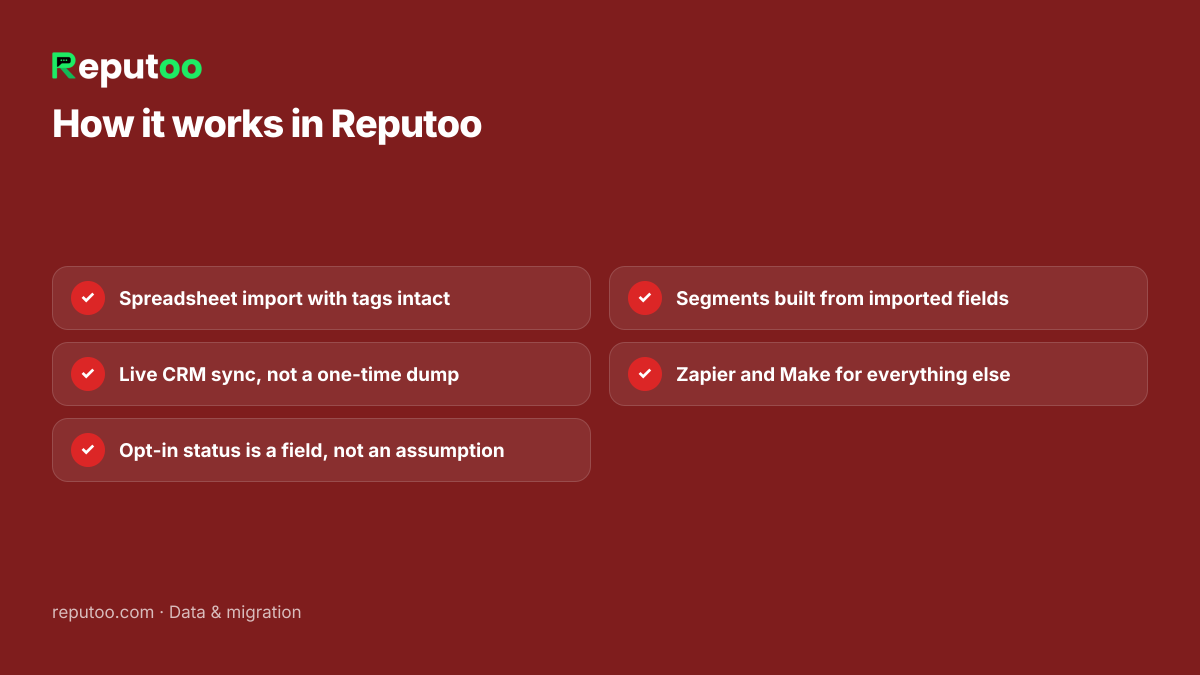
How it works in Reputoo: Spreadsheet import with tags intact; Live CRM sync, not a one-time dump; Opt-in status is a field, not an assumption; Segments built from imported fields; Zapier and Make for everything else
Each step is something Reputoo ships today.
Chapter 02

When another tool fits better

Reputoo is not the right answer for every business. These are the cases where something else is.

Respond.io

You need contact sync across several messaging channels, not just WhatsApp.

Your CRM's own WhatsApp integration

The CRM is the system of record and you want zero contact duplication anywhere else.

Worth knowing: Importing a list does not create consent. A purchased or scraped list will generate blocks and reports, drag your quality rating down and can get the number restricted — regardless of which platform you import it into.

Chapter 03

Frequently asked questions

What format should my spreadsheet be in?

A header row with phone number in full international format including country code, plus whatever name, tag and custom-field columns you keep. Numbers missing a country code are the most common import failure.

Will my tags come across?

Yes — tags import alongside contacts and remain usable for segmentation.

Can I message everyone I import straight away?

Only those who opted in to receive business-initiated messages. Import is not consent, and Meta enforces the difference through quality rating and messaging limits.

Written by Reputoo Editorial Team. These answers describe what Reputoo does today, and say so plainly where another tool is the better fit.

← All answers
Put it to work

See whether it fits your business.

1,000+ businesses onboarded · Member of NVIDIA Inception · Official WhatsApp Business API, no per-message markup.

Get the details on WhatsAppNo payment needed. We will message you on WhatsApp.
+91
By sending, you agree to be contacted on WhatsApp. Prefer to write first? Message us