
Zoho CRM Contacts → WhatsApp Conversations, Automatically
Connect Reputoo to Zoho CRM and trigger WhatsApp messages from deal stage changes, lead assignments, follow-up reminders, and customer milestones — no code required.
3x
Faster Deal Closure
High
WhatsApp Open Rate
5 min
Setup Time
0 Code
Required
Illustrative outcomes based on common industry scenarios — not measured Reputoo customer results.
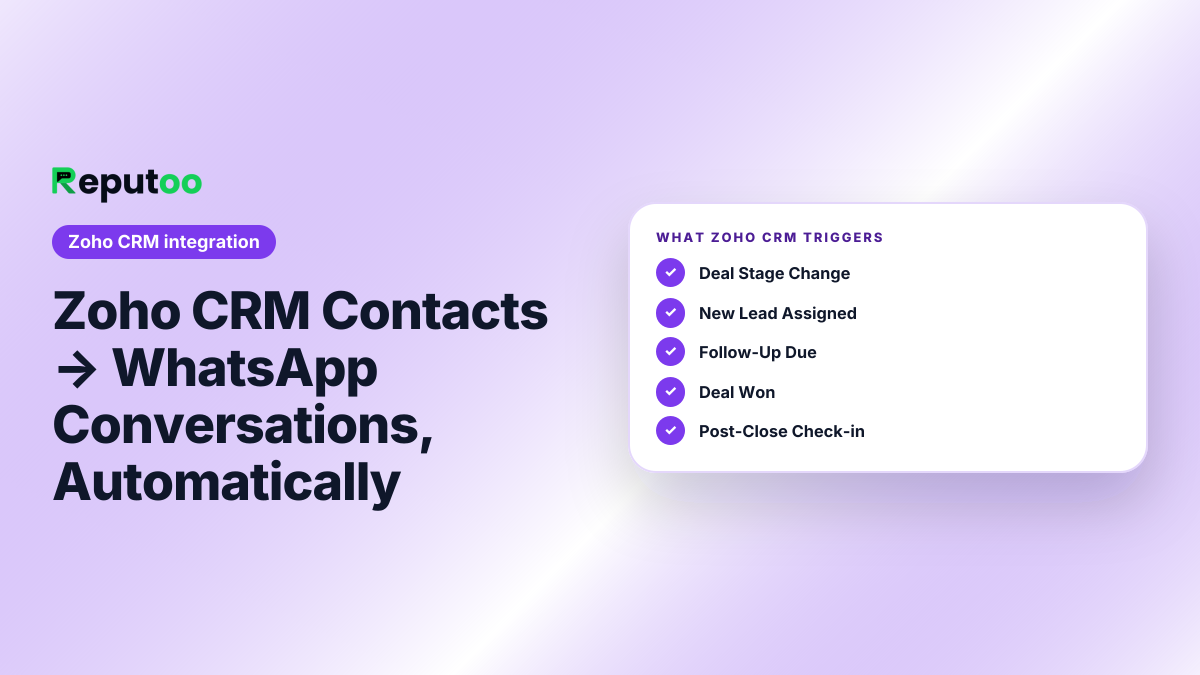
Automated Triggers
What gets automated
Deal Stage Change
Deal moves to "Proposal Sent" or any custom stage → instant WhatsApp message to the contact.
New Lead Assigned
Lead assigned to a sales rep → WhatsApp notification to rep + auto-reply to the lead within 60 seconds.
Follow-Up Due
Zoho activity due date reached → WhatsApp reminder to sales rep to follow up with the prospect.
Deal Won
Deal status changes to "Closed Won" → WhatsApp congratulations + onboarding sequence starts automatically.
Post-Close Check-in
Deal closed → WhatsApp check-in after a configurable delay, with a renewal or upsell prompt.
Contact Tag Added
New tag added to Zoho contact → trigger appropriate WhatsApp template for that segment.
Platform Features
More than just order notifications
Bi-Directional Sync
WhatsApp conversations sync back to Zoho CRM contact timelines. See every message in the deal record.
Segment by Zoho Fields
Target Zoho contacts by industry, deal stage, lead source, or any custom field in WhatsApp broadcasts.
Deal-Level Attribution
Track which WhatsApp messages influenced deal progression and revenue. See WhatsApp ROI in Zoho reports.
AI Lead Qualification
New Zoho leads get an AI WhatsApp questionnaire that qualifies them and updates Zoho fields automatically.
Click-to-WhatsApp
Add a WhatsApp link to Zoho email templates and web forms. Leads click to chat directly with your team.
Shared Inbox
Sales team handles WhatsApp replies in Reputoo inbox with full Zoho contact context visible alongside.
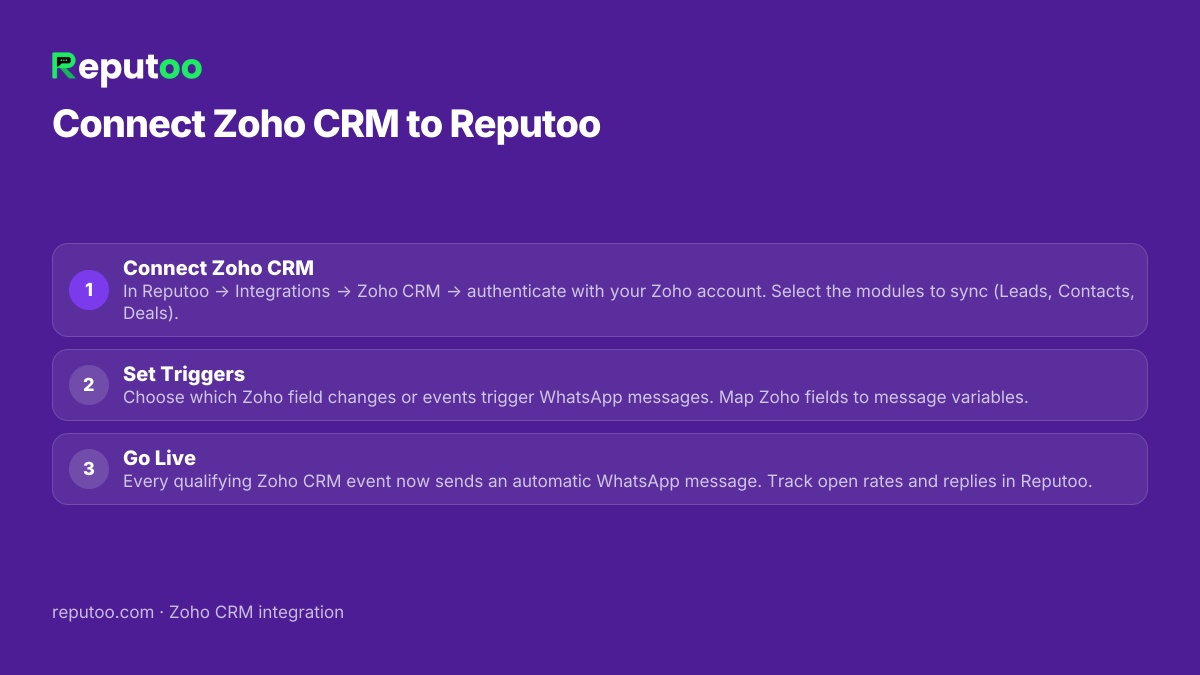
How to Connect
Connect in under 5 minutes
Connect Zoho CRM
In Reputoo → Integrations → Zoho CRM → authenticate with your Zoho account. Select the modules to sync (Leads, Contacts, Deals).
Set Triggers
Choose which Zoho field changes or events trigger WhatsApp messages. Map Zoho fields to message variables.
Go Live
Every qualifying Zoho CRM event now sends an automatic WhatsApp message. Track open rates and replies in Reputoo.
Frequently Asked Questions
How does the Zoho CRM and Reputoo integration work?
Reputoo connects to Zoho CRM via the Zoho API and webhooks. When a configured event occurs in Zoho (deal stage change, lead assignment, activity due date), Reputoo automatically sends the relevant WhatsApp message to the associated contact.
Does WhatsApp conversation history sync back to Zoho CRM?
Yes. Reputoo can write WhatsApp message activity back to the Zoho contact or deal timeline, so your sales team sees the full communication history without leaving Zoho.
Can I trigger WhatsApp messages from any Zoho module?
Yes. The integration supports Leads, Contacts, Deals, and Accounts modules. You can trigger messages from standard field changes or custom field updates in any of these modules.
Does the integration work with Zoho CRM Free plan?
Yes. The Zoho API is available on all Zoho CRM plans including the free tier. Reputoo connects via OAuth, so no API key management is needed.
Can I use Zoho CRM contact segments for WhatsApp broadcasts?
Yes. Use Reputoo's contact import to sync a Zoho CRM list view or view export, then broadcast to that segment via WhatsApp. For fully automated segment sync, use the Zapier or webhook integration.
How quickly does WhatsApp message go out after a Zoho deal stage change?
Typically within 30–60 seconds of the Zoho webhook event firing. Reputoo processes events in real time and sends WhatsApp messages immediately upon receipt.
Other Integrations
Connect Zoho CRM to WhatsApp today
Official WhatsApp Business API · Cancel anytime · No hidden costs
Connect Zoho CRM