Automation

Follow Up Automatically. Convert While You Sleep.

Build multi-step WhatsApp follow-up sequences that start on their own — when a contact is added, tagged or opts in, sends a keyword, moves stage as a lead, or has a birthday coming up — or when your own system enrols them through the API.

Follow-up Sequences
Multi-step
Triggered Sends
Automatic
Sequence Builder
No-code
Step Types
10

Illustrative outcomes based on common industry scenarios — not measured Reputoo customer results.
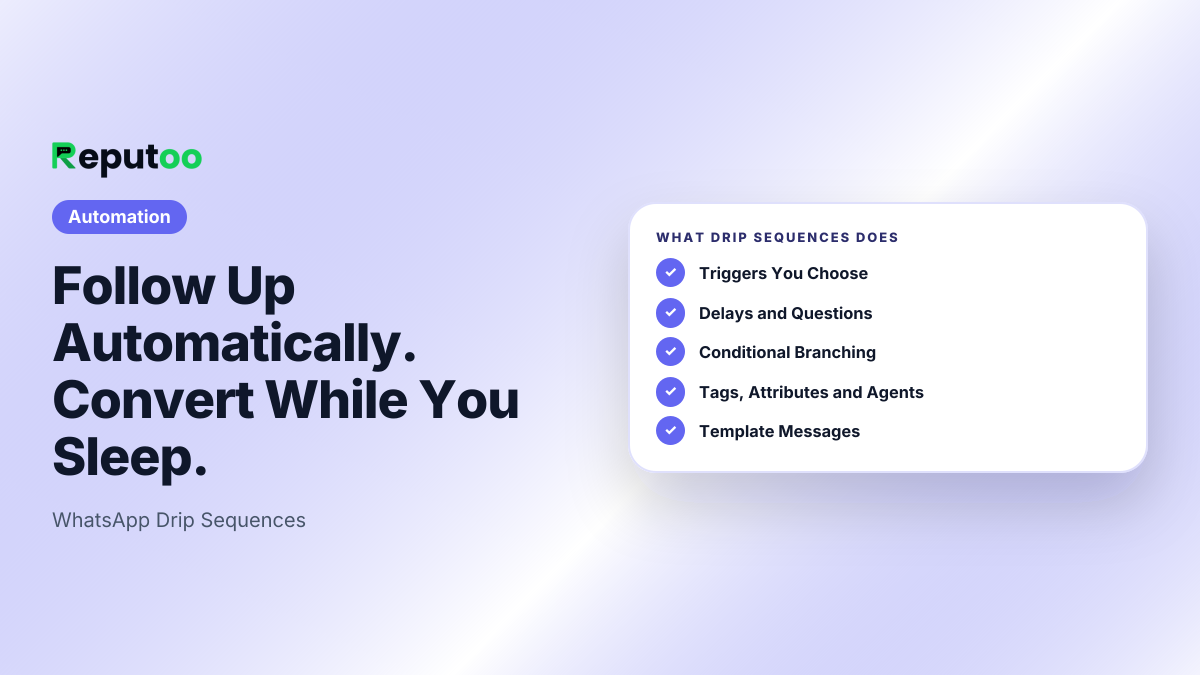
Drip Sequences: Triggers You Choose, Delays and Questions, Conditional Branching, Tags, Attributes and Agents, Template Messages, Enrolment Counts
What Reputoo Drip Sequences does.
The problem

Without Drip Sequences, businesses struggle with:

Common painLeads go cold without follow-upCustomers need 5-7 touches before converting. Manual follow-up doesn't scale.
Common painWrong timing kills conversionsA message 24 hours late is 10x less effective. Automation hits the right moment every time.
Common painOne-size-fits-all messaging failsSame message to all customers ignores where they are in the buying journey.
Features

Everything you need

Triggers You ChooseStart when a contact is added, tagged or opts in, sends a keyword, moves stage as a lead, or has a birthday or anniversary coming up. Or enrol contacts by hand or through the API.
Delays and QuestionsWait hours or days between steps. An Ask Question step pauses the sequence until the customer replies, saves the answer to their contact and carries on.
Conditional BranchingBranch on whether the customer replied or read the message, their tags, days inactive, total spent or VIP status. Different paths for different customers.
Tags, Attributes and AgentsApply or remove tags, update contact attributes, assign the conversation to a team member, or post the contact to another app with a webhook.
Template MessagesUse approved WhatsApp templates with auto-filled variables — name, order, date, amount.
Enrolment CountsSee how many contacts each sequence has enrolled and how many have completed it.
How it works

Up and running in minutes

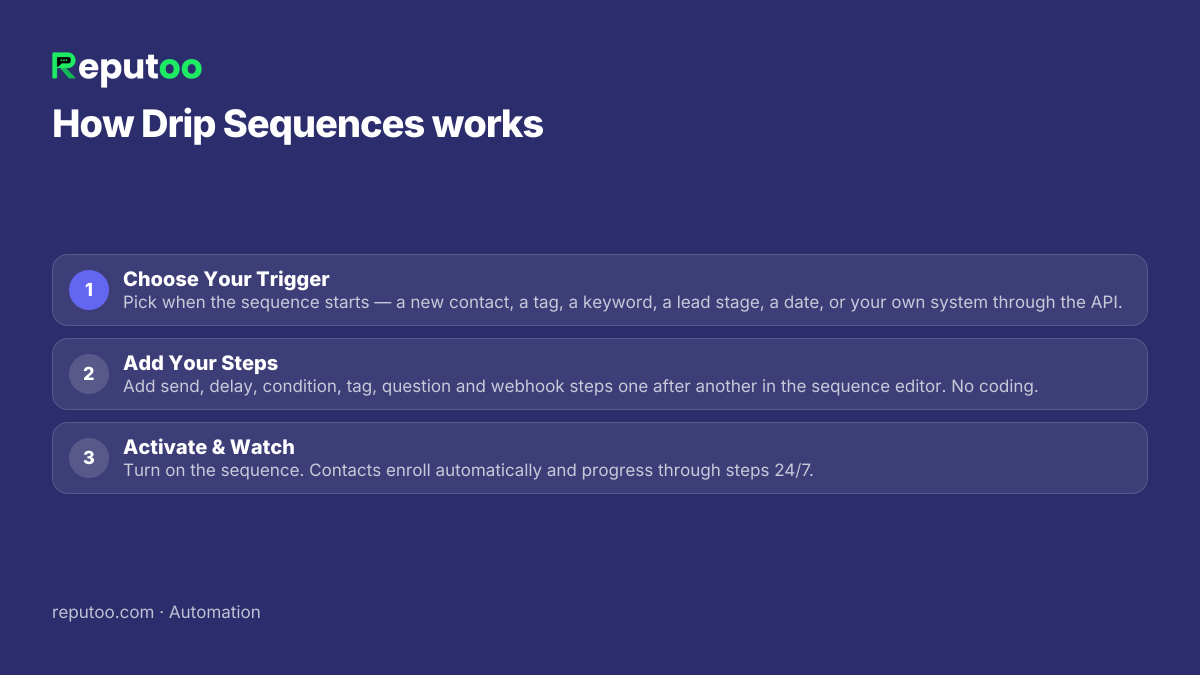
Step 01Choose Your TriggerPick when the sequence starts — a new contact, a tag, a keyword, a lead stage, a date, or your own system through the API.
Step 02Add Your StepsAdd send, delay, condition, tag, question and webhook steps one after another in the sequence editor. No coding.
Step 03Activate & WatchTurn on the sequence. Contacts enroll automatically and progress through steps 24/7.
How Drip Sequences works: 1. Choose Your Trigger 2. Add Your Steps 3. Activate & Watch
Setting up Drip Sequences, step by step.
FAQ

Frequently asked questions

What are WhatsApp drip sequences?

Automated series of messages sent over time based on triggers — a new lead gets a welcome message, follow-up after 24 hours, case study after 3 days, call invite after 7 days — all automated.

What events can trigger a sequence?

A contact being added, tagged or opting in, a keyword reply, a lead moving stage, a birthday or anniversary three days away, and enrolment by hand or from your own system through the API. Order and cart messages run from the Shopify and WooCommerce automations instead, and booking reminders from Bookings.

Can a sequence react when a customer replies?

Yes. A condition step can check whether the customer replied within a set number of hours and send them down a different path, and an Ask Question step waits for the reply before it continues.

How many steps can a sequence have?

As many as the journey needs — from a 2-step reminder to a longer nurture journey spanning weeks.

Can I use sequences for abandoned cart recovery?

Cart reminders run from the Shopify and WooCommerce automations rather than from sequences: connect your store and the cart reminder goes out automatically.

How is a sequence different from a broadcast?

A broadcast is a one-time message to many at once. A sequence is an automated multi-step flow triggered by individual customer events, sending personalized messages over time.

Put it to work

Start using Drip Sequences today.

1,000+ businesses onboarded · Member of NVIDIA Inception · Official WhatsApp Business API, no per-message markup.

Get the details on WhatsAppNo payment needed. We will message you on WhatsApp.
+91
By sending, you agree to be contacted on WhatsApp. Prefer to write first? Message us