
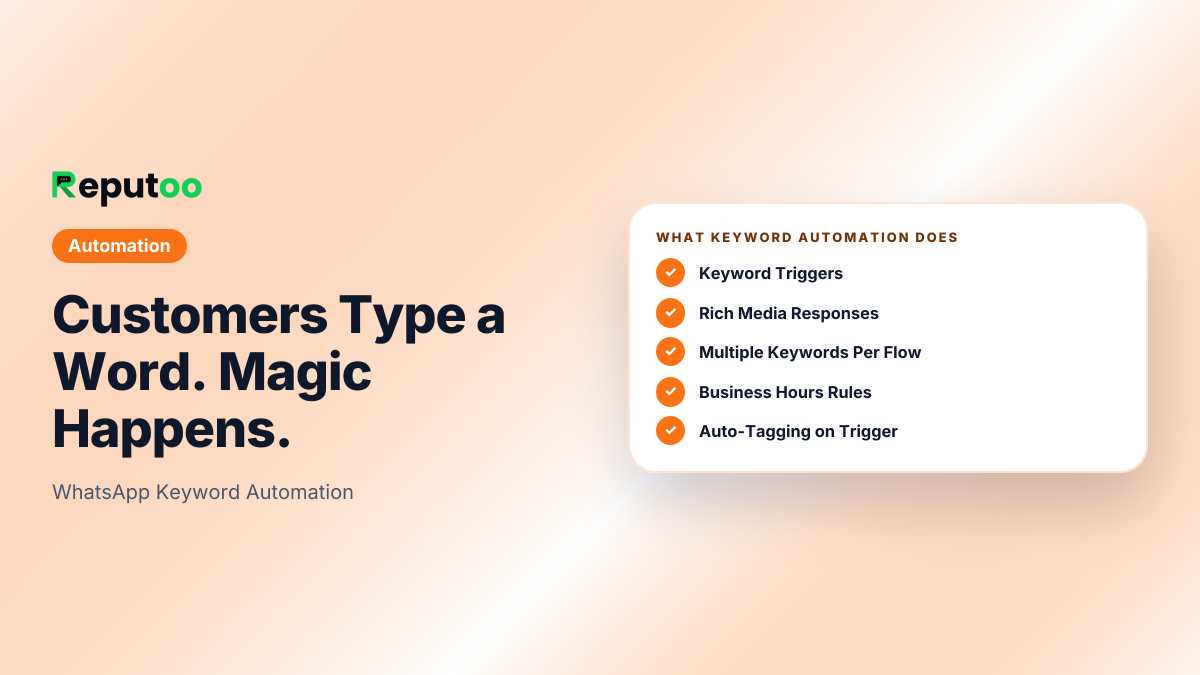
Customers Type a Word. Magic Happens.
Set up keyword-triggered WhatsApp flows that automatically respond when customers type specific words — prices, booking, menu, hours — delivering instant answers 24/7.
<1s
Response Time
24/7
Always Active
Unlimited
Keywords
0
Coding Required
Illustrative outcomes based on common industry scenarios — not measured Reputoo customer results.
The Problem
Without Keyword Automation, businesses struggle with:
❌ Common Pain
Same questions asked 50 times a day
"What's the price?" "How do I book?" "What are your timings?" Your team answers these manually, forever.
❌ Common Pain
Customers message at midnight, get replies at 9 AM
By morning, the customer has already gone to a competitor who responded instantly.
❌ Common Pain
Full chatbot setup is complex
AI chatbot configuration takes days. Keyword flows take 5 minutes and cover 80% of common queries.
Features
Everything you need
Keyword Triggers
Set any word or phrase as a trigger. "price", "cost", "₹" → auto-send your price list.
Rich Media Responses
Respond with text, images, PDFs, buttons, or complete multi-message flows.
Multiple Keywords Per Flow
"book", "booking", "appointment", "schedule" all trigger the same flow.
Business Hours Rules
Different responses during and outside hours. "We're closed, here's how to book online →".
Auto-Tagging on Trigger
When a keyword fires, automatically tag the contact, add to a sequence, or alert your team.
Trigger Analytics
See which keywords fire most, at what times, and how many conversations each starts.
How It Works
Up and running in minutes
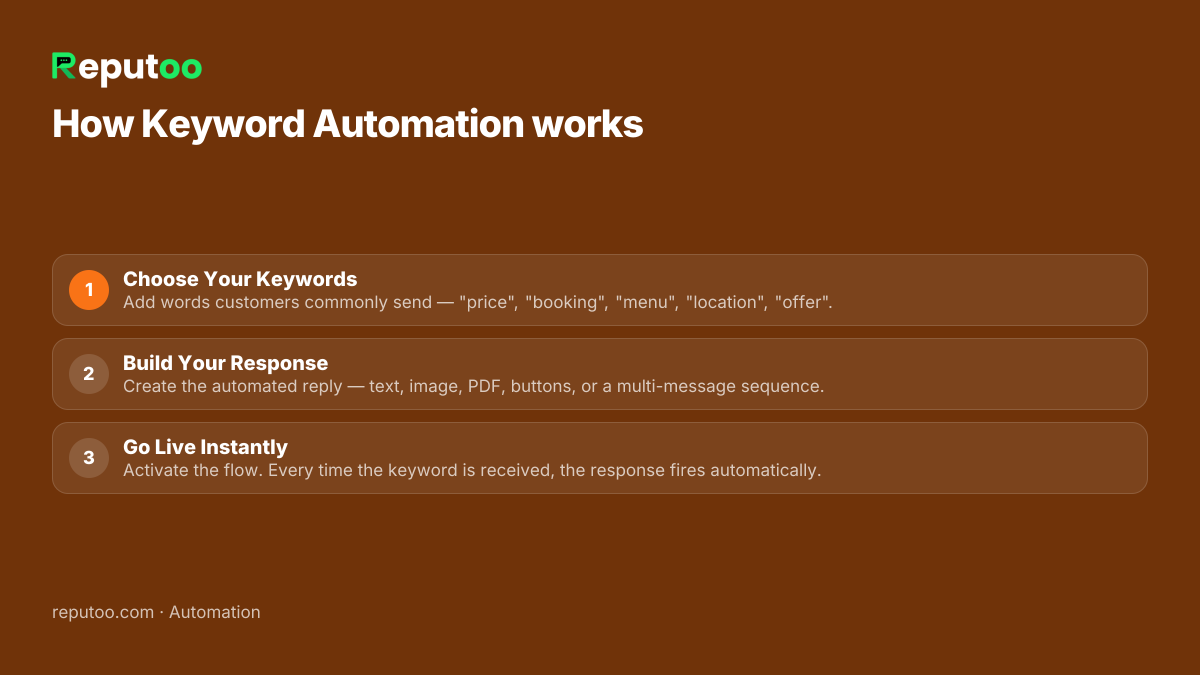
Choose Your Keywords
Add words customers commonly send — "price", "booking", "menu", "location", "offer".
Build Your Response
Create the automated reply — text, image, PDF, buttons, or a multi-message sequence.
Go Live Instantly
Activate the flow. Every time the keyword is received, the response fires automatically.
FAQ
Frequently Asked Questions
What is WhatsApp keyword automation?
Sends an automatic reply when a customer messages a specific word. When a customer sends "price", your flow immediately responds with your price list — without human involvement.
How is it different from a chatbot?
A chatbot understands natural language for complex conversations. Keyword automation matches exact words and sends predefined responses. Takes 5 minutes to set up and handles 80% of common queries.
Can I set up keywords in multiple languages?
Yes. Create separate flows for each language. "price", "दाम", "விலை" can each trigger the same price list for English, Hindi, and Tamil speakers.
What if a message contains multiple keywords?
Reputoo uses priority ordering. If multiple keywords match, the highest-priority flow fires. You control priority order in your dashboard.
Can keyword flows collect customer information?
Yes. Flows can prompt customers to reply with information (e.g., name and email). Their reply is captured as contact data in your CRM automatically.
Do keyword flows work with the AI chatbot?
Yes. Keyword flows and the AI chatbot work in parallel. Exact keyword matches trigger the specific flow. Messages that don't match any keyword go to the AI chatbot.
Related Features
Ready to start?
Start using Keyword Automation today
Official WhatsApp Business API · Cancel anytime · No hidden costs