Automation

What a WhatsApp Chatbot Actually Looks Like in Use.

Worked examples of WhatsApp chatbot flows by business type — what the customer sends, what the bot answers, and how your team steps in when a customer asks for a person.

Worked Examples
6 flows
Your Team Can Take Over
Any time
To Build Any of Them
No-code
Not Browser Automation
Official API

Illustrative outcomes based on common industry scenarios — not measured Reputoo customer results.
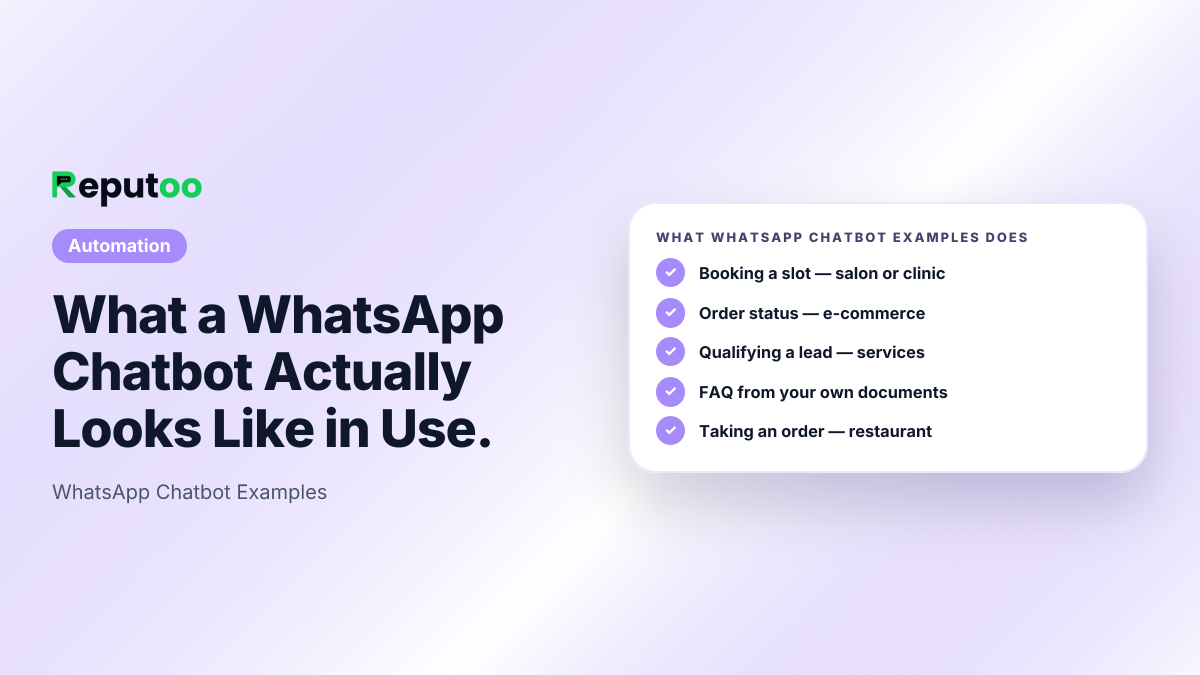
WhatsApp Chatbot Examples: Booking a slot — salon or clinic, Order status — e-commerce, Qualifying a lead — services, FAQ from your own documents, Taking an order — restaurant, Winning back a lapsed customer
What Reputoo WhatsApp Chatbot Examples does.
The problem

Without WhatsApp Chatbot Examples, businesses struggle with:

Common painBot demos never show the failureEvery vendor example shows the happy path. What decides whether customers tolerate a bot is what it does with the question it cannot answer.
Common painFlowcharts break on real phrasingA menu tree assumes the customer picks an option. Real people type a sentence, and a scripted bot answers the wrong thing confidently.
Common painNo handover means no trustA bot with no exit turns one unanswered question into a lost customer and a bad review.
Features

Everything you need

Booking a slot — salon or clinicCustomer: "any appointment Saturday?" → bot reads real staff availability, offers two slots, takes the booking, sends the confirmation and sets the reminder. Your team is told if they ask for a person, and can take over from the inbox if they ask for a specific stylist who is off.
Order status — e-commerceCustomer: "where is my order" → bot matches the number to their order, returns the current status and tracking link. When the answer is "delayed", your team can take the conversation over from the inbox.
Qualifying a lead — servicesCustomer arrives from a click-to-WhatsApp ad → bot asks the two questions the sales team always asks, scores the answer, and books a call, with the answers already on the contact record for your sales team.
FAQ from your own documentsCustomer: "do you do home delivery in Baner?" → bot answers from your uploaded price list and service area rather than a hand-written FAQ pair, so it handles phrasing nobody anticipated.
Taking an order — restaurantCustomer scans the table QR → bot sends the menu, takes the order, confirms the total and passes it to the kitchen. Your team can take over from the inbox for allergies and special requests.
Winning back a lapsed customerBot opens with what they last bought and when, offers the relevant thing, and stops the sequence the instant they reply so a person takes the conversation.
How it works

Up and running in minutes

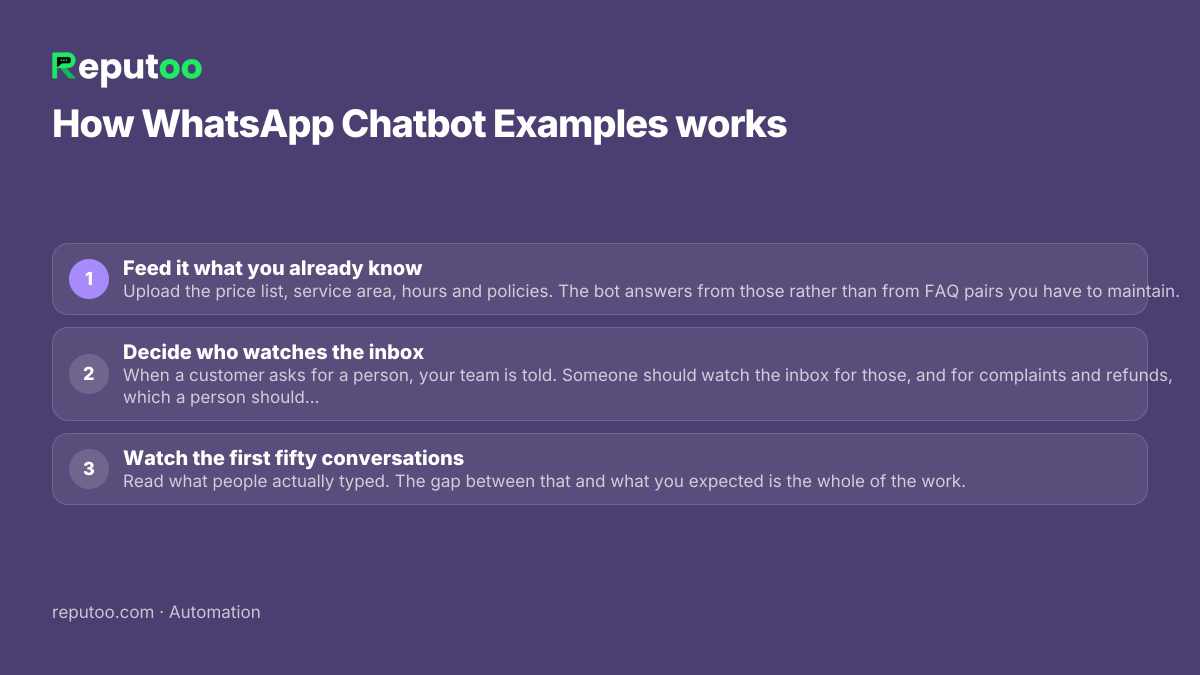
Step 01Feed it what you already knowUpload the price list, service area, hours and policies. The bot answers from those rather than from FAQ pairs you have to maintain.
Step 02Decide who watches the inboxWhen a customer asks for a person, your team is told. Someone should watch the inbox for those, and for complaints and refunds, which a person should take over and answer.
Step 03Watch the first fifty conversationsRead what people actually typed. The gap between that and what you expected is the whole of the work.
How WhatsApp Chatbot Examples works: 1. Feed it what you already know 2. Decide who watches the inbox 3. Watch the first fifty conversations
Setting up WhatsApp Chatbot Examples, step by step.
FAQ

Frequently asked questions

What is a good WhatsApp chatbot example?

One where the interesting part is what happens with the hard question, not the greeting. A booking bot that reads real availability, offers two slots and takes the booking is useful; the same bot repeating "sorry, I did not understand" when someone asks for a specific stylist is not. Judge an example by what it does with the question it cannot answer.

What can a WhatsApp bot actually do?

Answer questions from your own documents, check availability and take a booking, look up an order and return its status, qualify a lead against your criteria, take a food order, and run a win-back conversation. What it should not do is handle complaints, refunds or anything where being confidently wrong costs you the customer.

Do I need to code to build one of these?

No. All the examples above are built by uploading the business information the bot answers from and deciding who on your team watches the inbox. The part that takes thought is not the building — it is deciding what the bot must never try to answer alone.

How is this different from a menu-tree bot?

A menu tree needs the customer to pick option 1, 2 or 3. Real customers type a sentence, and a tree answers the nearest option confidently and wrongly. A bot reading your own documents handles phrasing nobody scripted, which is most of what actually arrives.

When does a person take over?

Whenever the customer asks for one: your team is told, and the bot steps back for that conversation. Your team can also take over any chat from the inbox themselves — complaints, refunds, exceptions to your normal terms — and hand it back to the bot afterwards, which carries on from where they left off.

Can the same bot answer phone calls?

Yes. The booking and qualification flows above run on a voice agent as well, answering the business line, taking appointments and qualifying callers. The knowledge is the same; only the channel changes.

Put it to work

Start using WhatsApp Chatbot Examples today.

1,000+ businesses onboarded · Member of NVIDIA Inception · Official WhatsApp Business API, no per-message markup.

Get the details on WhatsAppNo payment needed. We will message you on WhatsApp.
+91
By sending, you agree to be contacted on WhatsApp. Prefer to write first? Message us