
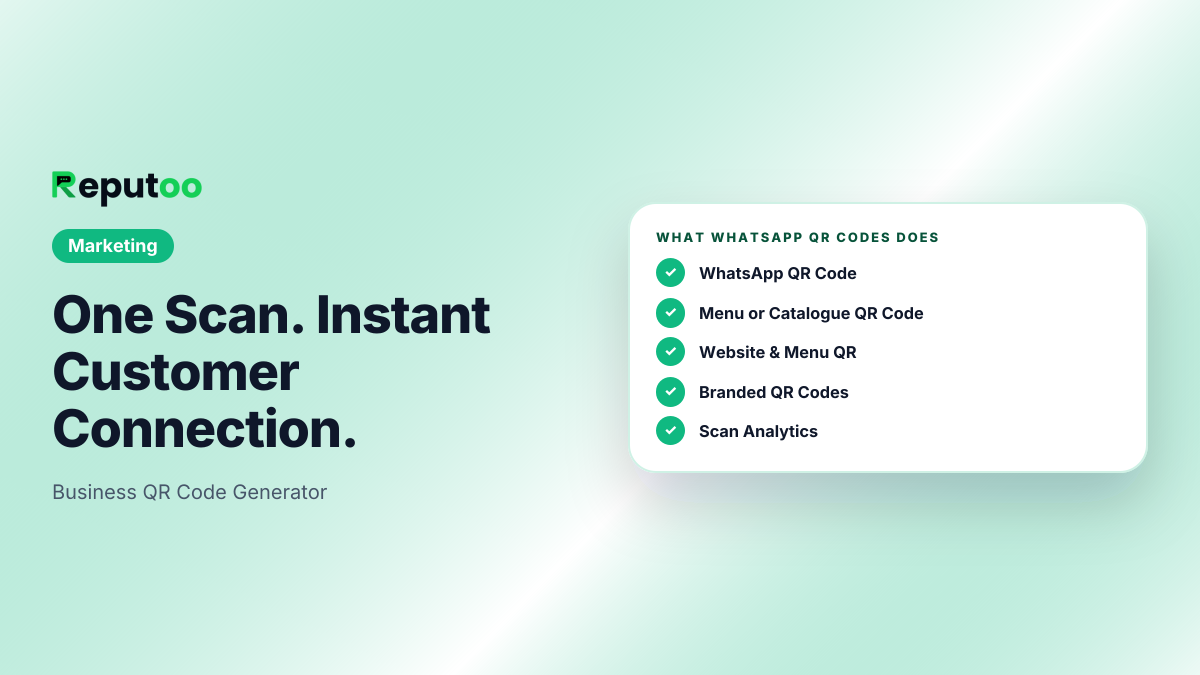
One Scan. Instant Customer Connection.
Create branded QR codes for your WhatsApp number, website, and menus. Print on any surface — customers scan and connect instantly.
3 Types
WhatsApp, URL, Menu
Custom
Colors & Branding
Ready Quality
Live
Scan Analytics
Illustrative outcomes based on common industry scenarios — not measured Reputoo customer results.
The Problem
Without WhatsApp QR Codes, businesses struggle with:
❌ Common Pain
Customers don't save your WhatsApp number
Asking customers to type a 10-digit number is friction. A QR scan opens WhatsApp chat instantly.
❌ Common Pain
Walk-ins never become contacts you can reach again
Someone visits, pays, leaves — and you have no way to message them next week.
❌ Common Pain
No bridge from offline to online
Your flyers, menus, and packaging have no way to send customers to your digital presence.
Features
Everything you need
WhatsApp QR Code
Scan opens a WhatsApp chat with your number instantly. Optional pre-filled message included.
Menu or Catalogue QR Code
Scan opens your live menu or product catalogue. Update it any time without reprinting.
Website & Menu QR
QR codes for any URL — your menu, booking page, Instagram, or website landing page.
Branded QR Codes
Customize colors to match your brand. Add your logo in the center. High-resolution export.
Scan Analytics
Track how many times each QR code is scanned, from which location, and at what times.
Print-Ready Export
Download PNG or SVG at any size. Ready for menus, receipts, posters, business cards, packaging.
How It Works
Up and running in minutes
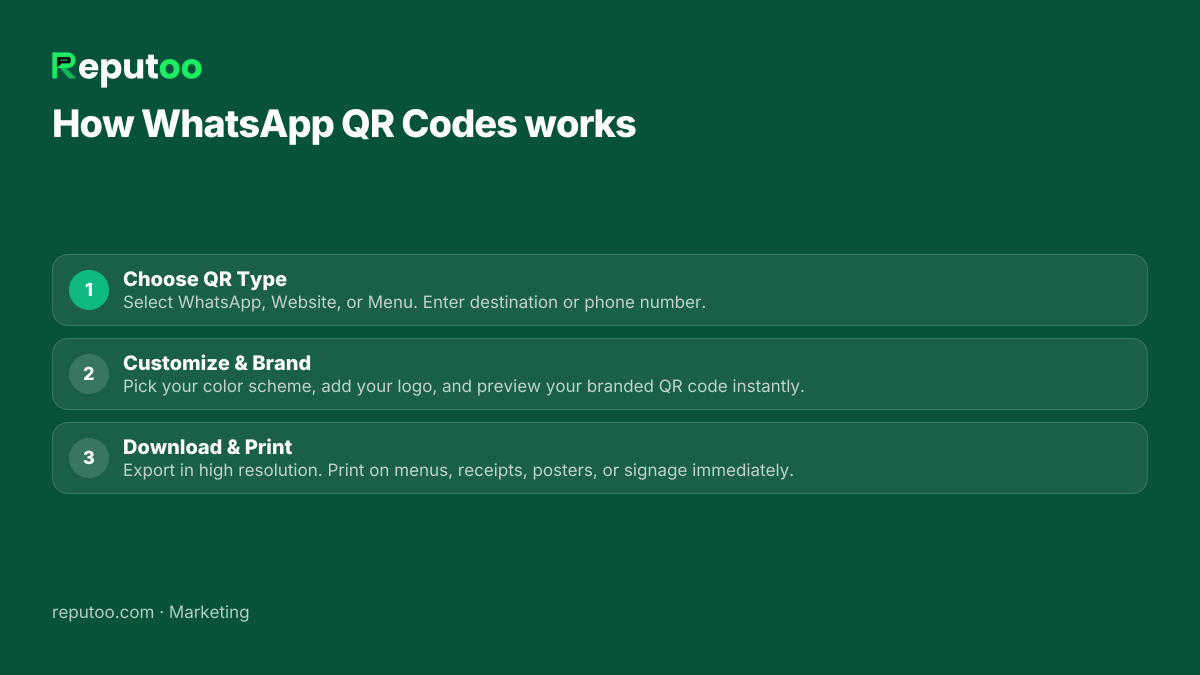
Choose QR Type
Select WhatsApp, Website, or Menu. Enter destination or phone number.
Customize & Brand
Pick your color scheme, add your logo, and preview your branded QR code instantly.
Download & Print
Export in high resolution. Print on menus, receipts, posters, or signage immediately.
FAQ
Frequently Asked Questions
What is a WhatsApp QR code?
Encodes your wa.me link. When a customer scans it, WhatsApp opens automatically with a chat to your number — no typing needed.
Where should I display my WhatsApp QR code?
On your menu (restaurants), at reception (salons/clinics), on receipts, product packaging, business cards, brochures, and store windows.
Can I add a pre-filled message to the QR code?
Yes. A custom message appears pre-typed in the customer's WhatsApp when they scan — reducing friction for customers to start a conversation.
Do QR codes expire?
QR codes don't expire as long as your account is active. Your WhatsApp number stays linked permanently.
Can a QR code open my menu instead of a chat?
Yes. In Reputoo's QR Codes section, select "Menu," point it at your hosted menu or catalogue, and the same code keeps working when you update the contents.
Can I track scans?
Yes. Reputoo tracks every scan with timestamp and location data. See which QR codes are most popular and at what times.
Related Features
Ready to start?
Start using WhatsApp QR Codes today
Official WhatsApp Business API · Cancel anytime · No hidden costs